Playing across devices: what research says about continuity
Phone on the train, tablet on the sofa, TV at night: what studies of multi-device life say about continuity, and how OutBrick syncs across five platforms.
Many of us now live across several screens. A game started on a phone during the commute is continued on a tablet in the evening, and perhaps on a television at the weekend. When it works, you barely notice. When it does not, you get the particular irritation of a level you know you cleared showing as locked, or of progress stranded on a device in another room. Researchers in human-computer interaction have studied multi-device life for well over a decade, mostly in work settings, and their findings translate neatly to play. We make OutBrick for five Apple platforms, so this is also a look at the choices we made.
In 2008 David Dearman and Jeffery Pierce interviewed 27 people about how they used several computers. Their title, “It’s on my other computer!”, captured the main complaint. Activities spanned devices, but information did not follow. Participants described managing information across their devices as the hardest part of the whole arrangement, and the researchers called for synchronisation services that people could trust.
Two things have changed since then: the number of devices, which now includes phones, tablets, watches and televisions, and the rise of cloud services. Stephanie Santosa and Daniel Wigdor interviewed 22 professionals in 2013 about how cloud services and apps had changed their multi-device work. Even with the cloud, gaps in data management and in moving between devices remained the main obstacles.
Sources1Dearman, D., & Pierce, J. S. (2008). “It’s on my other computer!”: Computing with multiple devices. In Proceedings of the SIGCHI Conference on Human Factors in Computing Systems (pp. 767–776). ACM.2Santosa, S., & Wigdor, D. (2013). A field study of multi-device workflows in distributed workspaces. In Proceedings of the 2013 ACM International Joint Conference on Pervasive and Ubiquitous Computing (pp. 63–72). ACM.
Tero Jokela, Jarno Ojala and Thomas Olsson asked 14 people to keep diaries of every occasion on which they combined devices, including for leisure, and analysed 123 real cases. They identified four main patterns: sequential use, moving a task from one device to another; resource lending, borrowing one device’s screen or keyboard for another; related parallel use; and unrelated parallel use.
Sequential use is the pattern that matters most for games. You rarely play the same puzzle on two devices at once; you play on one, then later on another. Amy Karlson and colleagues found the same thing with phone tasks: moving to a computer to finish something begun on a phone was common and not in itself a problem, depending on the task. The frustration came when the handover did not work.
For a game, the lesson is plain. The thing to get right is not a clever simultaneous mode. It is making sure the second device knows exactly where the first one left off.
The other patterns show up in play too, just less often. Resource lending is the family gathered round a television while one person reads the rules on a phone. Unrelated parallel use is the puzzle on the tablet while a film plays on the TV. Neither needs special design, but both are reminders that a game is rarely the only screen in the room, and that it will be interrupted, set down and picked up again.
Sources3Jokela, T., Ojala, J., & Olsson, T. (2015). A diary study on combining multiple information devices in everyday activities and tasks. In Proceedings of the 33rd Annual ACM Conference on Human Factors in Computing Systems (pp. 3903–3912). ACM.4Karlson, A. K., Iqbal, S. T., Meyers, B., Ramos, G., Lee, K., & Tang, J. C. (2010). Mobile taskflow in context: A screenshot study of smartphone usage. In Proceedings of the SIGCHI Conference on Human Factors in Computing Systems (pp. 2009–2018). ACM.
Dearman and Pierce also found that people assign roles to their devices, sometimes by choice and sometimes by constraint: the work laptop, the personal phone, the family computer. A 2019 review by Frederik Brudy and colleagues, which analysed 510 papers on cross-device computing, found the field still grappling with how interfaces should adapt as they move between screens of very different sizes and uses.
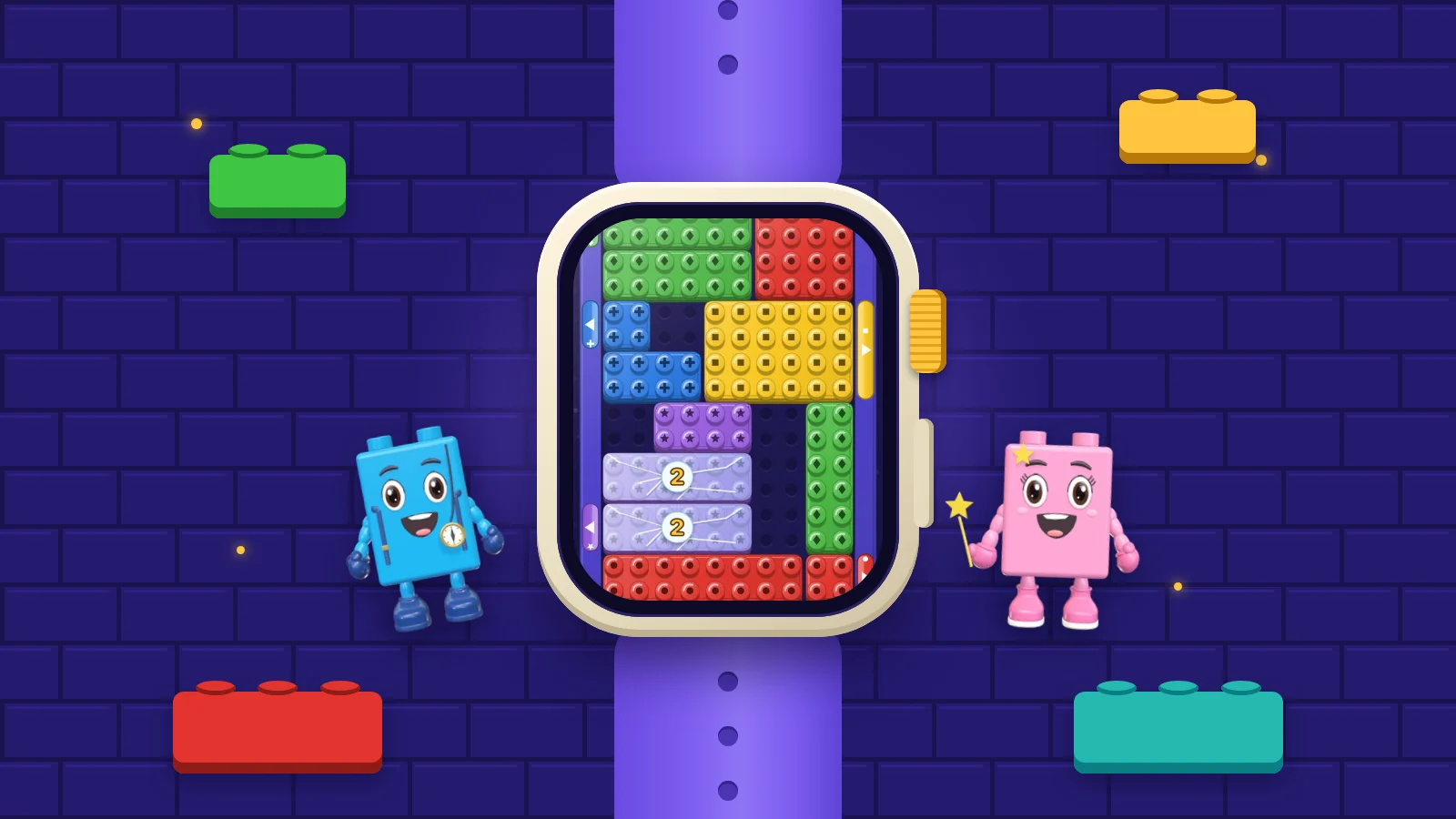
Games have roles too. The phone is for short sessions in the gaps of the day, as we describe in mobile games in the in-between moments. The tablet is the comfortable one, with bigger pieces. The television is shared, played from the sofa. The watch is for a glance. Copying the same interface to every screen ignores all of that.
Sources1Dearman, D., & Pierce, J. S. (2008). “It’s on my other computer!”: Computing with multiple devices. In Proceedings of the SIGCHI Conference on Human Factors in Computing Systems (pp. 767–776). ACM.5Brudy, F., Holz, C., Rädle, R., Wu, C.-J., Houben, S., Klokmose, C. N., & Marquardt, N. (2019). Cross-device taxonomy: Survey, opportunities and challenges of interactions spanning across multiple devices. In Proceedings of the 2019 CHI Conference on Human Factors in Computing Systems (pp. 1–28). ACM.
Dearman and Pierce made a point that is easy to miss: people did not just want synchronisation, they wanted synchronisation they could trust. A sync service that works nine times out of ten is in some ways worse than none, because it teaches people to double-check everything, and double-checking is exactly the friction sync was meant to remove.
For games, trust has a very concrete meaning. It means never losing a cleared level, never seeing an old save overwrite a newer one, and never having to wonder which device holds the real progress. Players rarely notice good sync; they remember bad sync for years, often as the moment they stopped playing a game.
Trust also depends on how little the player has to do. Every extra account, code or manual “upload save” button is a place where continuity can break and a reason for a player to hesitate. The more the handover happens without being asked, the more people rely on it. Santosa and Wigdor’s professionals, five years after Dearman and Pierce and with the cloud to help them, still named moving data between devices as a main obstacle, which suggests how hard this is to get right even with modern cloud services.
Sources1Dearman, D., & Pierce, J. S. (2008). “It’s on my other computer!”: Computing with multiple devices. In Proceedings of the SIGCHI Conference on Human Factors in Computing Systems (pp. 767–776). ACM.2Santosa, S., & Wigdor, D. (2013). A field study of multi-device workflows in distributed workspaces. In Proceedings of the 2013 ACM International Joint Conference on Pervasive and Ubiquitous Computing (pp. 63–72). ACM.
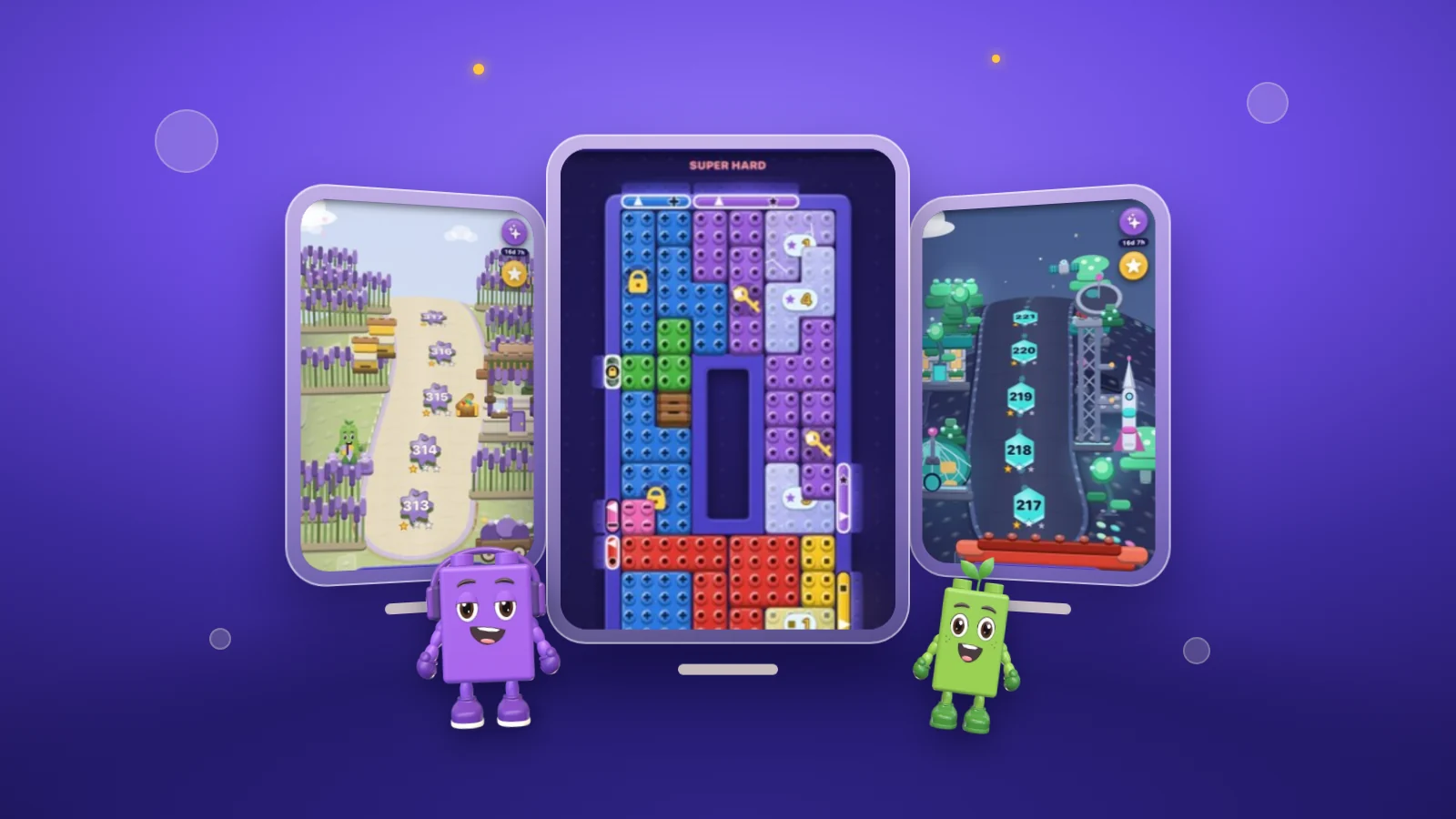
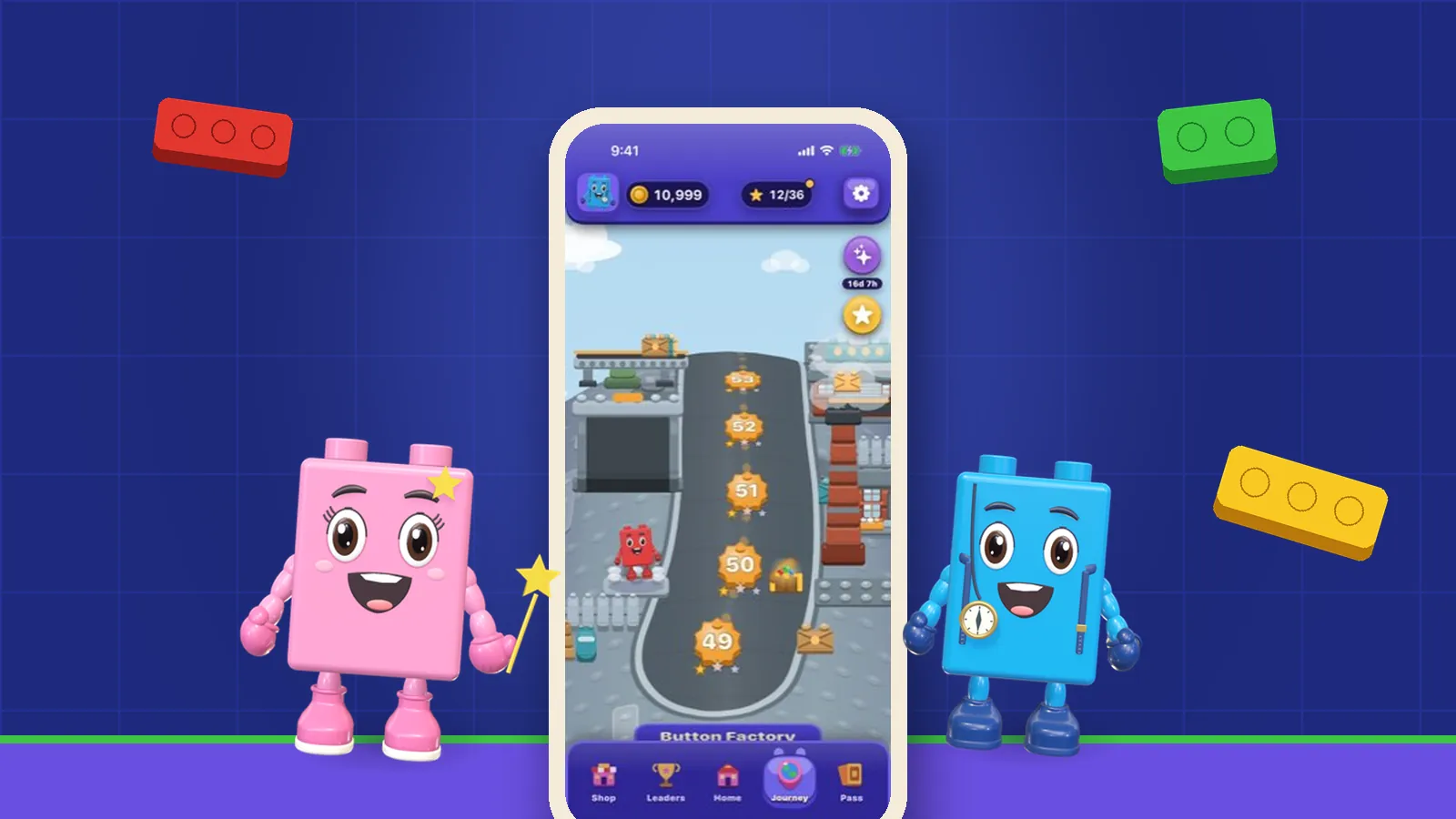
OutBrick runs on iPhone, iPad, Mac, Apple Vision Pro and Apple Watch, and your progress syncs through iCloud, so where you are on the Journey follows you to whichever device you pick up. The game also plays offline, so a weak signal on one device does not stop you playing. The 4.2 notes on what’s new mention Handoff alongside widgets and challenge links now opening the screen they name.
The rules stay the same everywhere: the same boards, the same move limits, no clock, colour-blind glyphs on by default. What changes is the fit to the screen. We have written separately about designing for the smallest and the most unusual of them, in Apple Watch puzzle games and Apple Vision Pro puzzle games.
Sources3Jokela, T., Ojala, J., & Olsson, T. (2015). A diary study on combining multiple information devices in everyday activities and tasks. In Proceedings of the 33rd Annual ACM Conference on Human Factors in Computing Systems (pp. 3903–3912). ACM.1Dearman, D., & Pierce, J. S. (2008). “It’s on my other computer!”: Computing with multiple devices. In Proceedings of the SIGCHI Conference on Human Factors in Computing Systems (pp. 767–776). ACM.
If you play across several devices, a few checks will tell you quickly whether a game has taken continuity seriously.
- Does progress appear on the second device without you having to sign in to a separate account?
- Does it survive being played offline on one device and then opened on another?
- Do the controls suit each screen, rather than being a phone layout blown up?
- Are the rules and difficulty the same everywhere, so a board on the TV is the same board as on the phone?
- Can you stop at any moment on one device and pick up cleanly on another?
Sources4Karlson, A. K., Iqbal, S. T., Meyers, B., Ramos, G., Lee, K., & Tang, J. C. (2010). Mobile taskflow in context: A screenshot study of smartphone usage. In Proceedings of the SIGCHI Conference on Human Factors in Computing Systems (pp. 2009–2018). ACM.2Santosa, S., & Wigdor, D. (2013). A field study of multi-device workflows in distributed workspaces. In Proceedings of the 2013 ACM International Joint Conference on Pervasive and Ubiquitous Computing (pp. 63–72). ACM.
Filed under
Questions, answered
A few useful answers
How do people use multiple devices?
Mostly in sequence. A diary study of everyday multi-device use found moving a task from one device to another was a main pattern, alongside borrowing one device’s capabilities for another and using devices in parallel.
What is the hardest part of using several devices?
Studies since 2008 have consistently found it is moving information and progress between them. People want synchronisation they can trust, so the second device knows exactly where the first left off.
Does OutBrick sync between iPhone, iPad and Mac?
Yes. OutBrick runs on iPhone, iPad, Mac, Apple Vision Pro and Apple Watch and syncs your progress through iCloud. It also plays offline.
What makes a good cross-device game?
Reliable sync without extra accounts, offline play that catches up later, controls suited to each screen, and the same rules and boards everywhere so you can stop on one device and continue cleanly on another.
APA 7
References
Where a source is a studio’s own history or a news account rather than a study, the article says so beside the claim.
- Dearman, D., & Pierce, J. S. (2008). “It’s on my other computer!”: Computing with multiple devices. In Proceedings of the SIGCHI Conference on Human Factors in Computing Systems (pp. 767–776). ACM. doi.org/10.1145/1357054.1357177 (opens in a new tab)
- Santosa, S., & Wigdor, D. (2013). A field study of multi-device workflows in distributed workspaces. In Proceedings of the 2013 ACM International Joint Conference on Pervasive and Ubiquitous Computing (pp. 63–72). ACM. doi.org/10.1145/2493432.2493476 (opens in a new tab)
- Jokela, T., Ojala, J., & Olsson, T. (2015). A diary study on combining multiple information devices in everyday activities and tasks. In Proceedings of the 33rd Annual ACM Conference on Human Factors in Computing Systems (pp. 3903–3912). ACM. doi.org/10.1145/2702123.2702211 (opens in a new tab)
- Karlson, A. K., Iqbal, S. T., Meyers, B., Ramos, G., Lee, K., & Tang, J. C. (2010). Mobile taskflow in context: A screenshot study of smartphone usage. In Proceedings of the SIGCHI Conference on Human Factors in Computing Systems (pp. 2009–2018). ACM. doi.org/10.1145/1753326.1753631 (opens in a new tab)
- Brudy, F., Holz, C., Rädle, R., Wu, C.-J., Houben, S., Klokmose, C. N., & Marquardt, N. (2019). Cross-device taxonomy: Survey, opportunities and challenges of interactions spanning across multiple devices. In Proceedings of the 2019 CHI Conference on Human Factors in Computing Systems (pp. 1–28). ACM. doi.org/10.1145/3290605.3300792 (opens in a new tab)