Apple Vision Pro puzzle games: designing for space
Comfort, gaze and pinch, windows versus immersion, seated play and legible pieces: what makes a puzzle game work well on Apple Vision Pro.
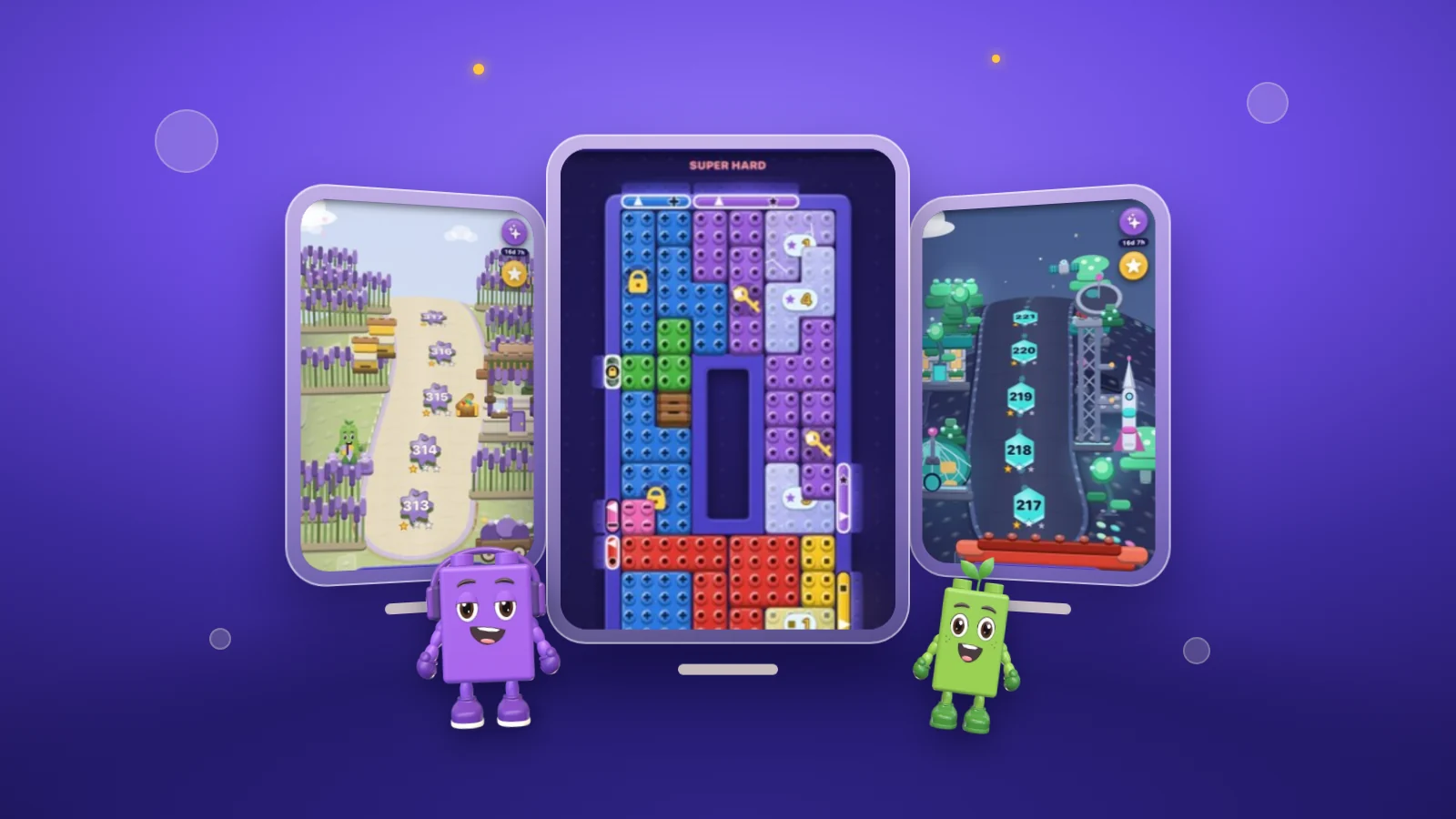
A puzzle game on Apple Vision Pro starts from an unusual place. The board no longer has an edge set by the glass: it floats wherever the player puts it, at whatever size looks right, and the player picks things out by looking at them. That freedom makes some old puzzle habits better and some much worse. OutBrick runs on Apple Vision Pro, but this piece is about the design space in general, drawing on Apple’s Human Interface Guidelines and on what we think makes a puzzle comfortable to play for more than a few minutes.
Apple’s introduction to the platform starts with ergonomics for a reason. People wearing Vision Pro see everything, real and virtual, through the device’s cameras, and Apple calls visual comfort paramount. Its advice is to show content within the wearer’s field of view, avoid placing it where they have to turn their head, avoid motion that is jarring or too fast, and support gestures people can make with their hands resting in their lap or at their sides.
Puzzle games are well placed to meet all of that. A board is a still object that waits for you. Nothing needs to fly past the player’s head, and nothing requires them to stand up. The risk is the opposite temptation: using the extra room to make everything bigger, closer and busier than it needs to be. A board that fills the whole view forces the eyes to travel, and a celebration that sprays particles past the player’s shoulders is exactly the kind of motion Apple asks designers to avoid.
Distance matters as much as size. Apple suggests placing content that people read or engage with over time at least a metre away, and keeping very close content for brief interactions. A puzzle is the kind of thing people look at for a long time, so it belongs at reading distance rather than at arm’s length.
Sources1Apple. (n.d.). Designing for visionOS. Human Interface Guidelines. Retrieved September 24, 2026, from https://developer.apple.com/design/human-interface-guidelines/designing-for-visionos2Apple. (n.d.). Eyes. Human Interface Guidelines. Retrieved September 24, 2026, from https://developer.apple.com/design/human-interface-guidelines/eyes
On Vision Pro, people usually target an object by looking at it and select it with an indirect gesture, such as tapping finger and thumb together, with the hand resting wherever it happens to be. The system highlights whatever they look at, so they can confirm it before they tap. To protect privacy, visionOS does not tell an app where someone is looking before they tap.
That has direct consequences for a puzzle board. Eyes make small, quick movements even when someone is looking at one spot, so crowded targets are hard to pick out. Apple suggests at least 16 points of space around interactive items, or centres at least 60 points apart. It also recommends rounded shapes, because the eye is drawn to corners and finds it hard to stay on the centre of a sharp-edged shape. A dense grid of square tiles packed edge to edge is close to the worst case. Pieces with rounded corners, a little space between them and a clear highlight suit the way the platform works.
Direct touch is possible too: people can reach out and touch a virtual object. Apple notes that this can be tiring, especially when the object sits at or above eye level, and suggests keeping direct gestures for nearby objects and short periods. For a game played over many boards, indirect gestures should be the default, with direct touch on offer for those who like it.
Sources2Apple. (n.d.). Eyes. Human Interface Guidelines. Retrieved September 24, 2026, from https://developer.apple.com/design/human-interface-guidelines/eyes3Apple. (n.d.). Spatial layout. Human Interface Guidelines. Retrieved September 24, 2026, from https://developer.apple.com/design/human-interface-guidelines/spatial-layout
visionOS apps start in the Shared Space, where several apps sit side by side in windows the player can move anywhere. An app can also move to a Full Space, where it is the only thing running, and choose how much of the room to replace. Mixed immersion blends its content with the real surroundings, progressive immersion replaces part of them, and full immersion replaces all of them. In a progressive experience, people turn the Digital Crown to set how much they see.
Apple’s advice is to find the minimum level of immersion each moment needs, and to prefer launching in the Shared Space or in mixed immersion so people choose when to go further. For most puzzle games that points to a window. A board is a contained, interface-led thing, which is what Apple says windows are for, and a window lets the player keep a drink, a conversation or another app in view. Apple also warns against opening too many windows, since they crowd the room and make an app harder to move.
Immersion can still earn a place. A finished chapter or a map of the whole game are moments where a short step into a fuller space might feel like a reward. The test is whether the player chose it and can leave it easily.
Sources4Apple. (n.d.). Immersive experiences. Human Interface Guidelines. Retrieved September 24, 2026, from https://developer.apple.com/design/human-interface-guidelines/immersive-experiences1Apple. (n.d.). Designing for visionOS. Human Interface Guidelines. Retrieved September 24, 2026, from https://developer.apple.com/design/human-interface-guidelines/designing-for-visionos3Apple. (n.d.). Spatial layout. Human Interface Guidelines. Retrieved September 24, 2026, from https://developer.apple.com/design/human-interface-guidelines/spatial-layout
Vision Pro brings content to people instead of asking them to move to it, and Apple’s guidance is to let people use an app with little or no physical movement unless movement is essential to it. For a puzzle game that is easy, since nothing about sliding a piece needs the player to walk anywhere. It also matters for safety: Apple says the device should not be used while operating a vehicle, and is not designed for moving around near hazards such as stairs, balconies or streets.
Seated play changes the rhythm of a session as well. Someone on a sofa or at a desk may play for longer than they would on a phone in a queue, and that is where fair limits count. A game with no clock, and a move limit shown from the start, lets a player think for as long as they like. OutBrick has no countdown anywhere, and every board shows its goals and its move limit from the first tap.
Apple also points out that people can press and hold the Digital Crown at any time to bring content back in front of them, so an app does not need its own control for that. A puzzle that stays where the player put it, and comes back on request, is doing the right thing.
Sources1Apple. (n.d.). Designing for visionOS. Human Interface Guidelines. Retrieved September 24, 2026, from https://developer.apple.com/design/human-interface-guidelines/designing-for-visionos3Apple. (n.d.). Spatial layout. Human Interface Guidelines. Retrieved September 24, 2026, from https://developer.apple.com/design/human-interface-guidelines/spatial-layout4Apple. (n.d.). Immersive experiences. Human Interface Guidelines. Retrieved September 24, 2026, from https://developer.apple.com/design/human-interface-guidelines/immersive-experiences
Legibility works differently when a point is no longer a fixed number of pixels. visionOS defines a point as an angle, and windows use dynamic scale: they grow as they move away and shrink as they come closer, so they appear the same size at any distance. For the same reason, Apple recommends vector artwork in games, so graphics stay sharp as the system rescales them.
Apple’s guidance for games lists a default text size of 17 points on visionOS and a minimum of 12, and a default button size of 60 by 60 points with a minimum of 28 by 28. Depth needs restraint too. Apple advises against adding depth to text, which is harder to read when it seems to hover above its background, and notes that every change in depth makes the eyes refocus. A calm, clear board with a little depth on the pieces usually reads better than a stack of floating layers.
Colour carries the same accessibility duty it does anywhere else. Apple Vision Pro supports VoiceOver, Switch Control, Dwell Control and other assistive features, and a puzzle that sorts by colour should add a second signal, such as a shape on every piece. We cover that principle in colour and shape accessibility. Before settling on a puzzle game for Vision Pro, it is worth checking it against the list below.
- Playable seated, with your hands resting in your lap.
- The board sits at a comfortable distance and stays where you put it.
- Pieces are well spaced, rounded, and highlight clearly when you look at them.
- Immersion is offered, never forced.
- No clock, so thinking time is free.
- Colour is never the only way to tell pieces apart.
Sources5Apple. (n.d.). Designing for games. Human Interface Guidelines. Retrieved September 24, 2026, from https://developer.apple.com/design/human-interface-guidelines/designing-for-games3Apple. (n.d.). Spatial layout. Human Interface Guidelines. Retrieved September 24, 2026, from https://developer.apple.com/design/human-interface-guidelines/spatial-layout1Apple. (n.d.). Designing for visionOS. Human Interface Guidelines. Retrieved September 24, 2026, from https://developer.apple.com/design/human-interface-guidelines/designing-for-visionos
Filed under
Questions, answered
A few useful answers
Are there puzzle games for Apple Vision Pro?
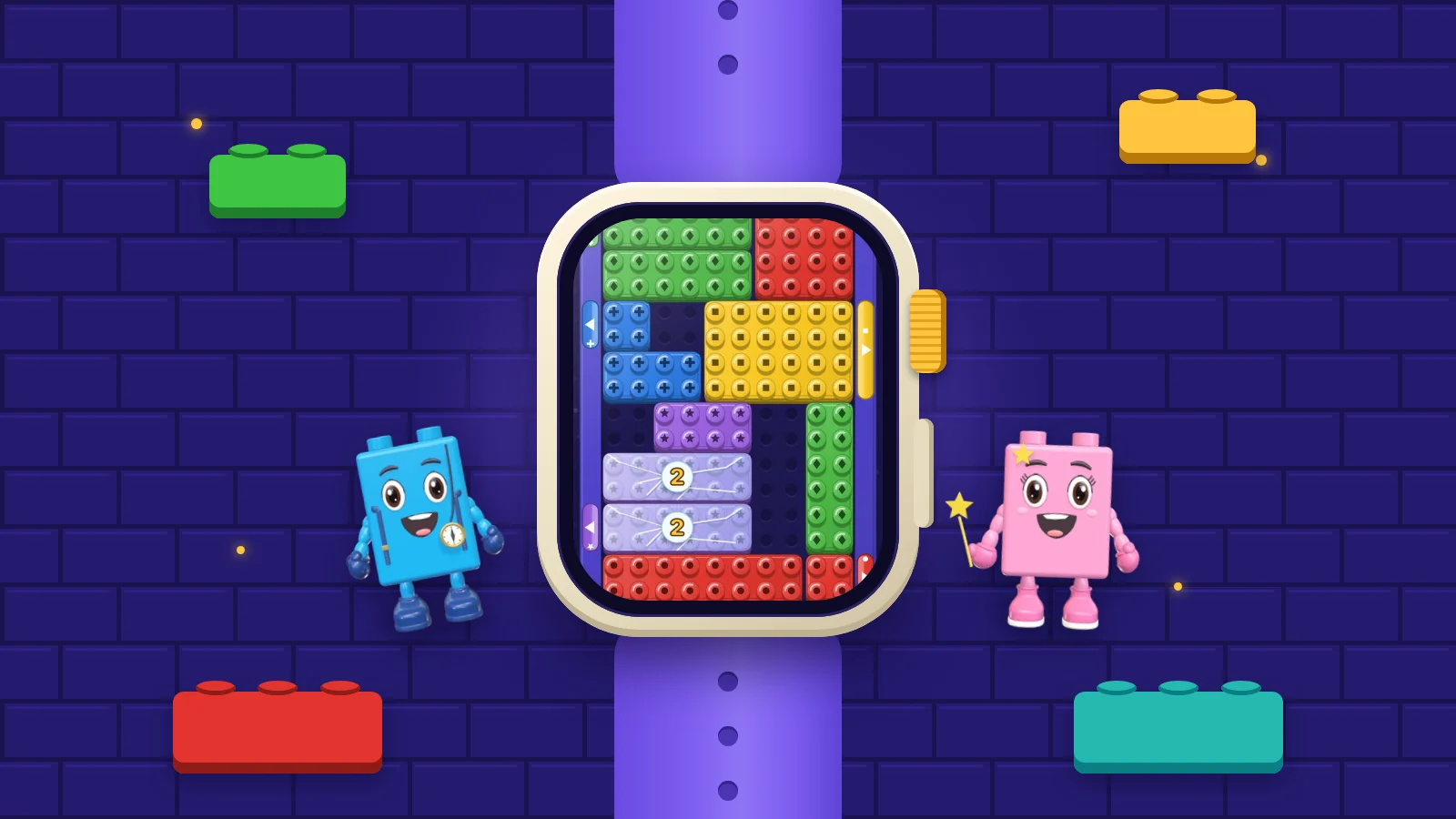
Yes. OutBrick is one: it runs on Apple Vision Pro as well as iPhone, iPad and Mac, and has a standalone Apple Watch game.
How do you control games on Apple Vision Pro?
Mostly with your eyes and hands. You look at an object to target it and tap your finger and thumb together to select it. You can also touch nearby objects directly, and Apple lists game controllers, keyboards, mice, trackpads and spatial game controllers as further options for games.
Do Vision Pro games have to be immersive?
No. Apps start in the Shared Space, in windows alongside other apps, and Apple recommends using only as much immersion as each moment needs. For most puzzle games, a window is the right place to start.
Do I need to stand up or move around to play?
Not for a well-designed puzzle game. Apple’s guidance is to let people play with little or no physical movement, using gestures they can make with their hands resting in their lap.
APA 7
References
Where a source is a studio’s own history or a news account rather than a study, the article says so beside the claim.
- Apple. (n.d.). Designing for visionOS. Human Interface Guidelines. Retrieved September 24, 2026, from https://developer.apple.com/design/human-interface-guidelines/designing-for-visionos developer.apple.com/design/human-interface-guidelines/designing-for-visionos (opens in a new tab)
- Apple. (n.d.). Eyes. Human Interface Guidelines. Retrieved September 24, 2026, from https://developer.apple.com/design/human-interface-guidelines/eyes developer.apple.com/design/human-interface-guidelines/eyes (opens in a new tab)
- Apple. (n.d.). Spatial layout. Human Interface Guidelines. Retrieved September 24, 2026, from https://developer.apple.com/design/human-interface-guidelines/spatial-layout developer.apple.com/design/human-interface-guidelines/spatial-layout (opens in a new tab)
- Apple. (n.d.). Immersive experiences. Human Interface Guidelines. Retrieved September 24, 2026, from https://developer.apple.com/design/human-interface-guidelines/immersive-experiences developer.apple.com/design/human-interface-guidelines/immersive-experiences (opens in a new tab)
- Apple. (n.d.). Designing for games. Human Interface Guidelines. Retrieved September 24, 2026, from https://developer.apple.com/design/human-interface-guidelines/designing-for-games developer.apple.com/design/human-interface-guidelines/designing-for-games (opens in a new tab)