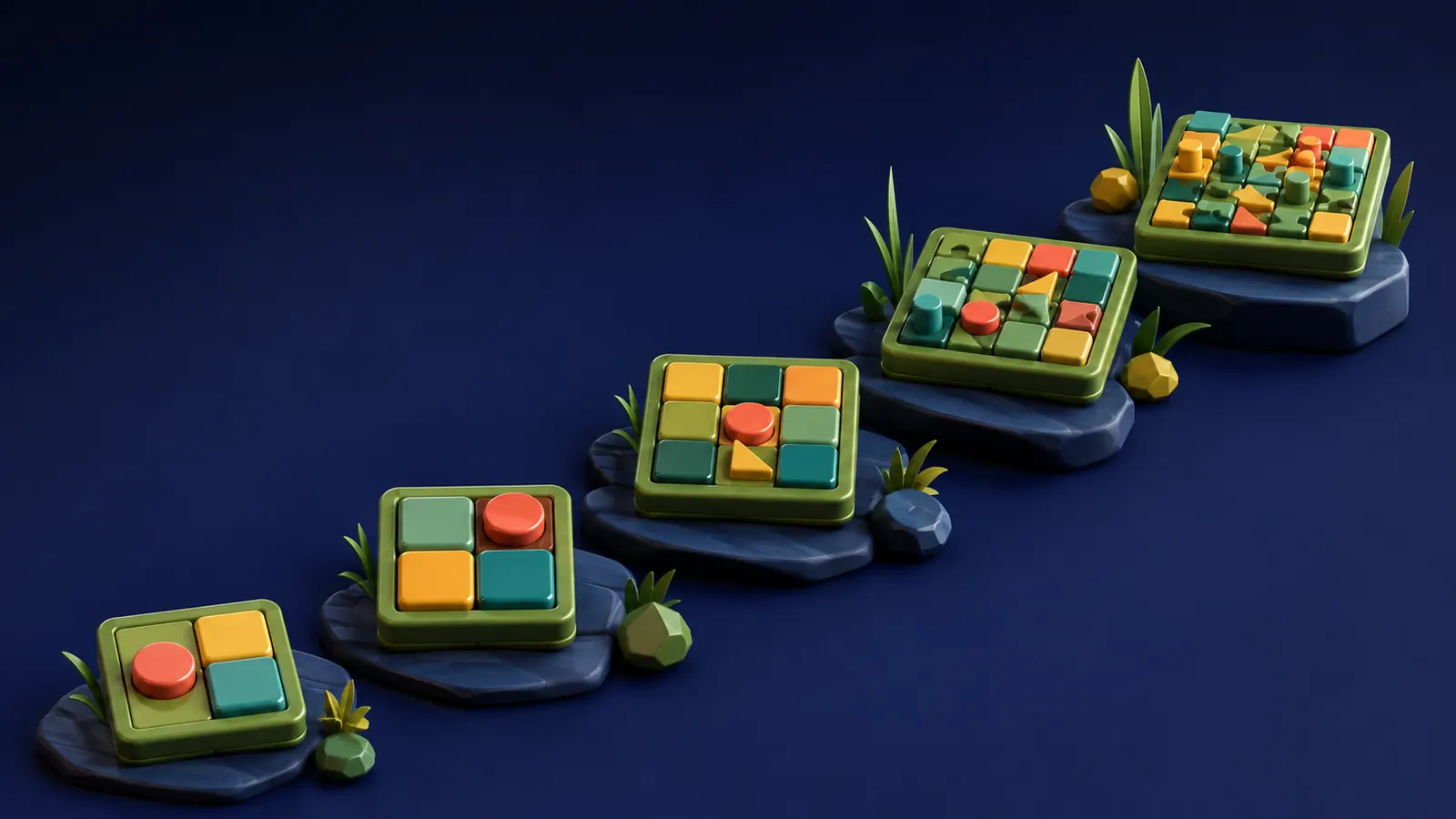
Colour sort puzzle tips: clear boards in fewer moves
How to read a colour sort board, choose which colour to clear first and make every move count, with the star rules explained. From OutBrick’s designer.
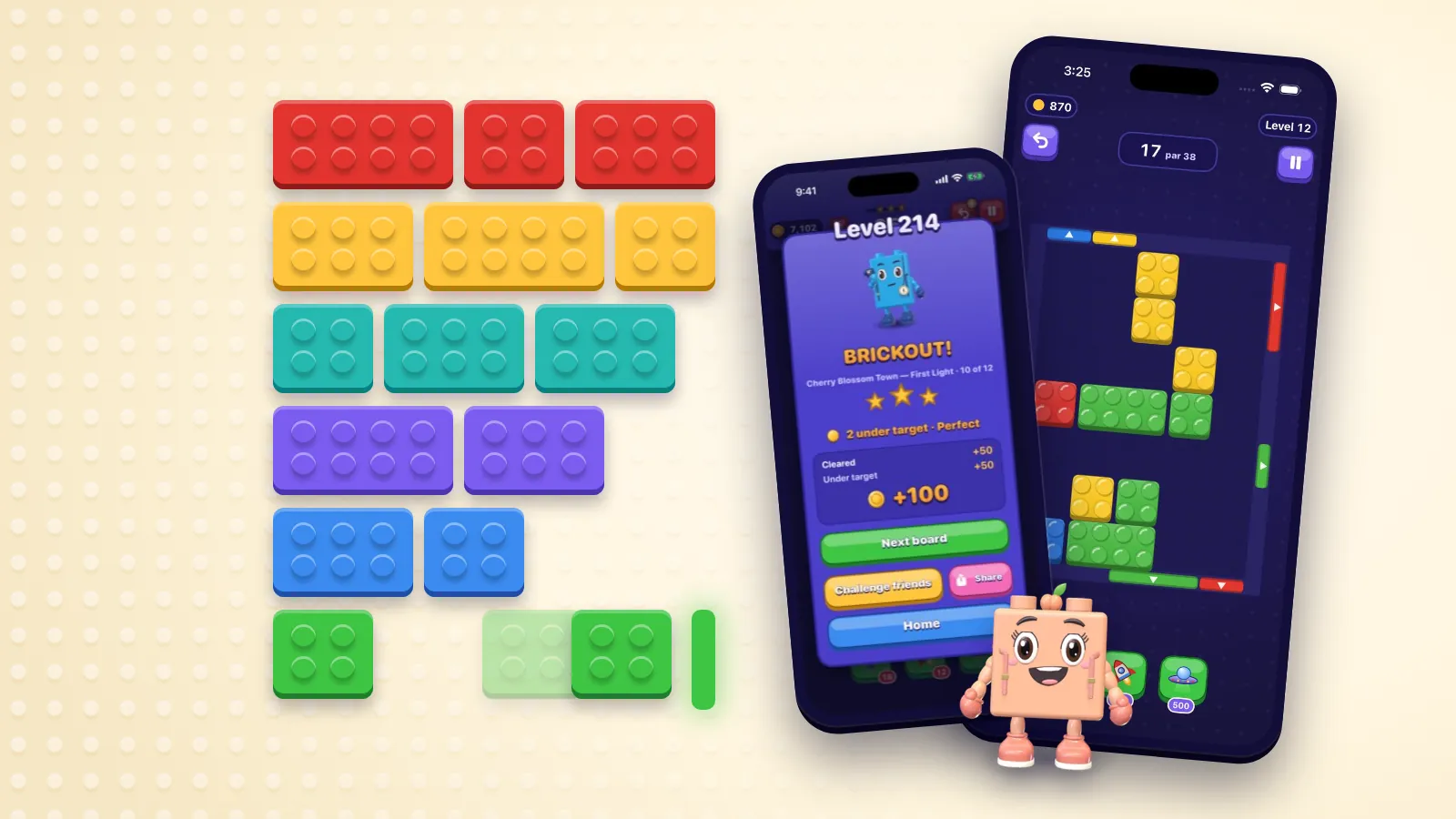
Colour sort puzzles come in a few families: liquids poured between tubes, stacks sorted onto pegs, and blocks slid out through gates of their own colour. OutBrick still sends its bricks home through gates of their own colour, and these tips are written around it, but the core skill carries across the whole family. You are reading which colour is ready to leave, which is buried, and which one is quietly in everybody’s way. Doing it in fewer moves is mostly a matter of doing that reading before your first move rather than after your tenth.
The moves you save come from the look you take before the first one. Scan the board for three things. First, which colours already have a clear run to their gate. Second, which bricks are blocking more than one colour, because those are the bricks the whole board turns on. Third, where the empty space is, since every plan you make has to pass through it.
Then read the header. Every OutBrick board shows its goals and its move limit from the first tap, so you know the budget before you spend anything. The limit is set from the solver’s own winning line for the board, which makes it a useful hint: if the limit is tight, there is a tidy route, and a plan that needs twice as many moves is probably missing something.
Use every channel the game gives you to tell colours apart. OutBrick’s colour-blind mode is on by default and stamps a glyph on every brick and every gate, so hue, shape and studs all carry the colour. Even with full colour vision, the glyphs make it quicker to separate neighbours like red and pink or violet and blue at a glance. Accessibility guidance has long recommended this: colour should never be the only way information is shown.
Finally, look at the shape of the board itself. Not every OutBrick board is a rectangle; some arenas are shaped like an H, an L or a cross. A narrow neck between two halves of an arena is where bricks jam, so work out early which bricks have to pass through it and in what order.
Sources1World Wide Web Consortium. (n.d.). Understanding Success Criterion 1.4.1: Use of color. Web Accessibility Initiative.
The tempting first move is the brick that can leave right now. Sometimes that is right. Often it is a brick at the edge whose departure opens nothing, while a brick in the middle, three moves from its gate, is holding up half the board. Before you clear anything, ask what each exit opens. A large brick leaving from the centre can turn a solid block into three working lanes.
Pay attention to where bricks end up parked, too. A brick left in front of a gate it does not belong to is a wall until you move it again, and every “again” is a move you did not need. When you shift a brick out of the way, send it somewhere it will not be in the way next.
It helps to know how a board’s difficulty is spread out. The first few moves on a packed board are the expensive ones, because every cell is taken and every slide changes what is possible. The last few are nearly free: by then the board is mostly empty space and the remaining bricks have a clear run home. So spend your thinking at the start, where one careless slide can cost three moves to repair, and relax at the end.
- Bricks that block two or more colours come first.
- Then colours whose exit opens a lane you need.
- Easy, isolated exits last, unless they are free space you need right now.
- Never park a brick across a lane you have not finished with.
Working memory is small. Cowan’s influential review puts its capacity at about four chunks, which is why planning ten single moves ahead rarely works. Plan in intentions instead: “get the yellows out”, “open the right lane”, “thaw the frozen brick”. Working backwards from the exit is a good way to find them. Each intention is a chunk of two to four moves, and you can hold two or three of them comfortably.
Before each chunk, count what it will cost and compare that with what you have left under the limit. If the chunk costs more than you have, it is the wrong chunk, and it is far cheaper to find that out now than halfway through. Most wasted moves in colour sort puzzles come from the same few habits: shuffling a brick back and forth, moving it twice when one longer slide would have done, and fixing the same lane twice because a brick got parked back in it.
One small routine helps with all three. Before a chunk, say its last move to yourself: where will each brick be when it is done? If you cannot picture the end state, the chunk is too long, so split it. If you can, play it without stopping to reconsider halfway, because second thoughts in the middle of a chunk are where back-and-forth shuffles come from.
Sources2Cowan, N. (2001). The magical number 4 in short-term memory: A reconsideration of mental storage capacity. Behavioral and Brain Sciences, 24(1), 87–114.
Stars in OutBrick are easy to explain. They follow the board’s score: the board is clear when its goals are met, and every move you still have at that point becomes a blaster for a bigger score. The limit, which the game draws as a rope, is a move limit rather than a clock; there is no countdown anywhere in the game.
That has one consequence people often miss: a move saved is score earned. The first undo on every board is free and cannot run out, and stars no longer count undos (the old rule, where any undo cost the third star, lives on only in the browser demo). If three stars matter to you, treat every move as worth points and do your experimenting in your head. If you only want the clear, use undo freely: that is what it is for.
When you run low on moves, you are offered five more before anything else, for 300 coins, then 500, then 900 inside one attempt. Extra moves can rescue a clear. They will rarely lift the stars, because by then there are few moves left to turn into blasters. The better fix is upstream: a slower read of the board at the start.
Most clears that go over budget come down to one of a handful of habits. Each of them is easy to fix once you have noticed yourself doing it. OutBrick’s play guide lists every board piece mentioned here if you want the full set.
- Clearing the easy colour first and leaving a brick parked where the hard colour needed to go.
- Forgetting that frozen bricks take three slides to thaw. Count those slides into the budget before you start.
- Leaving keys and locks until late. They open parts of the board, so find out early what they open.
- Filling every empty cell when a generator is on the board. Generators bring more bricks onto the board, so leave room for what arrives.
- Treating conveyors and crates as scenery. A conveyor moves what sits on it and crates shape which lanes are open, so plan around both from the first move.
Filed under
Questions, answered
A few useful answers
What is the best strategy for colour sort puzzles?
Read the whole board before moving: find which colours have a clear run to their exit, which pieces block more than one colour, and where the empty space is. Then clear the colour whose departure frees the most, and plan in short chunks of two to four moves.
How do I get three stars in OutBrick?
Score well. Stars follow the board’s score, and every move you still have when the goals are met becomes a blaster for a bigger score, so the fewer moves a clear takes, the more stars it earns.
Does the free undo cost me a star?
No. Stars follow the board’s score rather than an undo count, so the free undo is there to learn with. The old rule, where any undo cost the third star, belongs to the classic boards in the browser demo.
Can I play colour sort puzzles if I am colour-blind?
Yes, if the game gives you more than colour to go on. OutBrick’s colour-blind mode is on by default and puts a matching glyph on every brick and gate, so shape carries the sort as well as hue. The accessibility page has the details.
APA 7
References
Where a source is a studio’s own history or a news account rather than a study, the article says so beside the claim.
- World Wide Web Consortium. (n.d.). Understanding Success Criterion 1.4.1: Use of color. Web Accessibility Initiative. www.w3.org/WAI/WCAG22/Understanding/use-of-color (opens in a new tab)
- Cowan, N. (2001). The magical number 4 in short-term memory: A reconsideration of mental storage capacity. Behavioral and Brain Sciences, 24(1), 87–114. doi.org/10.1017/S0140525X01003922 (opens in a new tab)