OutBrick accessibility beyond the puzzle board
From shop buttons and frozen gates to mission credit and Italian support: how AppleVis feedback is helping us improve the whole OutBrick session.
You should be able to enjoy the whole OutBrick session, from opening the game to checking your progress. AppleVis players helped us see where that journey was getting stuck: shop buttons that did not activate, a slow home screen, missing frozen-gate information and mission credit that failed to count. Here is what we are improving and what those changes need to do for you. We also answer the Italian-language question and offer a short checklist for telling us about anything that gets in your way.
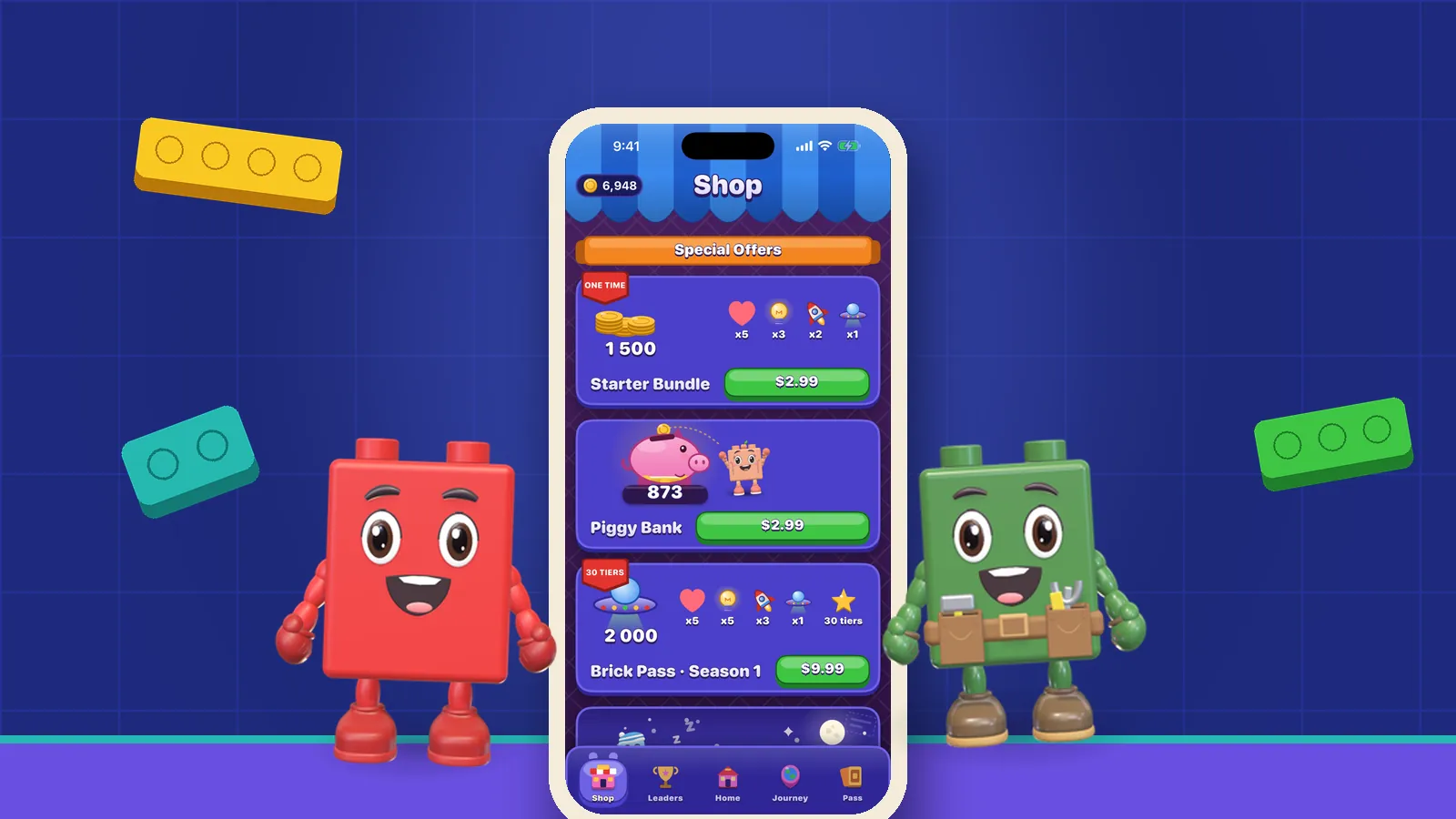
One AppleVis report connected four problems: VoiceOver found shop package buttons but could not open the purchase interface; Home was very slow; frozen gates could not be found; and melting ice did not advance the related missions. The player also enjoyed the game and had reached level 62. Progress and access barriers clearly coexisted.
Gonçalves et al. (2023) analysed blind players’ published gameplay, identifying trade-offs among access, agency and engagement even when players found ways to progress.
Accessibility needs to follow the whole session. A useful review follows a complete intention: “I want to start a board”, “I want to understand that gate”, or “I want to check the progress I earned”. Each intention crosses several controls and transitions. A label can work at one point while the overall task still fails.
As of 2 October 2026, the changes described in our AppleVis reply about these four issues are next-update work still in progress. The research cited here did not evaluate OutBrick; it helps us think about the experience around those specific player reports.
Sources1Gonçalves, D., Piçarra, M., Pais, P., Guerreiro, J., & Rodrigues, A. (2023). “My Zelda Cane”: Strategies used by blind players to play visual-centric digital games. In Proceedings of the 2023 CHI Conference on Human Factors in Computing Systems (Article 289, pp. 1–15). Association for Computing Machinery.
The shop report was particularly useful because it identified exactly where things stopped. The package buttons were detectable, so the spoken name was getting through. Activating them did not bring up the in-app purchase interface. Our planned fix will make those buttons respond to VoiceOver and open the purchase screen, so someone who chooses to explore an offer can reach its details.
Kane et al. (2008) separated exploration from activation in a touchscreen prototype tested with ten screen-reader users on phone, email and music tasks.
That distinction gives us a straightforward way to review the shop. First, can you find and identify the control? Next, does the action you choose reach the expected screen? Finally, is the outcome clear? Each step matters to someone making a purchase decision, even if the earlier steps already work. A readable button needs a dependable next step.
You do not need to buy something to explain that the purchase screen failed to appear. A helpful report can name the package, describe the activation attempted and say whether anything changed. Avoid repeatedly activating an uncertain payment control; if a purchase sheet appears, review its terms and make your own decision before proceeding.
Sources2Kane, S. K., Bigham, J. P., & Wobbrock, J. O. (2008). Slide rule: Making mobile touch screens accessible to blind people using multi-touch interaction techniques. In Proceedings of the 10th International ACM SIGACCESS Conference on Computers and Accessibility (pp. 73–80). Association for Computing Machinery.
The same player described the initial home screen as very slow. We said we would make it open much faster in the next update. For someone returning to the game, that work has a simple purpose: reaching the part of the session they came for without an uncertain wait at the beginning.
A slow arrival leaves you deciding whether to wait, try again or assume the action failed. If you are navigating through spoken feedback, the absence of a useful response can make that decision particularly awkward. The report gives us a reason to look at the whole wait: what you hear, which controls are available and how you know the screen is ready.
If you choose to report a similar delay, distinguish opening the app from returning to the home screen after a board. Say what remained available while you waited and what eventually happened. Approximate observations are enough; there is no need to collect logs or repeatedly recreate a frustrating session. We would rather have a clear account of one attempt than an elaborate test that costs you an evening.
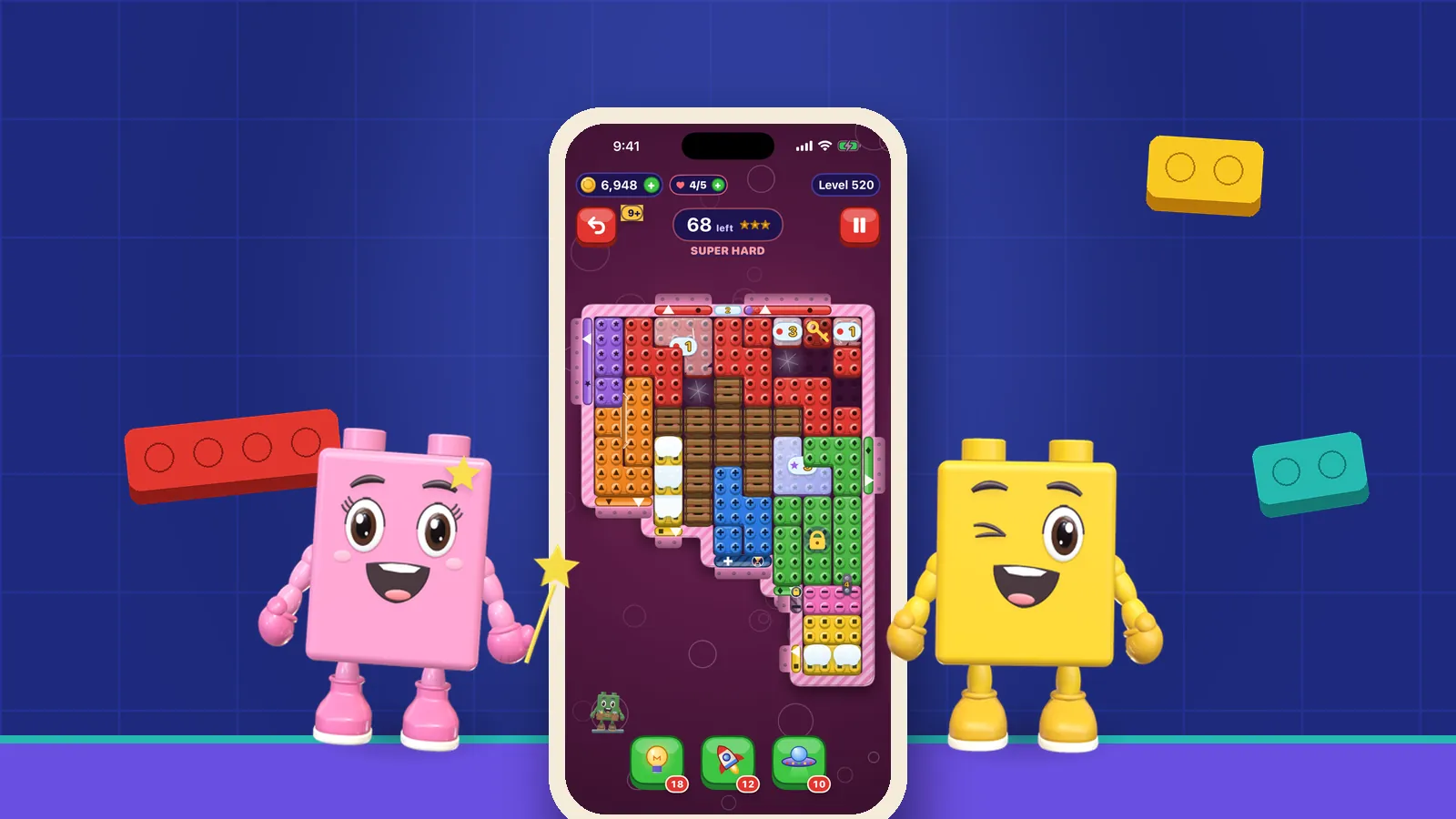
Frozen gates raised two linked problems. The player could not find them, and melting ice did not count towards the related missions. We plan to add announcements identifying the frozen state and the number of moves until melting, and to make melting ice count towards frozen-gate missions. Those changes address both understanding the board and recognising what you achieved on it.
Andrade et al. (2019) surveyed 17 visually impaired gamers and interviewed six; participants’ accounts included interests in rich, complex play.
The design task is to describe a mechanic well enough for you to reason about it. A frozen gate can be an interesting dependency when its condition is available: you can plan around when it changes. Without that information, the same obstacle can leave you unsure whether a route is blocked by a rule or by an access problem.
Progress needs a similarly understandable connection. If the game asks for ice to melt, the mission counter should make the resulting credit clear. Our planned mission correction addresses the gap the player reported. When you check a mission after playing, you should be able to connect the change on the board with the progress shown. Our spatial-board article looks at the related challenge of locating gates and empty cells.
Sources3Andrade, R., Rogerson, M. J., Waycott, J., Baker, S., & Vetere, F. (2019). Playing blind: Revealing the world of gamers with visual impairment. In Proceedings of the 2019 CHI Conference on Human Factors in Computing Systems (pp. 1–14). Association for Computing Machinery.
A community member asked whether OutBrick was available in Italian. We confirmed full Italian support and eleven other app languages, and another player confirmed Italian availability from their own experience. Our reply did not list the other eleven languages, but the answer to this particular question is straightforward: yes, the app is available in Italian.
Our website publishes in English, French, German, Spanish, Japanese and Brazilian Portuguese. That list is separate from the app’s language support: you can use the app in Italian even though the website has no Italian edition. When you are looking for help, the language you play in and those available for a particular article may differ.
The community confirmation also mentioned an update arriving that day, without saying the earlier bugs had been resolved. Our later reply still described the fixes as upcoming work. An update notification alone cannot tell you which particular issue changed, so consult the published release notes when checking a specific improvement. Keeping the version and the change together makes those conversations much easier to follow.
For a language-related report, identify the screen and the wording that is missing, unclear or unexpectedly untranslated. There is no need to explain your background or justify why you prefer a particular language.
Ran et al. (2025) interviewed 32 experienced blind or low-vision mobile players in China; participants wanted developer communication and accessible setup, among other improvements.
Here is a short checklist if you would like to send feedback. Use as much or as little as helps, and leave out anything private. A report can be useful without a recording, account details or proof of purchase. The contact form offers a direct route; accessibility information gives our current published support context.
- Name the task: opening Home, activating a particular shop package, locating a frozen gate or checking a mission.
- Describe the shortest sequence you remember, the result you expected and what actually happened, including useful spoken wording.
- If readily available, include the installed app version and whether the problem repeats. Do not guess a cause or spend money to investigate.
- For mission credit, note the mission and level if known, plus any before-and-after count. Redact names, receipts and unrelated notifications from optional screenshots.
Sources4Ran, Z., Li, X., Xiao, Q., Fan, X., Li, F. M., Wang, Y., & Lu, Z. (2025). How users who are blind or low vision play mobile games: Perceptions, challenges, and strategies. In Proceedings of the 2025 CHI Conference on Human Factors in Computing Systems (pp. 1–18). Association for Computing Machinery.
Filed under
Questions, answered
A few useful answers
Have the reported shop and home-screen problems been fixed?
Our shop and home-screen improvements are planned for the next update and remain in progress. We are working on making the package buttons open the purchase screen with VoiceOver and making Home open faster.
What should frozen gates announce?
We plan to make frozen gates announce their frozen state and the number of moves until melting. We also plan to make melting ice count towards frozen-gate missions, so the progress you earn is reflected in the mission.
Is OutBrick available in Italian?
Yes. We confirmed Italian app support on AppleVis, and a community member confirmed it too. Our reply mentions twelve app languages without listing them all; the website separately publishes in English, French, German, Spanish, Japanese and Brazilian Portuguese.
What is the most useful way to report an accessibility problem?
Tell us the task, the steps you took, the expected result and what happened instead, adding the app version if readily available. Our accessibility commitment article explains how we approach player feedback; you do not need to make a purchase or share private account information.
APA 7
References
Where a source is a studio’s own history or a news account rather than a study, the article says so beside the claim.
- Gonçalves, D., Piçarra, M., Pais, P., Guerreiro, J., & Rodrigues, A. (2023). “My Zelda Cane”: Strategies used by blind players to play visual-centric digital games. In Proceedings of the 2023 CHI Conference on Human Factors in Computing Systems (Article 289, pp. 1–15). Association for Computing Machinery. doi.org/10.1145/3544548.3580702 (opens in a new tab)
- Kane, S. K., Bigham, J. P., & Wobbrock, J. O. (2008). Slide rule: Making mobile touch screens accessible to blind people using multi-touch interaction techniques. In Proceedings of the 10th International ACM SIGACCESS Conference on Computers and Accessibility (pp. 73–80). Association for Computing Machinery. doi.org/10.1145/1414471.1414487 (opens in a new tab)
- Andrade, R., Rogerson, M. J., Waycott, J., Baker, S., & Vetere, F. (2019). Playing blind: Revealing the world of gamers with visual impairment. In Proceedings of the 2019 CHI Conference on Human Factors in Computing Systems (pp. 1–14). Association for Computing Machinery. doi.org/10.1145/3290605.3300346 (opens in a new tab)
- Ran, Z., Li, X., Xiao, Q., Fan, X., Li, F. M., Wang, Y., & Lu, Z. (2025). How users who are blind or low vision play mobile games: Perceptions, challenges, and strategies. In Proceedings of the 2025 CHI Conference on Human Factors in Computing Systems (pp. 1–18). Association for Computing Machinery. doi.org/10.1145/3706598.3714205 (opens in a new tab)