Reading OutBrick’s spatial board with VoiceOver
Build a clearer picture of OutBrick’s board with VoiceOver: explore bricks, gates and empty space, and understand the fixes promised next.
A gate can be easy to hear and difficult to place. You might find it by swiping through the board’s elements, yet struggle to discover where it sits when moving a finger across the screen. That difference matters in OutBrick: knowing that a brick exists is only the beginning of planning its route. Players on AppleVis described exactly this gap, alongside a request to hear empty cells. Their reports give us a practical way to discuss reading a spatial board, and a clear account of what we have promised to improve.
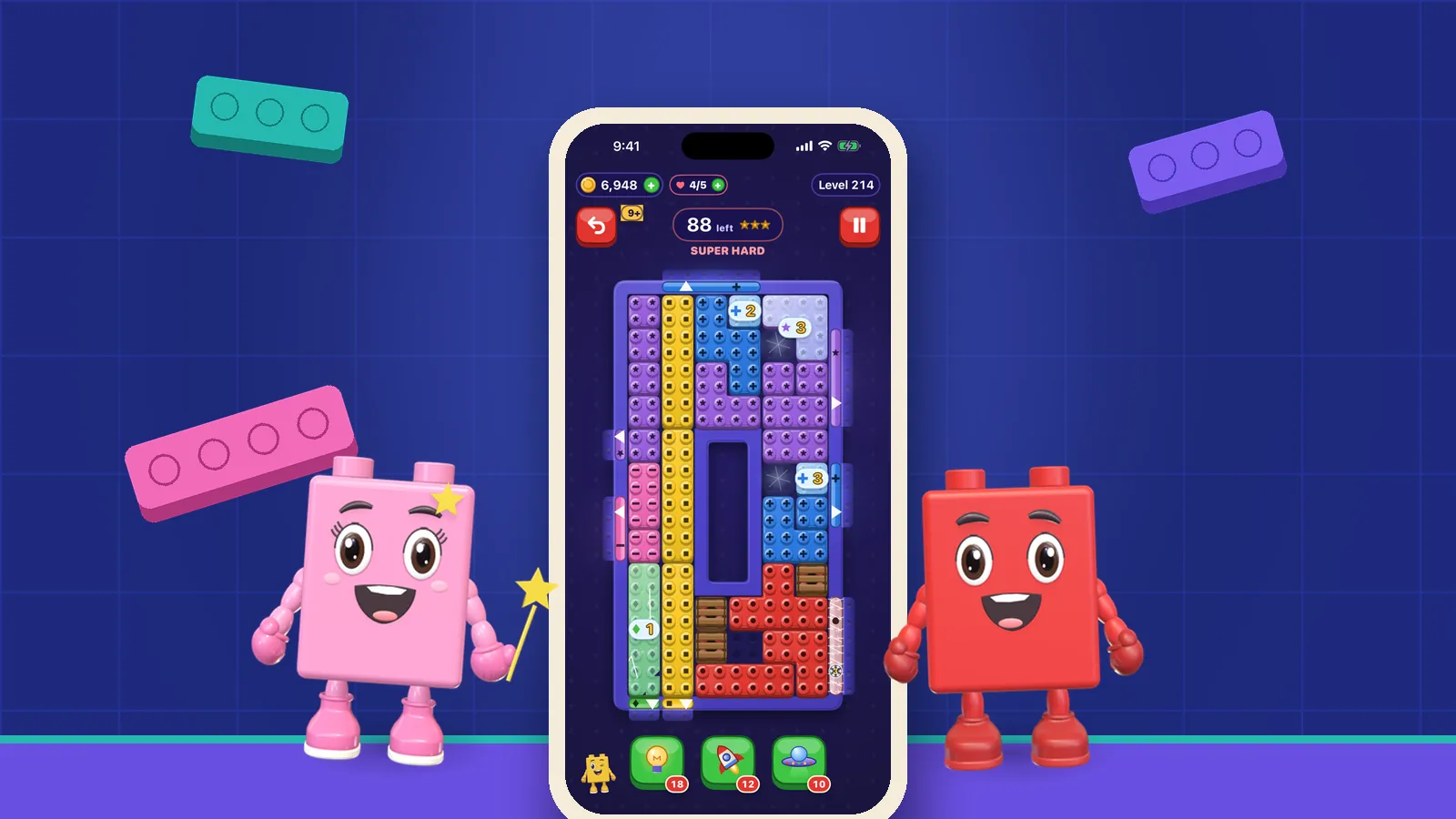
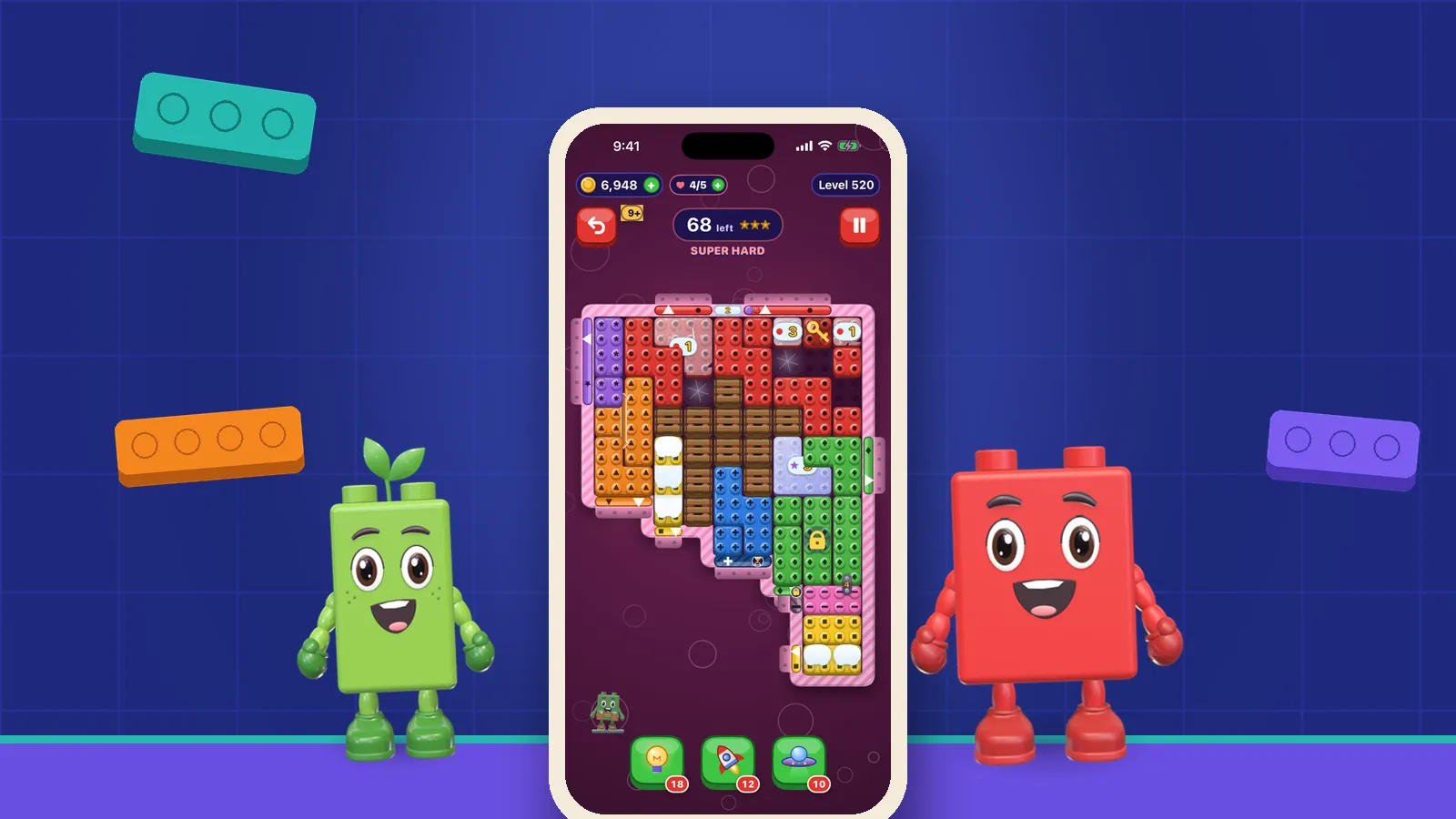
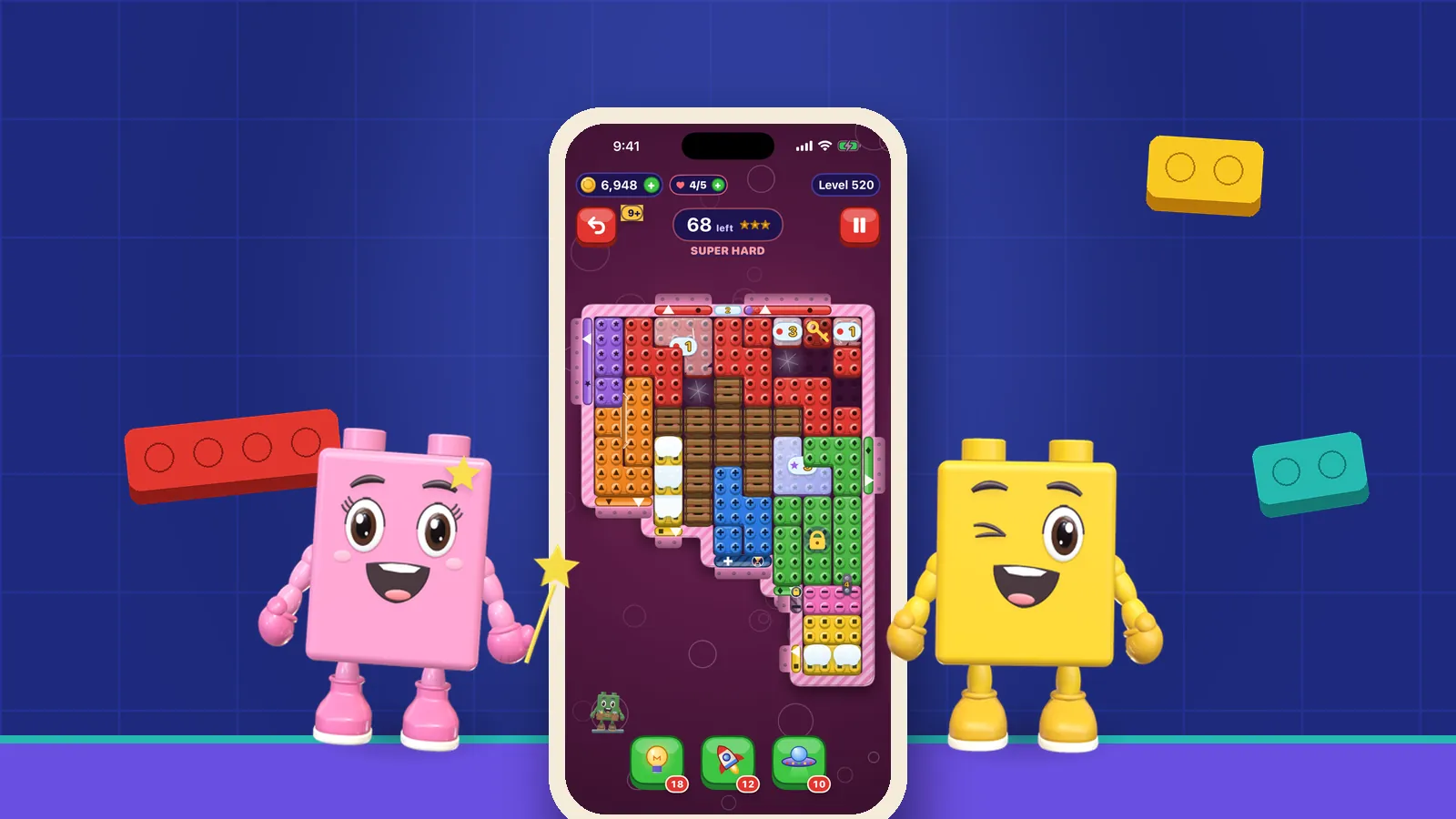
The useful picture of a sliding puzzle contains more than a collection of colours. A brick has a position, a matching gate and neighbours that may obstruct its route. The space between those objects determines which moves are possible. Hearing every object name once does not necessarily give you those relationships, particularly on a board you have never explored before.
OutBrick’s VoiceOver labels identify a brick’s colour, shape and position. Those labels are a starting point for building your own picture. Listen for the identity of a piece, then ask where its matching gate lies and what is between them. You do not need to memorise the entire board before examining one possible route.
Ran et al. (2025) interviewed 32 experienced blind or low-vision mobile players in China; participants requested integrated focus navigation, accessible tutorials and customisable feedback.
For our design, that makes understanding the board a task worth examining separately from executing a slide. Our guide to VoiceOver slide actions covers movement once you have found the piece you want.
Sources1Ran, Z., Li, X., Xiao, Q., Fan, X., Li, F. M., Wang, Y., & Lu, Z. (2025). How users who are blind or low vision play mobile games: Perceptions, challenges, and strategies. In Proceedings of the 2025 CHI Conference on Human Factors in Computing Systems (pp. 1–18). Association for Computing Machinery.
Sequential navigation means moving through accessible elements with left or right swipes. Direct touch exploration means moving a finger over the board to hear what lies under it. The first can help you discover the available elements. The second can help connect an announcement to a place. A navigation sequence should not be treated as a map of physical adjacency.
An AppleVis player reported finding only two gates through touch, while another gate appeared through sequential navigation. Some bricks, including pieces surrounded by others or blocking a different-coloured gate, were similarly discoverable by swiping but absent under the finger. The player also reported losing levels after a relevant brick went unannounced. We acknowledged both defects. If the two methods give you different information, a missing announcement is a reasonable thing to report; it is not evidence that you have misunderstood the puzzle.
Kane et al. (2008) studied ten screen-reader users on non-game tasks; their prototype separated exploration from activation, but faster overall use brought more errors.
That historical example invites a useful design question here: can a player investigate freely before choosing an action? You may prefer one exploration method or combine them. What matters is being able to discover the information you need before deciding to move.
Sources2Kane, S. K., Bigham, J. P., & Wobbrock, J. O. (2008). Slide rule: Making mobile touch screens accessible to blind people using multi-touch interaction techniques. In Proceedings of the 10th International ACM SIGACCESS Conference on Computers and Accessibility (pp. 73–80). Association for Computing Machinery.
Another player explained that flick navigation worked best, but moving a finger over the board was necessary for spatial understanding. The missing piece was an explicit announcement for empty cells. Without it, a quiet area could not confidently be understood as available space. That is a precise observation about what a puzzle needs to communicate.
Consider an imagined board with a brick, a gate and a gap between them. A player needs to know whether the gap is clear before predicting the slide. Silence alone leaves several possibilities: empty space, an object that was missed, or a location outside the intended board area. A clear empty-cell announcement would remove one source of uncertainty.
Empty space is part of the puzzle’s information. It helps distinguish a blocked route from a possible route and makes the relationship between pieces easier to investigate. It still does not promise that a brick will stop in that space: in OutBrick, a slide to the end continues until something stops the brick, and a shorter slide action names how many cells it covers. Our movement guide explains why the stopping point matters as much as the opening.
Begin with one brick and its intended destination. Discover what you can through sequential navigation, then revisit relevant positions by touch. If the two routes disagree, keep that uncertainty in your plan rather than filling it with a guess. Use the comparison when it helps you get your bearings, and tell us when either route leaves information out.
Gonçalves et al. (2023) analysed over 70 hours of published blind-player gameplay; their qualitative study identified trade-offs between access, agency and engagement in visual-centric games.
Our practical response is to keep the routine modest. You should be able to choose a route to explore, pause, and return to an uncertain position without feeling obliged to demonstrate expert workarounds. After a successful slide, inspect the changed area again: the position that was occupied a moment ago may now serve a different purpose.
- Identify the brick and the matching gate before planning the route.
- Check which pieces lie along that route and where a slide would stop.
- Compare touch exploration with sequential navigation when information appears to be missing.
- Treat silence as unresolved information until you have a reliable way to confirm the space.
Sources3Gonçalves, D., Piçarra, M., Pais, P., Guerreiro, J., & Rodrigues, A. (2023). “My Zelda Cane”: Strategies used by blind players to play visual-centric digital games. In Proceedings of the 2023 CHI Conference on Human Factors in Computing Systems (Article 289, pp. 1–15). Association for Computing Machinery.
In our 2 October AppleVis reply about touch exploration, we committed to making every brick and gate discoverable at its actual position and announcing free cells as empty. The later empty-cell suggestion reinforced the same priority. As of 2 October 2026, those fixes remain in progress for the next update.
We also said that every level was being redesigned, beginning with the first villages, with VoiceOver remaining central to that work. The redesign and navigation work tackle different needs: a satisfying challenge, and a reliable way to discover the information needed to attempt it. We want you to spend your attention on choosing a route with a clear understanding of the pieces involved.
Nair et al. (2024) compared three navigation tools with nine players; preferences split between Surveyor and a menu in a purpose-built Windows game.
That small study encourages us to leave room for different exploration preferences. Its setting was different from OutBrick’s, but the question is useful: can you investigate in a way that suits you? Our accessibility page brings together the broader feature information.
Sources4Nair, V., Zhu, H., Song, P., Wang, J., & Smith, B. A. (2024). Surveyor: Facilitating discovery within video games for blind and low vision players. In Proceedings of the CHI Conference on Human Factors in Computing Systems (pp. 1–15). Association for Computing Machinery.
Filed under
Questions, answered
A few useful answers
Why can I find an OutBrick gate by swiping but not by touch?
AppleVis players reported that mismatch for gates and some bricks, and we acknowledged the defects on 2 October 2026. Our replies promise touch-location fixes for the next update; they do not confirm a released fix.
Does silence mean an OutBrick cell is empty?
Silence alone is not a reliable confirmation of an empty cell, especially while the reported touch-exploration problems remain unresolved. Explicit empty-cell announcements are part of our next-update commitment.
Should I use touch exploration or sequential VoiceOver navigation?
They can serve different purposes: sequential navigation helps discover elements, while touch exploration helps connect them to screen positions. Use the method that suits you and report discrepancies between them.
Where can I report a board that is difficult to explore?
Use OutBrick’s contact form, ideally with the level, app version and a description of what each navigation method announces. You can report the problem without completing the board or knowing its technical cause.
APA 7
References
Where a source is a studio’s own history or a news account rather than a study, the article says so beside the claim.
- Ran, Z., Li, X., Xiao, Q., Fan, X., Li, F. M., Wang, Y., & Lu, Z. (2025). How users who are blind or low vision play mobile games: Perceptions, challenges, and strategies. In Proceedings of the 2025 CHI Conference on Human Factors in Computing Systems (pp. 1–18). Association for Computing Machinery. doi.org/10.1145/3706598.3714205 (opens in a new tab)
- Kane, S. K., Bigham, J. P., & Wobbrock, J. O. (2008). Slide rule: Making mobile touch screens accessible to blind people using multi-touch interaction techniques. In Proceedings of the 10th International ACM SIGACCESS Conference on Computers and Accessibility (pp. 73–80). Association for Computing Machinery. doi.org/10.1145/1414471.1414487 (opens in a new tab)
- Gonçalves, D., Piçarra, M., Pais, P., Guerreiro, J., & Rodrigues, A. (2023). “My Zelda Cane”: Strategies used by blind players to play visual-centric digital games. In Proceedings of the 2023 CHI Conference on Human Factors in Computing Systems (Article 289, pp. 1–15). Association for Computing Machinery. doi.org/10.1145/3544548.3580702 (opens in a new tab)
- Nair, V., Zhu, H., Song, P., Wang, J., & Smith, B. A. (2024). Surveyor: Facilitating discovery within video games for blind and low vision players. In Proceedings of the CHI Conference on Human Factors in Computing Systems (pp. 1–15). Association for Computing Machinery. doi.org/10.1145/3613904.3642615 (opens in a new tab)