Solve puzzles together without taking over the screen
Share a puzzle without stealing the next move: agree roles, explain predictions, offer small hints and make room for different solving styles.
Two people can look at one puzzle and still be playing very different games. One is enjoying the search; the other has spotted an answer and wants to demonstrate it. The familiar moment follows: a hand reaches for the phone, a brick moves, and the person holding it has lost the chance to discover why. Solving together works better when help preserves that chance. This guide offers a practical agreement for sharing a screen: who moves, who explains, how hints are offered and when to exchange roles. It describes an informal social practice you can use with a suitable puzzle, including OutBrick’s browser boards. It does not describe a built-in co-op mode, shared account or simultaneous multiplayer feature.
Start with a question that is more useful than “Can you solve this?” Ask: “Would you like company, a hint or to work it out yourself?” Those are distinct invitations. Someone may welcome you looking at the board without wanting advice. Another person may want one precise opening move. Neither response needs to become a test of independence or ability.
Then choose a shared goal. You might want to clear one board, explain a puzzling movement rule, or compare two possible routes. Agree whether the move target matters today. A session intended as a conversation can become uncomfortable if one player silently treats every extra move as a mistake that must be corrected. Name the purpose before deciding how closely to optimise.
Scott et al. (2004) observed collaborative activity around traditional tables and described personal, group and storage territories in shared workspaces. That is not an experiment on puzzle phones, but it offers a useful analogy: a shared task can still contain a space someone treats as theirs. Sitting beside a player does not by itself give you permission to act on their screen.
For a low-commitment starting point, use the browser play guide, where you can agree on one small board. If you prefer comparison rather than cooperation, our friendly-competition guide discusses that different arrangement. There is no need to combine both. “We are finding a route together” and “we are comparing independent attempts” invite different behaviour.
Sources4Scott, S. D., Carpendale, M. S. T., & Inkpen, K. M. (2004). Territoriality in collaborative tabletop workspaces. In Proceedings of the 2004 ACM Conference on Computer Supported Cooperative Work (pp. 294–303). Association for Computing Machinery.
One simple arrangement is a driver and an explainer. The driver operates the screen and decides whether to make a move. The explainer describes a possibility and the reason behind it. These are temporary roles rather than labels for the more skilled and less skilled person. Swap after a board, a restart or another point both of you agree on; avoid grabbing the device halfway through an attempt.
Make explanations observable. “Move blue” leaves the driver guessing which blue brick and why. “I think the blue brick on the left will stop against yellow, leaving room for red to turn” identifies the piece, direction and expected consequence. The driver can inspect that prediction, disagree with it or try it. A useful explanation gives someone something to judge rather than merely an instruction to obey.
Maquil et al. (2024) analysed five groups of three people solving a task on an interactive tabletop, examining how participants coordinated information and action. The study provides detailed accounts of coordination, not proof that our suggested roles improve puzzle scores. Its relevance is the distinction itself: sharing information and managing who acts are both parts of a shared task, even when everyone can see the same surface.
If both of you want to move at once, pause before the next action. Decide whose suggestion you are testing and let that attempt finish. You can also say, “I would like to try my route before hearing yours.” This protects the quieter player’s opportunity without pretending their route must be right. A wrong prediction that you were allowed to test can be more satisfying than an unexplained correct instruction.
Sources3Maquil, V., Afkari, H., Arend, B., Heuser, S., & Sunnen, P. (2024). Analysis of coordination mechanisms during collaborative problem-solving on an interactive tabletop display. Computer Supported Cooperative Work (CSCW), 33(4), 1071–1113.
Describe pieces by a combination of location, colour and shape or glyph. “The red brick below the yellow gate” is easier to resolve than “that one”. If the board changes after a move, name the new position before continuing the explanation. A conversation can fail because its references are out of date, even when each person has understood the movement rule.
Dillenbourg and Traum (2006) studied multimodal collaborative problem solving with a persistent shared whiteboard and communication. Their analysis distinguishes how shared representations support a solution from how people establish mutual understanding. The setting was a remote collaborative task, not OutBrick. We apply the distinction as a conversation habit: a visible arrangement is a common reference, but you still need to check what the other person means.
A short confirmation can prevent a long argument. Ask, “Do you mean the upper blue brick?” or “Would red stop here or one row higher?” Then answer the specific uncertainty. Repeating the entire solution more loudly is unlikely to resolve a mistaken reference. If someone cannot comfortably distinguish a colour, use the matching glyph and position instead of treating the difficulty as inattention.
OutBrick’s daily page shows the same selected board to everyone on the same UTC date. That can help two people compare an arrangement, although the page is not a live shared session. If you are looking at separate screens, confirm the displayed date and board number first. You cannot use a friend’s current position as your own starting state after they have already made several moves.
Sources1Dillenbourg, P., & Traum, D. (2006). Sharing solutions: Persistence and grounding in multimodal collaborative problem solving. Journal of the Learning Sciences, 15(1), 121–151.
Hints work best when the recipient chooses their size. Begin with a rule clarification if needed: “The brick keeps sliding until it meets a blocker.” Next, offer a region or dependency: “That red gate may need the corridor cleared first.” If the player wants more, describe a single move. Keep the complete route for someone who explicitly asks for a walkthrough. This is our suggested etiquette, rather than a claim about an in-game hint feature.
Sometimes a question preserves more discovery than an instruction. “What could stop that brick at the height you need?” directs attention to a constraint while leaving the solution open. But questions can become disguised commands if you keep asking until the other person repeats your answer. Give them room to think, and accept “I would rather try this first” as a complete response.
Hansen and Spada (2010) used two picture-sorting experiments to examine support for remote collaborative problem solving. Their findings distinguished improvements in collaborative process from problem-solving outcomes. That boundary matters here: a clearer exchange can be worthwhile without guaranteeing a better score. Our turn-taking and hint suggestions aim to make help understandable and welcome, not to promise faster solving or cognitive improvement.
If the session includes a child, grandparent or someone new to this mechanic, avoid assuming age tells you how much help they need. Ask and observe the actual difficulty. Our guide to playing with grandchildren offers broader ideas for that relationship. Here, the immediate task is smaller: keep the player involved in the next decision instead of turning them into an audience for your solution.
Sources2Hansen, M., & Spada, H. (2010). Supporting remote collaborative problem-solving. Applied Cognitive Psychology, 24(9), 1297–1323.
When a prediction fails, describe the consequence before deciding whose fault it was. “Blue has blocked the gate” is more useful than “You moved the wrong one”. Check whether the cause was an unclear reference, an unfamiliar rule or a genuinely unhelpful plan. If undo is available, ask before using it: the driver may want to see whether the new arrangement still has a route.
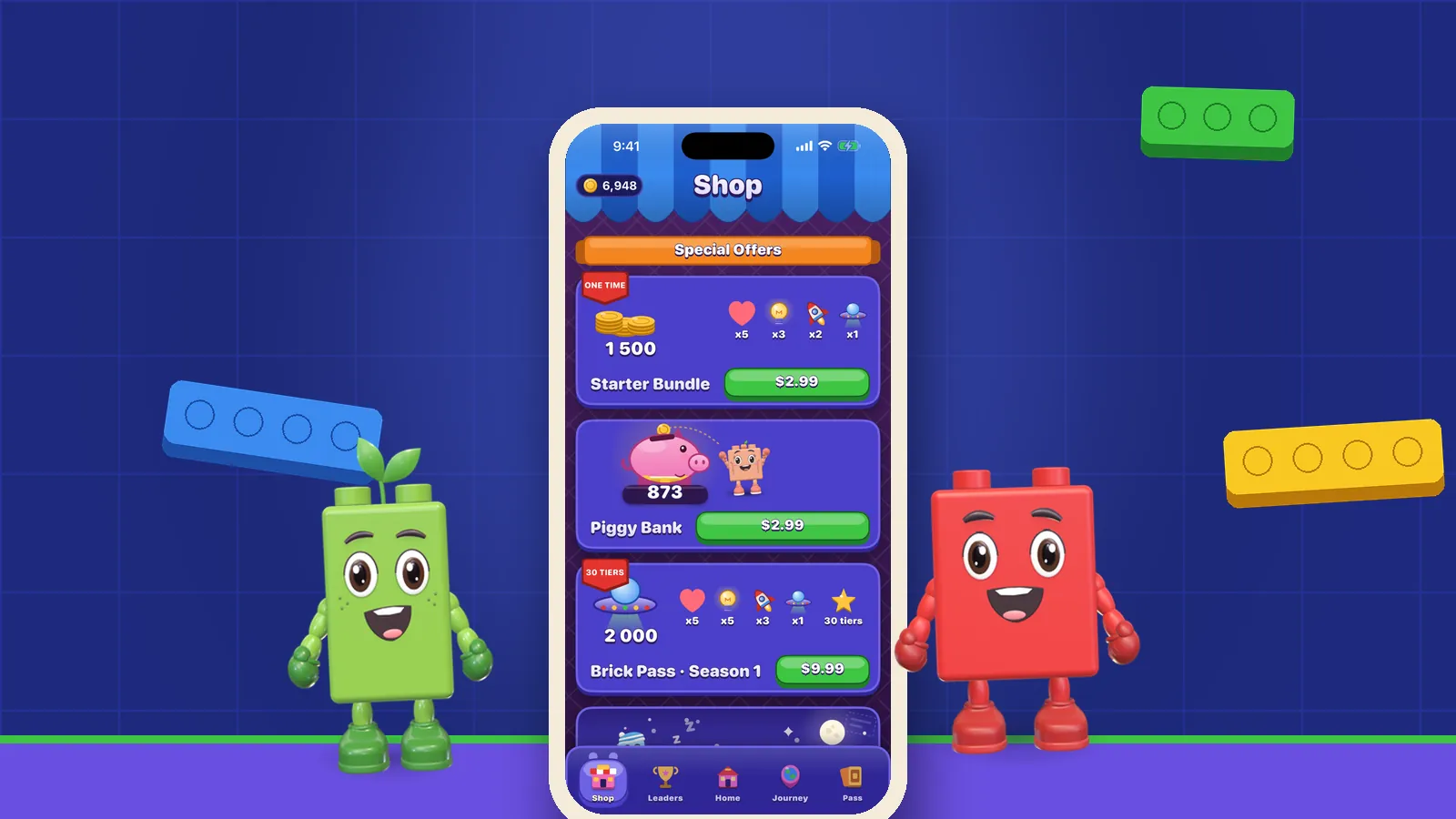
On OutBrick’s browser boards, Undo and Reset make it possible to revisit an attempt, with undo affecting the star result. Do not transfer that web behaviour into assumptions about the app’s costs. If you are playing the app, check its fair-play explanation before agreeing to repeat attempts or spend resources. Sharing a screen also means sharing a decision about purchases and rewarded adverts; do not make that choice on someone else’s behalf.
A clear gives you a chance to recognise both kinds of contribution. The person who spotted a stopping point helped; so did the person who patiently tested the route and noticed an unexpected obstruction. “We found why that works” keeps attention on the shared problem. You can then swap roles, choose another board or stop. Solving together does not require finishing a chapter or proving that the arrangement made you more productive.
If you want to try this agreement, choose one board on OutBrick’s play page, name the driver and ask what help is welcome. For the broader app, find OutBrick on the App Store. The social arrangement is yours to make; it is not a feature purchase. The most useful success may be that both people still want to play together after the puzzle ends.
Filed under
Questions, answered
A few useful answers
Does OutBrick have a co-op mode for solving together?
This article describes informal cooperation around a screen, not a built-in OutBrick co-op or simultaneous multiplayer mode. Players can agree who controls the board and discuss a route together.
How can I help someone without spoiling the puzzle?
Ask what amount of help they want, then start with a rule or relevant dependency. Offer a specific move or complete solution only when the player wants that level of detail.
When should we swap who controls the screen?
Agree a clear handover point, such as finishing a board or restarting an attempt. Ask before taking the device, including when you believe you have found the solution.
Does solving puzzles together guarantee better results?
The cited research does not establish that this informal approach improves OutBrick scores or cognition. The practical aim is a clearer, more welcome conversation in which both people can participate.
APA 7
References
Where a source is a studio’s own history or a news account rather than a study, the article says so beside the claim.
- Dillenbourg, P., & Traum, D. (2006). Sharing solutions: Persistence and grounding in multimodal collaborative problem solving. Journal of the Learning Sciences, 15(1), 121–151. doi.org/10.1207/s15327809jls1501_9 (opens in a new tab)
- Hansen, M., & Spada, H. (2010). Supporting remote collaborative problem-solving. Applied Cognitive Psychology, 24(9), 1297–1323. doi.org/10.1002/acp.1632 (opens in a new tab)
- Maquil, V., Afkari, H., Arend, B., Heuser, S., & Sunnen, P. (2024). Analysis of coordination mechanisms during collaborative problem-solving on an interactive tabletop display. Computer Supported Cooperative Work (CSCW), 33(4), 1071–1113. doi.org/10.1007/s10606-023-09487-2 (opens in a new tab)
- Scott, S. D., Carpendale, M. S. T., & Inkpen, K. M. (2004). Territoriality in collaborative tabletop workspaces. In Proceedings of the 2004 ACM Conference on Computer Supported Cooperative Work (pp. 294–303). Association for Computing Machinery. doi.org/10.1145/1031607.1031655 (opens in a new tab)