Set puzzle-game time limits on iPhone with iOS 27
Use iOS 27 Screen Time to set Games allowances and scheduled access, check which apps count, and make a practical stopping plan for puzzle play.
A puzzle has a convenient invitation built into its ending: another board. If you want that invitation to fit around dinner, work or a shared evening, an iPhone setting can support a decision made earlier. In iOS 27, Screen Time uses Time Allowances and Screen Time Schedules. This guide explains those current controls, distinguishes a category allowance from a limit on one game and suggests a way to check the result. It does not prescribe a medically correct number of minutes. The goal is simpler: make the phone’s behaviour match the boundary you actually intended.
Before changing a slider, complete a sentence: “I want to stop playing when…” The answer might be when the bus arrives, before preparing dinner or when a planned break finishes. These are different problems. A daily Games allowance concerns accumulated use; a schedule concerns the part of the day in which that use is allowed. A board-clear ritual can support either, but it cannot guarantee a predictable finish time.
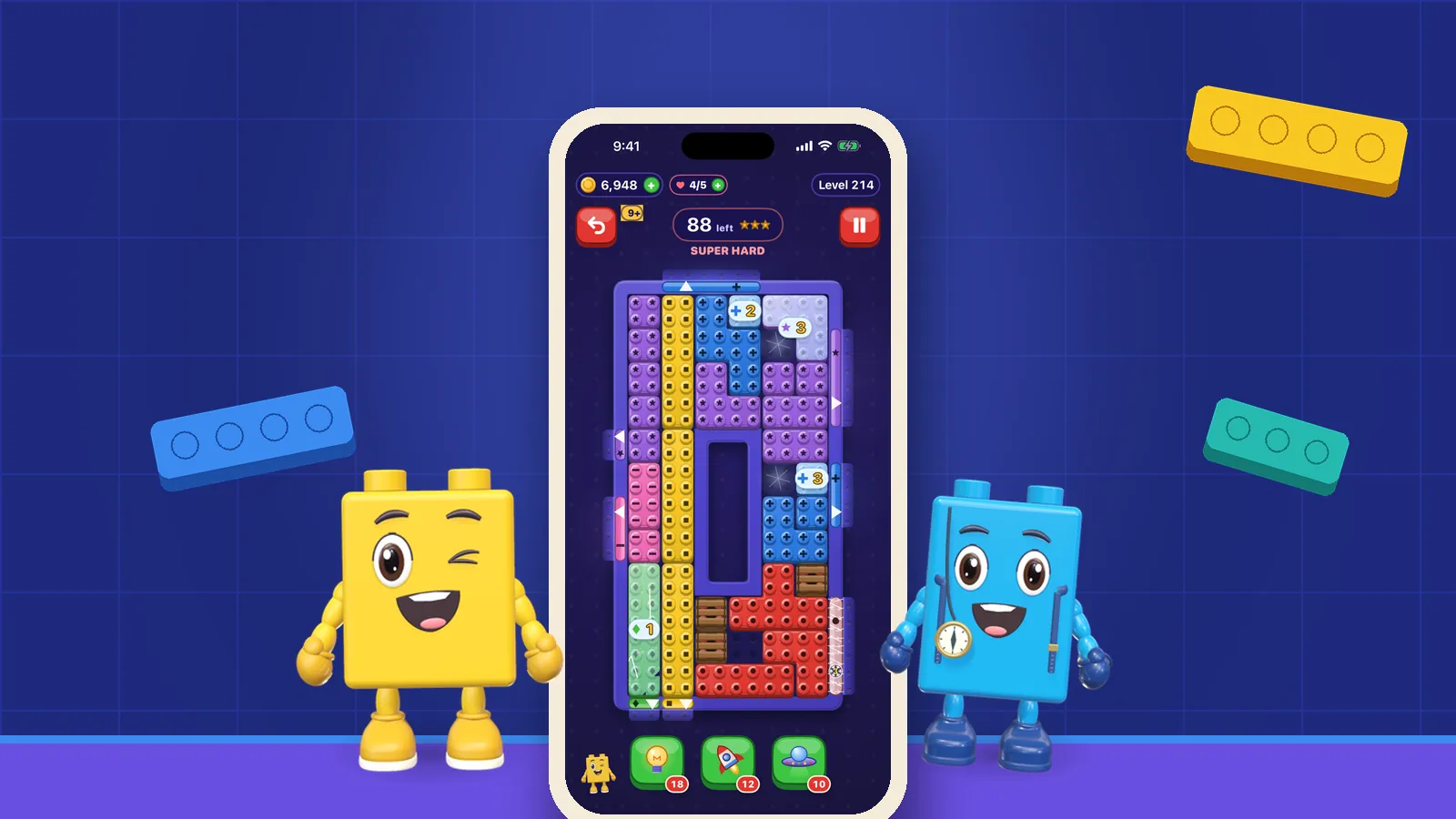
OutBrick has move limits rather than a countdown on its boards. That gives you time to think, but it does not set a boundary around the whole session. The operating system’s time control serves a different purpose from the puzzle’s rules. A life refill is also a game system, not an assessment of how much time you should spend playing.
Roffarello and De Russis (2023) reviewed and meta-analysed digital self-control tools, including timers and lockouts. Their work highlights different goals, strategies and evaluation problems. It does not validate iOS 27 or an OutBrick allowance. We take a practical lesson from that variety: define the unwanted behaviour before choosing the tool that is supposed to change it.
If the concern is routinely forgetting an appointment, schedule the relevant period. If it is spending more of the day on games than you intended, inspect the category allowance. If it is simply feeling ready to leave, our guide to when to play and when to pause offers questions a settings screen cannot answer.
Sources4Roffarello, A. M., & De Russis, L. (2023). Achieving digital wellbeing through digital self-control tools: A systematic review and meta-analysis. ACM Transactions on Computer-Human Interaction, 30(4), 1–66.
Open Settings, then Screen Time. If activity reporting is off, open Time Allowances and turn on App & Website Activity. Return to Time Allowances, select Games and adjust its amount with the slider or plus and minus controls. This uses the current iOS 27 labels, rather than the App Limits route found in older guides.
Inspect category membership through Manage Categories. Select the category to inspect its average use, then select an app for its usage information. If you need to add Games, use Manage Categories and its add control. Think of a shared pot: time used in one included game contributes to that category’s budget. Do not assume that three puzzle apps each receive the full category amount.
Apple’s guide says use can reach either the category allowance or the daily total. Check both controls if a game becomes unavailable earlier than expected. A declared associated website can also share an app’s allowance, according to Apple; that does not establish how every browser game or this website is categorised. Inspect the actual membership and report rather than guessing.
For the current controls and screenshots, use Apple’s guide to Screen Time Schedules and Time Allowances. This article summarises the iOS 27 route checked on 30 September 2026. Older software, language settings or a family-managed device can present a different view, so consult the matching Apple guidance if your controls differ.
If your goal is to limit only OutBrick, avoid silently treating a broad Games allowance as a single-app control. Check the apps shown under the category through Manage Categories and consult Apple’s current guidance if you need more specific control. The steps here establish a category allowance, not a verified separate limit for each app. The important question is which use the control actually counts, not what you called your plan.
Choose an ordinary session when nothing important depends on the setting. Confirm that the intended puzzle appears in the category. Note whether other games have already used some allowance, and check whether another device contributes to the total. Then observe what happens at the boundary. If you can easily extend access, decide whether that is the intended behaviour for your arrangement.
A useful test includes the exit. Do you know how to leave a board without repeatedly trying to squeeze in a clear? Could you stop after recognising the next dependency and return later? You do not have to finish a puzzle to make the break worthwhile. Choosing a stopping action in advance can be more concrete than hoping that your future self will feel finished.
Parry et al. (2021) analysed discrepancies between logged and self-reported digital media use. Their review found that remembered use often differed from logs. That supports checking the report instead of relying only on “it felt like ten minutes”. A log still does not describe the quality of the session, and it cannot tell whether your chosen boundary is worthwhile.
For the current summary, open Screen Time → Daily Average and inspect Day or Week. Compare days with similar routines rather than interpreting a single unusual afternoon as a verdict. Record the context in a sentence: “I stopped before dinner, but the Games total also included a family game.” That explains more than the total alone.
If a control does not behave as expected, check category membership, the daily total, the selected schedule and shared devices first. Use Apple support for operating-system control issues. Our OutBrick support page is the right place for questions about the game’s board or exit behaviour, with the app version and steps needed to reproduce the problem.
Sources2Parry, D. A., Davidson, B. I., Sewall, C. J. R., Fisher, J. T., Mieczkowski, H., & Quintana, D. S. (2021). A systematic review and meta-analysis of discrepancies between logged and self-reported digital media use. Nature Human Behaviour, 5(11), 1535–1547.
A week of following the arrangement can reveal whether it protects the commitment you named. Did you stop when intended? Did a broad category unexpectedly include something you wanted to allow? Did a weekend need a different window? Change the setting in response to those observations, rather than treating its original value as a moral test.
Radtke et al. (2022) reviewed 21 digital-detox studies involving 3,625 participants. Results included positive, null and negative effects across different outcomes and interventions. That mixed evidence does not mean boundaries are pointless. It means reducing use is not a universal guarantee of feeling better, and a modest practical goal is easier to assess honestly.
Our article on what digital-detox experiments show explains that distinction in more depth. Here, success can be as ordinary as leaving time to cook without a last-minute rush. Families can choose arrangements suited to their circumstances and review them together.
If you are trying OutBrick, the browser board can introduce its classic sliding rule, and download OutBrick on the Apple App Store provides the native app. Review current store compatibility before installing. Neither route changes the Screen Time boundary you chose, and neither obliges you to keep playing when the break ends.
Sources3Radtke, T., Apel, T., Schenkel, K., Keller, J., & von Lindern, E. (2022). Digital detox: An effective solution in the smartphone era? A systematic literature review. Mobile Media & Communication, 10(2), 190–215.
Apple. (n.d.). Set Screen Time Schedules and Time Allowances in Screen Time on iPhone. iPhone User Guide. Retrieved September 30, 2026, from Apple’s current settings instructions.
Apple. (n.d.). Set up Screen Time for yourself on iPhone. iPhone User Guide. Retrieved September 30, 2026. This guide supplies the current activity-reporting and Share Across Devices routes.
The studies below concern digital self-control and measurement, not a clinical evaluation of iOS 27 or OutBrick.
Filed under
Questions, answered
A few useful answers
Where are puzzle-game time limits in iOS 27?
Open Settings → Screen Time → Time Allowances and inspect the Games category and its included apps. Screen Time Schedule controls the periods in which categories are available.
Does a Games allowance give every game its own time budget?
No. It applies to the included category’s use, and a daily total may also affect access. Check category membership before treating it as a limit on one particular game.
Can my iPad play count towards the same allowance?
Apple says Share Across Devices combines relevant Screen Time settings and reports across an iPhone, iPad and Mac using the same Apple Account. Check that setting and Apple’s software requirements.
How many minutes should I allow for a puzzle game?
This guide does not prescribe a universal healthy duration. Start with the commitment you want to protect, test the arrangement and review whether it serves that purpose.
APA 7
References
Where a source is a studio’s own history or a news account rather than a study, the article says so beside the claim.
- Biedermann, D., Schneider, J., & Drachsler, H. (2021). Digital self-control interventions for distracting media multitasking—A systematic review. Journal of Computer Assisted Learning, 37(5), 1217–1231. doi.org/10.1111/jcal.12581 (opens in a new tab)
- Parry, D. A., Davidson, B. I., Sewall, C. J. R., Fisher, J. T., Mieczkowski, H., & Quintana, D. S. (2021). A systematic review and meta-analysis of discrepancies between logged and self-reported digital media use. Nature Human Behaviour, 5(11), 1535–1547. doi.org/10.1038/s41562-021-01117-5 (opens in a new tab)
- Radtke, T., Apel, T., Schenkel, K., Keller, J., & von Lindern, E. (2022). Digital detox: An effective solution in the smartphone era? A systematic literature review. Mobile Media & Communication, 10(2), 190–215. doi.org/10.1177/20501579211028647 (opens in a new tab)
- Roffarello, A. M., & De Russis, L. (2023). Achieving digital wellbeing through digital self-control tools: A systematic review and meta-analysis. ACM Transactions on Computer-Human Interaction, 30(4), 1–66. doi.org/10.1145/3571810 (opens in a new tab)