Offline puzzle games for iPhone: commutes and flights
What to look for in a puzzle game for the Tube, a train or a flight: real offline play, one-handed controls, short boards and a light touch on battery.
The worst time to find out that a game needs a connection is in a tunnel, or at thirty-five thousand feet with the Wi-Fi switched off. “Plays offline” can mean several different things on a store page, and a good travel game needs more than that anyway: it has to work with one hand, fit between two stops, and not flatten your battery before you land. This is the checklist we use. We make OutBrick, so we use it as the worked example, and we have tried to keep to things you can check for yourself.
“Offline” on a store listing covers a range. Some games work entirely without a connection. Some let you play but hold back rewards, daily content or saving until you are online again. Some load the first screen from memory and then stall on the second. You cannot tell which from the listing, so test it.
The test takes five minutes. At home, switch on Airplane Mode, close the game fully and open it again. Play three levels, then go back to the menu and start the level after next. Look for anything that is greyed out, any spinner that does not stop, and whether the game still lets you move on after a clear. If all of that works, it will work on the plane.
Do one more thing while you are still on Wi-Fi: open the App Store and install any pending updates for the games you plan to play. A game that asks for an update on launch is no use in a tunnel, and a large download over a patchy mobile signal at the gate is a poor start to a journey.
OutBrick plays offline. If you play on more than one device, progress is stored in your iCloud, and a new device signed in to the same account picks up where the old one stopped: level, coins, streak and Collection.
- Airplane Mode on, game fully closed, then reopened.
- Three levels played, then the level after next started from the menu.
- Nothing greyed out, no endless spinners, and progress still moves on after a clear.
On a busy train you are often holding a rail, a coffee or a bag with the other hand. Steven Hoober’s field study of how people actually hold their phones, based on 1,333 observations in streets, airports, cafés and on public transport, found 49% of people using one hand, 36% cradling the phone in one hand and tapping with the other, and 15% using both hands. A travel game has to work for the first group.
Hoober also noted that people who use one hand hold the phone in a variety of positions, so a game cannot assume one grip. On the larger phones most people now carry, the top corners of the screen are hard to reach with the thumb of the hand holding the phone. Reaching them means shuffling the phone in your hand, which is exactly what you do not want to do on a moving train with a coffee in the other hand.
Look for controls that are gestures rather than small buttons, a portrait layout, and nothing you need to reach in the top corners in the middle of a level. OutBrick is played with one finger: you swipe a brick to slide it home or swap it with a neighbour. If you need them, every brick is also a VoiceOver element with an action for each slide and swap it can make, and Larger Text scales throughout.
Sources1Hoober, S. (2013, February 18). How do users really hold mobile devices? UXmatters.
Commuting play comes in pieces, a theme we explored in the commuter puzzle. The right unit is a level you can finish in the gap between two stations, with a clear end, so that putting the phone away feels like stopping rather than abandoning something. Long levels and chained objectives work against that.
Timers work against it more, which is one reason calm puzzle games tend to drop them. When a station announcement or a ticket inspection takes your attention, a clock in the corner keeps running. Research on interrupted work suggests people respond to interruption by speeding up, and pay for it in stress. A game with no clock does not add to that. OutBrick has no countdown anywhere, a board takes about two minutes, and clearing one costs nothing. A life goes only when an attempt ends without a clear, and one comes back every thirty minutes.
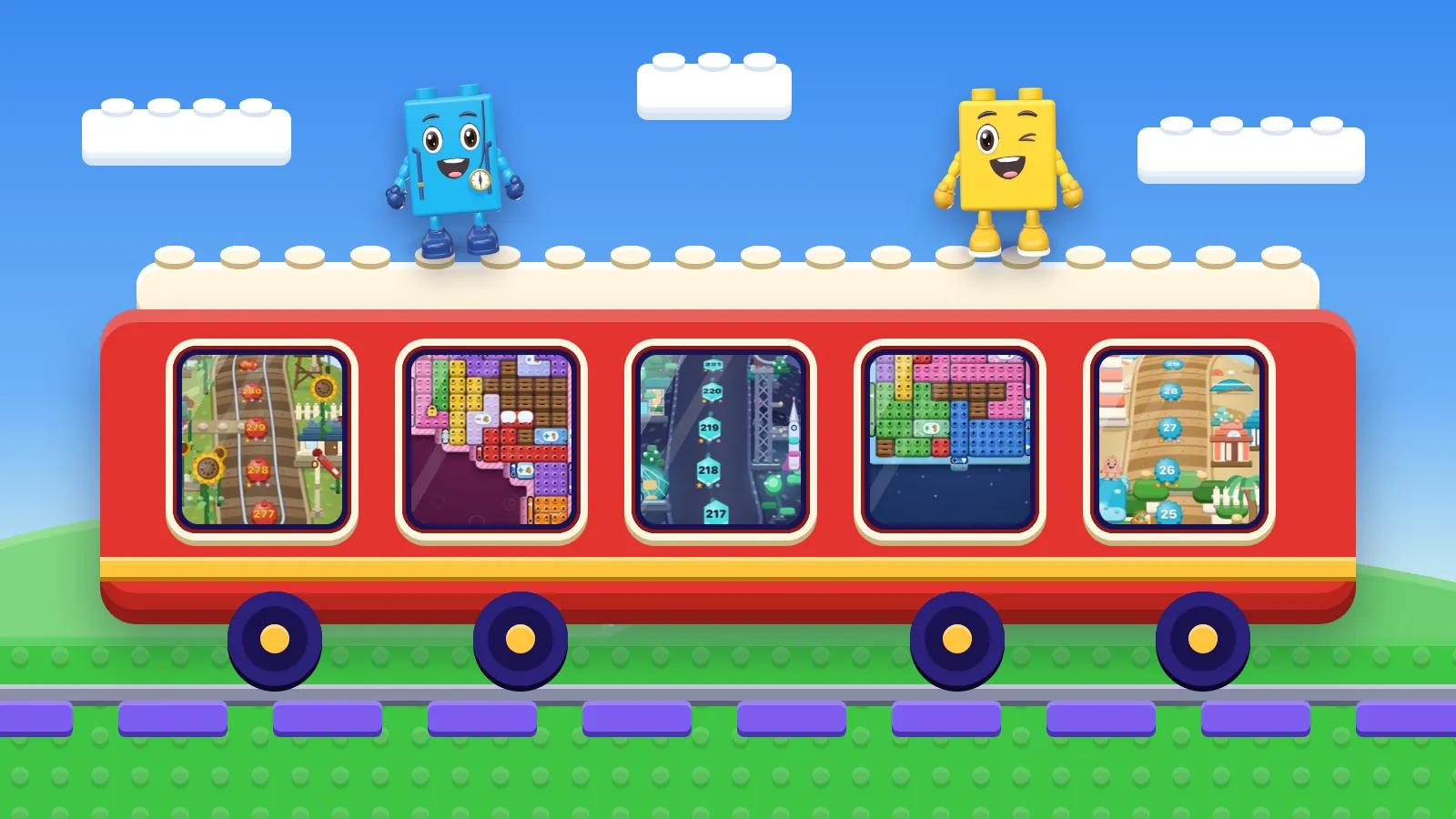
It also helps when the larger structure breaks into small pieces. On OutBrick’s Journey, each village holds twelve levels, so “finish this village before my stop” is a goal you can actually meet.
The last test is the easiest to overlook: can you put the game down? A good commuting game leaves you at a natural stopping point often, and does not greet you with a pile of timed offers when you come back. You want your stop to be the thing that ends a session, and the game to be something you pick up again when you feel like it.
Sources2Mark, G., Gudith, D., & Klocke, U. (2008). The cost of interrupted work: More speed and stress. In Proceedings of the SIGCHI Conference on Human Factors in Computing Systems (CHI ’08) (pp. 107–110). ACM.
Going offline removes one drain on the battery, but the screen and the game itself still draw power. On a long journey the two most useful switches are the brightness slider and Low Power Mode, which Apple describes as reducing background activity to extend battery life. If a game offers reduced motion or a lower frame rate, a long flight is a good time to use it. OutBrick honours the system’s Reduce Motion setting everywhere.
Sound is the other thing to check. A game that depends on audio cues is awkward on a quiet carriage without headphones. OutBrick’s nine brick friends speak in text bubbles and have no voices, so nothing they say is lost with the sound off. And because colour-blind mode is on by default, every brick and gate carries a glyph as well as a colour, which can help when a carriage light is dim or washes the colours out.
Sources3Apple. (n.d.). Use Low Power Mode to save battery life on your iPhone or iPad. Apple Support. Retrieved September 24, 2026, from https://support.apple.com/en-us/101604
On a long flight, a bigger screen is kinder to your eyes and your neck. If a game runs on iPad as well as iPhone and shares progress between them, the tablet on the tray table and the phone in the queue for passport control can be the same game. OutBrick runs on iPhone, iPad, Mac and Apple Vision Pro, and there is a standalone Apple Watch game for when the phone is in the overhead locker.
Before your next trip, run through the list below once. It takes a few minutes at home and saves a frustrating hour later.
- Tested in Airplane Mode from a cold start.
- Playable with one thumb in portrait.
- Levels short enough to finish between two stops.
- No clock that runs while you look away.
- Playable on mute.
- Brightness down, Low Power Mode on for long trips.
Filed under
Questions, answered
A few useful answers
Which puzzle games work offline on iPhone?
Many do, but “offline” can mean full play or only part of it. The reliable way to know is to test: switch on Airplane Mode, close the game, reopen it and play a few levels. OutBrick plays offline.
Does OutBrick work in Airplane Mode?
Yes. OutBrick plays offline, so you can play boards with no connection at all. Progress is kept in your iCloud, and a new device signed in to the same account picks up where you left off.
Do offline games use less battery?
Turning the network off removes one drain, but the screen and the game still use power. On long trips, lower the brightness and switch on Low Power Mode, which reduces background activity.
Can I play OutBrick on Apple Watch?
Yes. There is a standalone Apple Watch game, alongside versions for iPhone, iPad, Mac and Apple Vision Pro.
APA 7
References
Where a source is a studio’s own history or a news account rather than a study, the article says so beside the claim.
- Hoober, S. (2013, February 18). How do users really hold mobile devices? UXmatters. www.uxmatters.com/mt/archives/2013/02/how-do-users-really-hold-mobile-devices.php (opens in a new tab)
- Mark, G., Gudith, D., & Klocke, U. (2008). The cost of interrupted work: More speed and stress. In Proceedings of the SIGCHI Conference on Human Factors in Computing Systems (CHI ’08) (pp. 107–110). ACM. doi.org/10.1145/1357054.1357072 (opens in a new tab)
- Apple. (n.d.). Use Low Power Mode to save battery life on your iPhone or iPad. Apple Support. Retrieved September 24, 2026, from https://support.apple.com/en-us/101604 support.apple.com/en-us/101604 (opens in a new tab)