




Start here
Most missing things come back in a minute or two. Find your problem below and follow its steps in order.
| Yang terjadi | Buka |
|---|---|
| Something I bought is not in the game | Bring back a purchase |
| I restored and it is still missing | Still missing: write to us |
| I want my money back | Refunds are Apple’s |
| My level, coins or stars are gone | Progress is missing |
| I have a new iPhone or iPad | Moving to a new device |
| My achievements or Game Center scores | Game Center |
We will never ask for your Apple Account password or card details.
Not by email, not in the community, not anywhere. Nobody from OutBrick needs them, and we cannot see payments. If a message claiming to be from us asks for them, do not reply.
Bring back a purchase
- Check the device is signed in to the same Apple Account you bought with, and to iCloud: Settings › your name.
- Open OutBrick and give it a moment online.
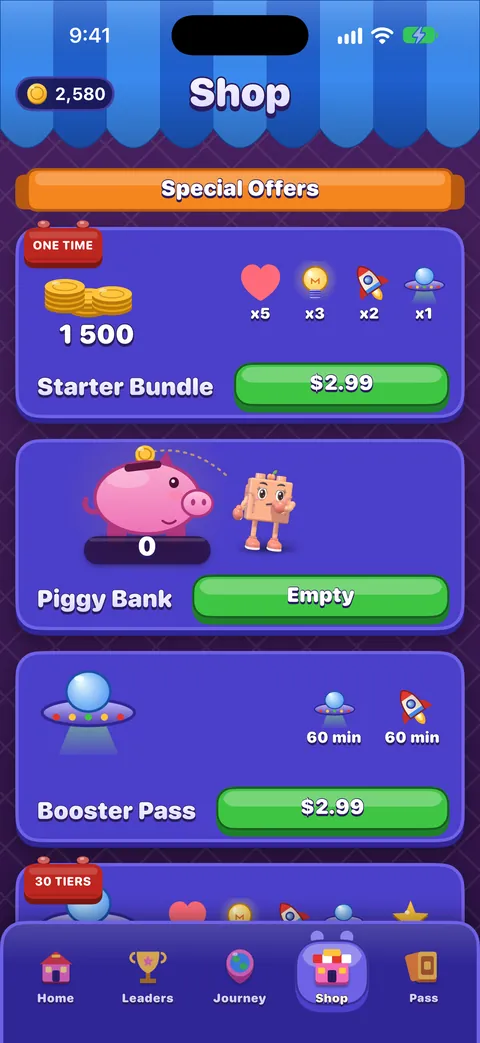
- Open the Shop and scroll to the very bottom.
- Tap Restore Purchase.
| Item | How it comes back |
|---|---|
| Remove Ads | Restore Purchase |
| Brick Pass seasons 1 to 3 | Restore Purchase |
| Wardrobe items | Restore Purchase |
| Coins, boosters, lives and other things you use up | With your progress, through iCloud. The App Store does not restore them. |
Check that the purchase went through
On the iPhone, Settings › your name › Media & Purchases › View Account › Purchase History lists what Apple charged. If the item is not there, the payment did not complete. With Ask to Buy, a purchase waits until the family organiser approves it.
Still missing: write to us
- Open our contact form with Purchases & refunds chosen.
- Say what you bought and when, roughly is fine.
- Add your device, iOS version and OutBrick version. The game’s version is at the foot of your Profile (tap your avatar).
- Send it. A person reads every message, and you get an email with a reference and a private link.
- Follow your case at your support request: where it stands, every reply, and a place to add details.
What to share, and where
Your Apple order ID is fine to include in the private contact form. Never post a receipt, an order number or a screenshot of a purchase in the community, and never send a full receipt, card number, password or security code to anyone.
Refunds are Apple’s
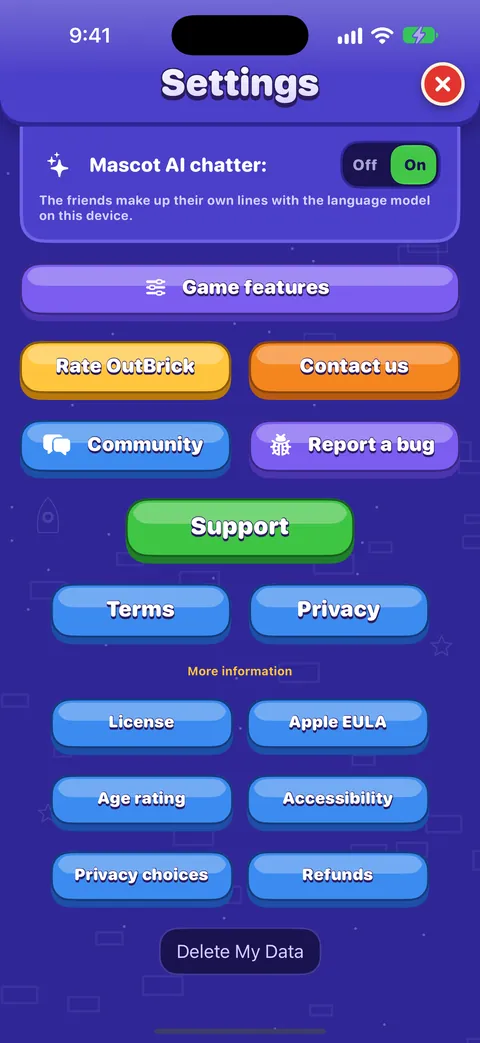
Apple takes every payment for OutBrick, so Apple alone decides refunds. We cannot see your payment details or refund an App Store purchase.
- Go to reportaproblem.apple.com.
- Sign in with the Apple Account used for the purchase.
- Choose Request a refund, choose a reason, then the OutBrick purchase.
- Submit it, and check its status with Apple. Approval and timing are set by Apple and your local consumer law.
An unexpected or duplicate charge goes the same way: check Purchase History first, then Report a Problem. More on our refunds page.
Progress is missing
- Check you are signed in to iCloud with the same Apple Account as before, and that iCloud Drive is on.
- Open OutBrick online and give it a minute. Progress is fetched and merged when the game starts.
- Close the game fully and open it again.
- If another device has the progress you expect, open OutBrick there too, online, so it can share its save.
Nothing is overwritten
When two devices disagree, the higher level and counts are kept, collections are combined, and coins spent on one device are never refunded by another.
Penting
If a device was never signed in to iCloud, its progress exists only on that device. Sign in to iCloud there and open OutBrick once, then check the other device again.
Delete My Data cannot be undone. After using it, another device signed in to the same iCloud may sync an older save back, so use it on every device if you mean to start over. See Progress, iCloud and privacy.
Moving to a new iPhone or iPad
- Before you switch, open OutBrick once on the old device while signed in to iCloud.
- On the new device, sign in to the same Apple Account and turn on iCloud.
- Install OutBrick from the App Store and open it. Your progress is fetched and merged when the game starts.
- Open the Shop, scroll to the bottom and tap Restore Purchase.
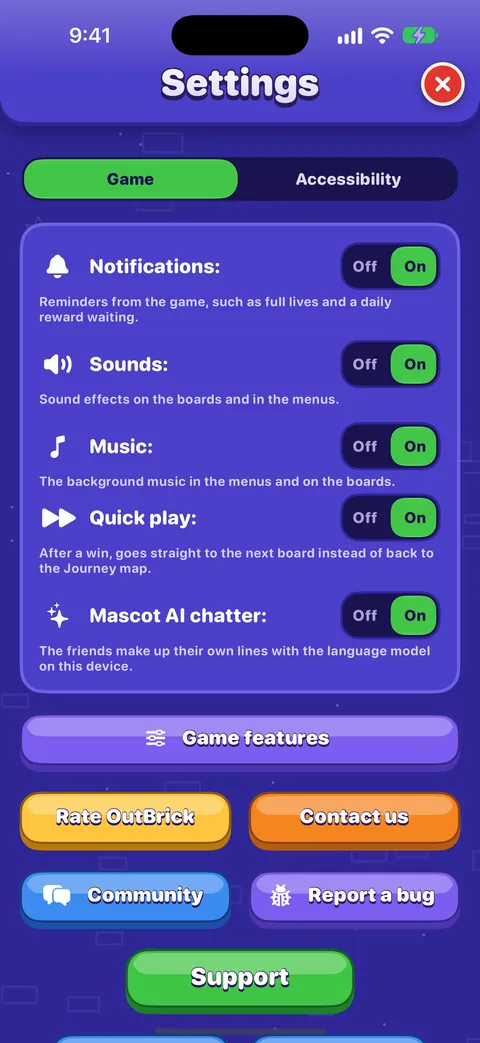
Sound, music, haptics, notifications and most board accessibility settings stay on each device, so set them again on the new one. Your colour-blind choice travels with your progress.
Game Center
- Game Center is Apple’s service. It keeps your 65 achievements and the leaderboards for highest level, total clears, today and this week.
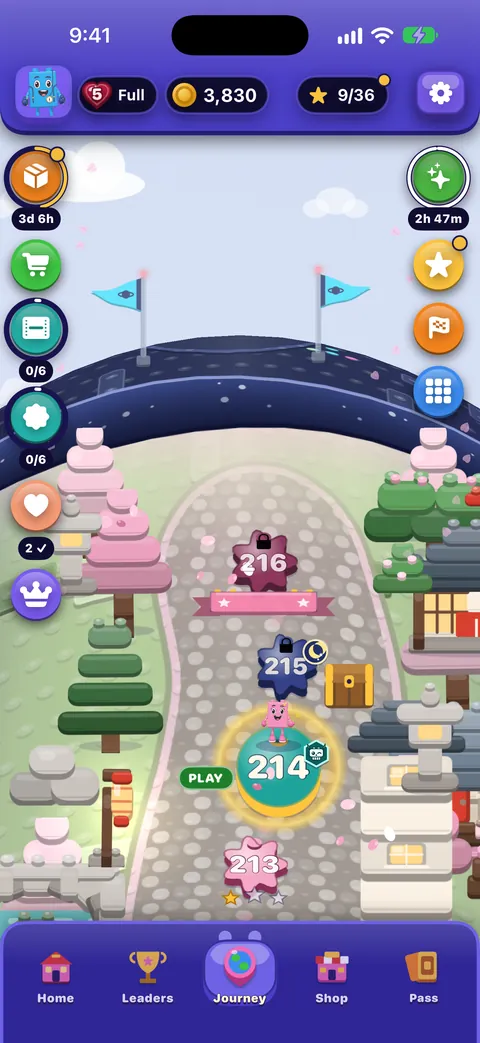
- Your Journey progress is not stored in Game Center. It travels through iCloud.
- Sign in to Game Center in the iPhone Settings with the same Apple Account to see your achievements again.
- The Leaders tab in the game is a separate, all-time board. You appear on it while Settings › Game › Show me on the standings board is on.
Pertanyaan
Can you refund me?
No, only Apple can. Use reportaproblem.apple.com. If the item never arrived, we can help with that: write to us.
Why did Restore Purchase not bring back my coins?
Coins, boosters and lives are used up as you play, so the App Store does not restore them. They travel with your progress through iCloud.
Should I post my receipt so you can check it?
Please do not. Never post a receipt in the community. Use the private contact form, and leave out card numbers, passwords and security codes.
Someone asked for my Apple Account password to fix my purchase.
That was not us. We never ask for your Apple Account password or card details. Do not share them, and tell us through the contact form.
I reinstalled OutBrick and I am back at level 1.
Stay online for a minute with iCloud on and the same Apple Account. If nothing changes, the earlier progress may have been on a device that was not signed in to iCloud: see Progress is missing.
Apakah panduan ini membantu?
Keep reading
The Shop, purchases and restoring
What is on each shelf of the Shop, what Remove Ads and the Brick Pass do, how to restore purchases on a new device, and how refunds work.Progress, iCloud, new devices and privacy
How your progress is saved and synced through iCloud, moving to a new iPhone, what is shared and with whom, advertising and tracking choices, and how to delete your data.Troubleshooting common problems
Quick fixes for missing progress, purchases that did not arrive, lives that seem stuck, no sound, missing notifications, widgets, videos that will not load and VoiceOver focus problems.A guide for parents and carers
What OutBrick is and is not, the Apple controls that put you in charge of purchases, time and notifications, how refunds work, what data the game and this website keep, and a checklist to work through.Widgets, Siri, Shortcuts and other Apple features
Home Screen and Lock Screen widgets, Control Center, Live Activities, Siri phrases, Spotlight, Handoff, Messages challenges, notifications and the icon badge, Focus filters and Game Center.Common questions, answered honestly
Short, exact answers to the questions players ask most: timers, lives, ads and purchases, offline play, new phones, accessibility, children, and how to reach a person.
Seseorang di tim membaca setiap pesan. Kami berusaha membalas dalam dua hari kerja.
Masih buntu?
Masih buntu?
Tanya di komunitas. Tim dan pemain lain menjawab secara terbuka, dan alamat emailmu tidak pernah ditampilkan.
Tanya komunitasMenemukan bug?
Laporan yang baik lebih cepat diperbaiki. Formulir bug menanyakan persis apa yang kami perlukan.
Laporkan bugLebih suka menulis secara pribadi?
Formulir kontak sampai ke tim yang sama, secara pribadi. Gunakan untuk pembelian dan hal-hal pribadi.
Hubungi dukungan