




Report it from the game
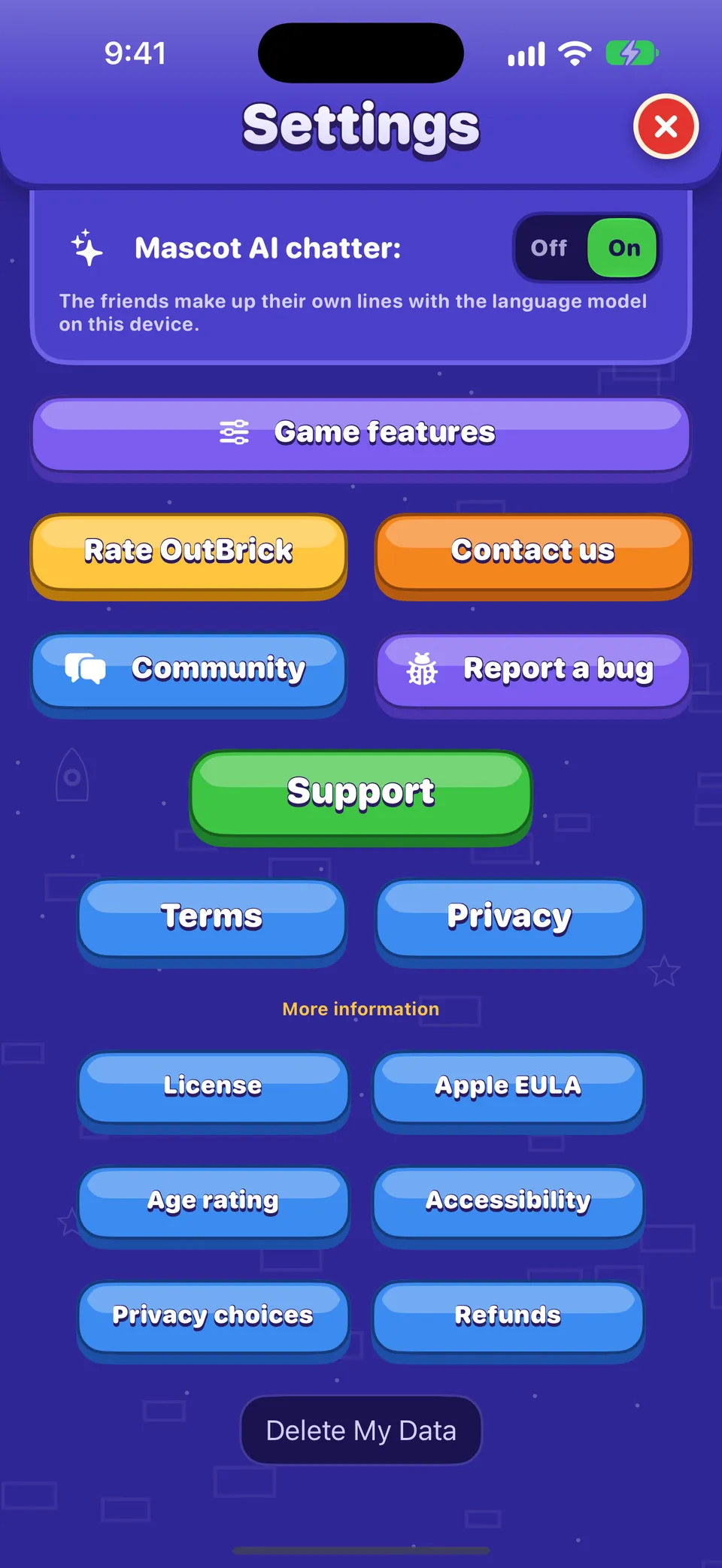
- In OutBrick, open Settings (the gear on Home or the Journey).
- Scroll down and tap Report a bug. Safari opens a new bug report in the community.
- Sign in if asked, check the details already filled in, and describe what happened.
| Field | Príklad |
|---|---|
| Zariadenie | The model, for example iPhone18,2 |
| Verzia systému | 27.1 |
| Verzia OutBrick | 5.1.1 (68) |
| Asistenčné technológie | VoiceOver, Switch Control, Larger Text or colour filters, when they are on |
| Úroveň | Your current Journey level |
Dobré vedieť
Nothing that identifies you is sent: no name, no Game Center or iCloud identity, no advertising identifier. iOS does not let apps detect Voice Control or Zoom, so tick those yourself if you use them.
Write steps someone else can follow
The team needs to make the bug happen on their own device. Number your steps from opening the game:
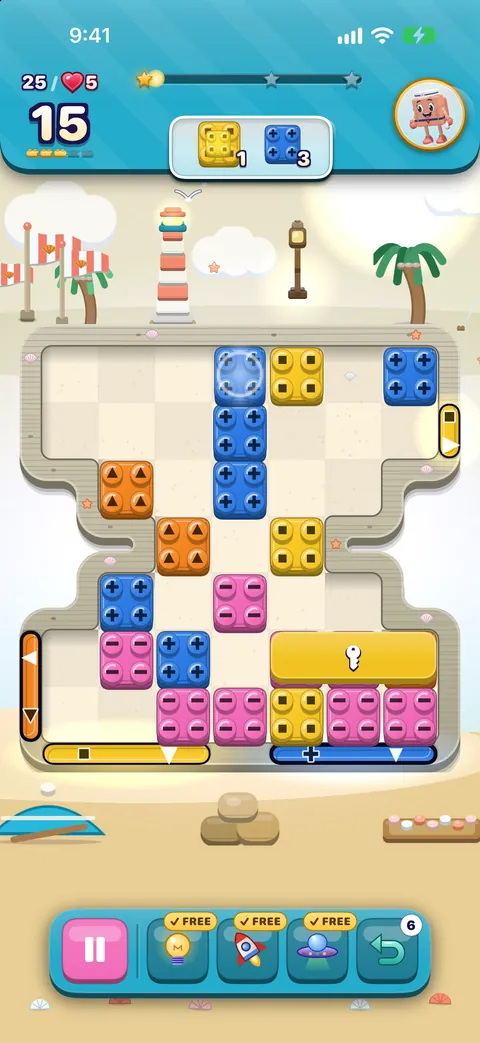
- Steps: “1. Open level 214. 2. Slide the red long brick left. 3. Use Undo.”
- What should happen: “The brick goes back to where it was.”
- What happened: “The brick disappeared and the moves counter went up by two.”
- Does it happen every time? After a restart? On another level?
Accessibility problems
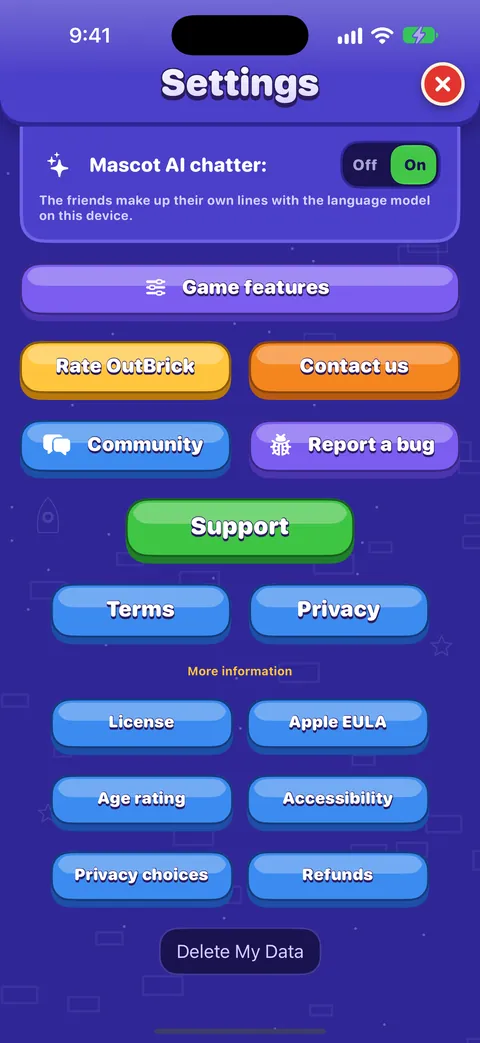
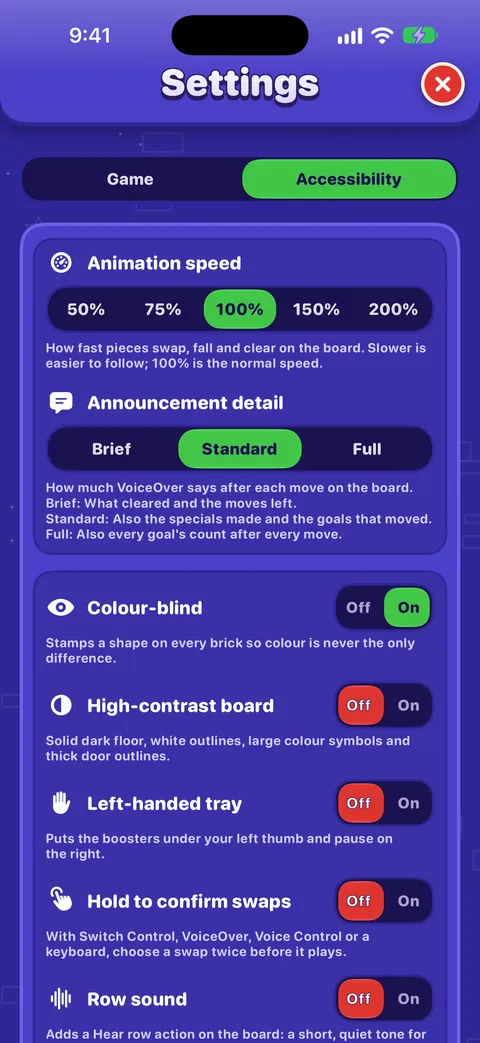
- Name the technology and its settings: VoiceOver (with your speech rate or Braille display if relevant), Voice Control, Switch Control (auto or manual scanning), Zoom, Larger Text size.
- Quote exactly what VoiceOver said, or the command Voice Control did not understand.
- Say where focus was before and after, which gesture or action you used, and which rotor was selected.
- Post it in Accessibility if you prefer: the team reads it most closely.
Screenshots and recordings
- Screenshot: press the side button and volume up together.
- Screen recording: add Screen Recording in Control Center, start it, reproduce the bug, then stop it.
- Crop out your name, email and anything personal, and describe the picture in its alt text.
After you post
The team sets a status on every bug report: New, Confirmed, Fixed, Released, Not a bug or Duplicate, sometimes with a note such as “Fixed in 5.1.1”. Watch the thread to get an email when it changes. For anything private, use the contact form.
Pomohol ti tento návod?
Keep reading
Troubleshooting common problems
Quick fixes for missing progress, purchases that did not arrive, lives that seem stuck, no sound, missing notifications, widgets, videos that will not load and VoiceOver focus problems.Using the OutBrick Community
Signing in, choosing the right category, starting a thread, formatting, marking a solution, following threads and email, translations, voting on ideas, and keeping your details private.Accessibility in OutBrick: start here
Every way OutBrick adapts to you, from VoiceOver and Switch Control to colour-blind symbols, a high-contrast board, slower animation and no timers, with a starting point for your needs.Hra s VoiceOverom
How the board reads, how to slide and swap with actions, the rotors, every gesture, what you hear after a move and how to get a free hint.
Každú správu číta človek z tímu. Snažíme sa odpovedať do dvoch pracovných dní.
Stále si zaseknutý (zaseknutá)?
Stále si zaseknutý (zaseknutá)?
Opýtaj sa komunity. Tím aj ostatní hráči odpovedajú verejne a tvoja e-mailová adresa sa nikdy nezobrazí.
Opýtaj sa komunityNašiel (našla) si chybu?
Dobré hlásenie sa opraví rýchlejšie. Formulár na chyby sa pýta presne na to, čo potrebujeme.
Nahlásiť chybuRadšej napíšeš súkromne?
Kontaktný formulár sa dostane k tomu istému tímu, súkromne. Použi ho pri nákupoch a všetkom osobnom.
Kontaktovať podporu