




打開設定
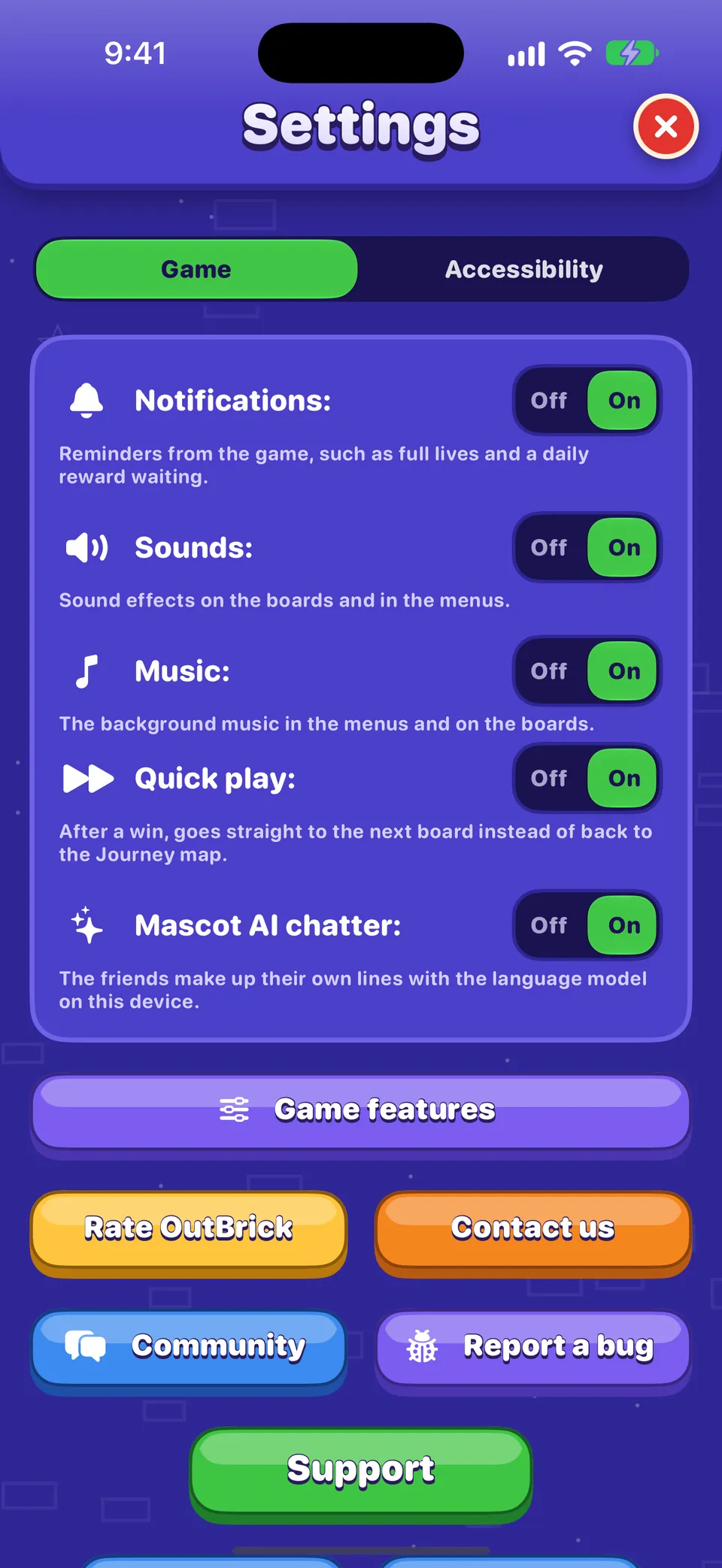
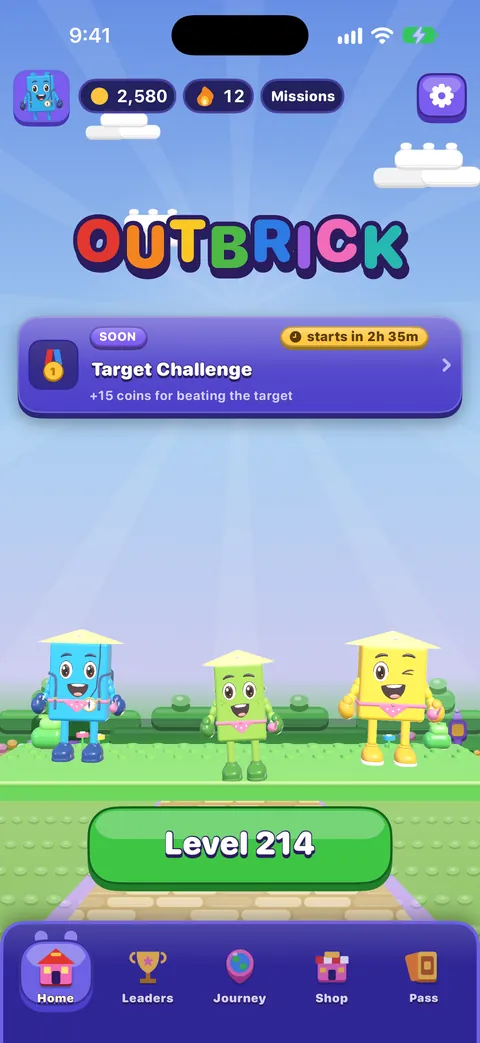
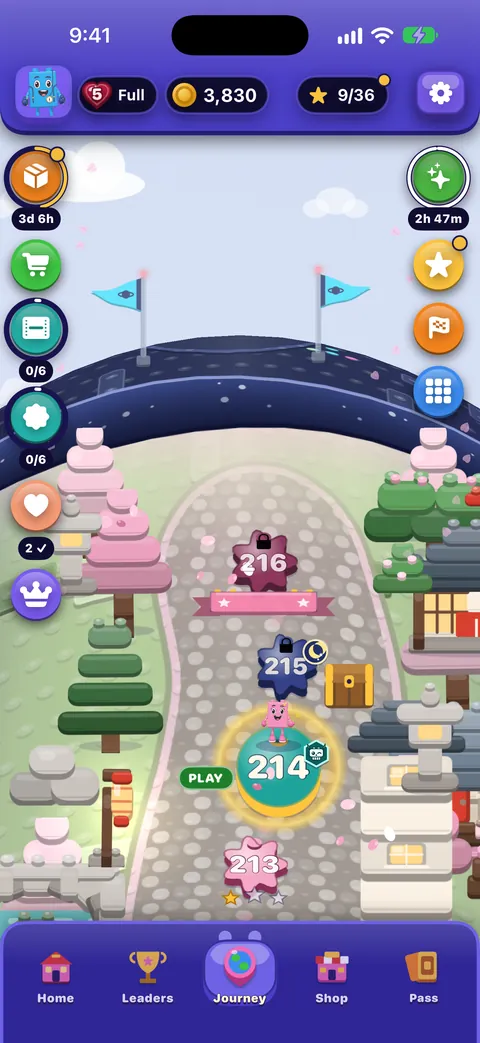
點一下首頁或旅程右上角的齒輪。「設定」會佔滿整個畫面;紅色的 × 會關閉它(鍵盤上的 Esc 或使用 VoiceOver 時的兩指來回滑動也可以)。它有兩個標籤頁:先打開的遊戲,以及輔助使用。
每個開關都顯示關 | 開,下方有一行字說明它的作用。VoiceOver 會把那行字當作開關的提示唸出來。
「遊戲」標籤頁
| 設定 | 作用 | 預設值 |
|---|---|---|
| 通知 | Reminders from the game, such as full lives and a daily reward waiting. Switching it on asks iOS for permission if it never has. | On |
| Sounds | Sound effects on the boards and in the menus. | On |
| Music | The background music in the menus and on the boards. | On |
| Haptics | Taps you feel as pieces move, match and land. Only on devices that can vibrate. | On |
| 快速遊戲 | After a win, goes straight to the next board instead of back to the Journey map. | On |
| 夥伴 AI 聊天 | The friends make up their own lines with the language model on your device. Only shown where Apple’s on-device model is available in your language. | On |
| 在排行榜上顯示我 | Publishes your player name and level to everyone on the Leaders tab. Turning it off removes you. | On |
小知識
棋盤進行中,暫停選單裡也有音效、音樂和觸覺回饋。如果 OutBrick 的專注模式過濾條件正在改變音效或提醒,音樂下方會有一行字說明;你自己的設定絕不會被更改。
開關下方的按鈕
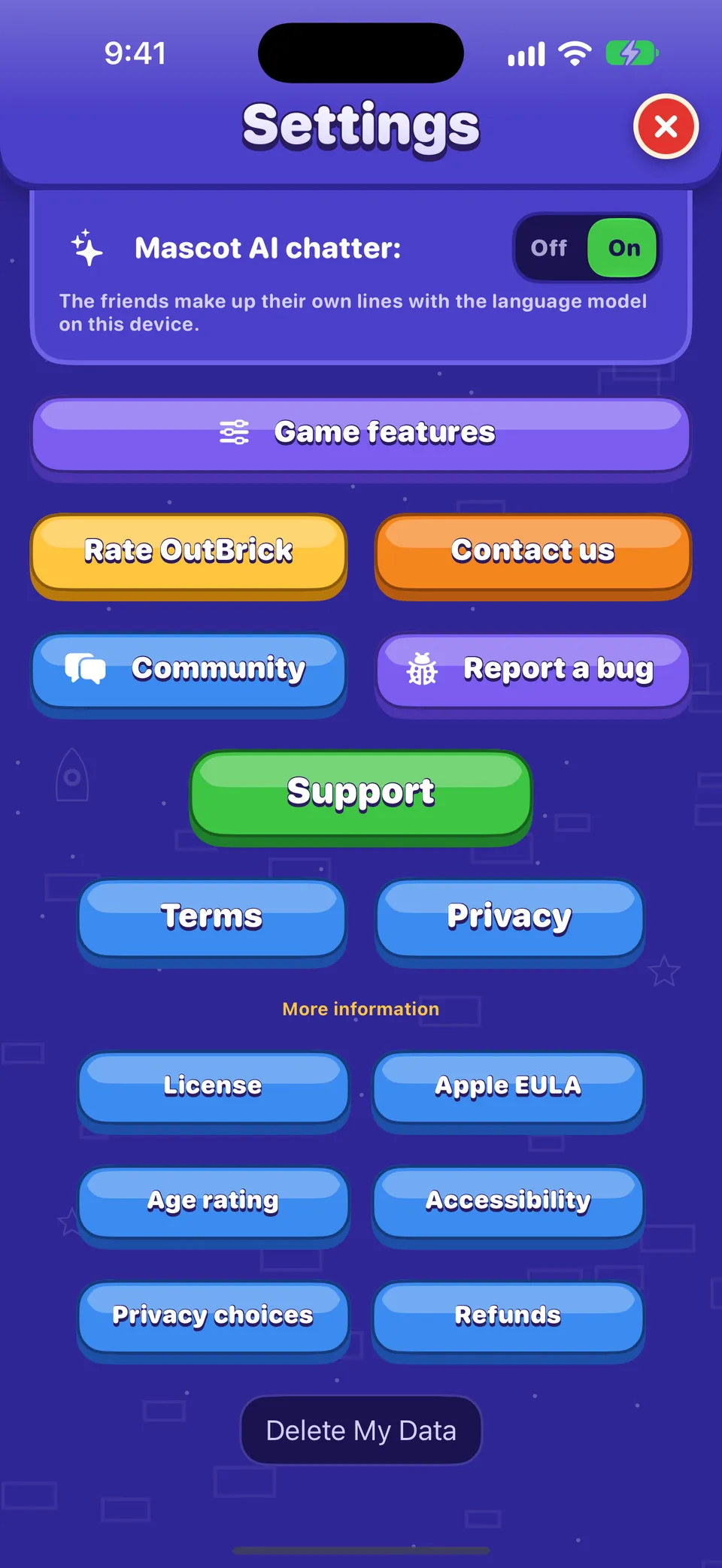
- 遊戲功能
- 如果你不想看到救援夥伴、村莊賽跑、積木生存賽、夥伴賽跑或地圖上的優惠,可以把它們關掉。已獲得的東西都不會消失。
- 為 OutBrick 評分
- 打開 App Store 的評論頁面。評分沒有任何獎勵,遊戲一年也只會詢問幾次,絕不會在輸了或購買之後詢問。
- 聯絡我們
- 在遊戲中打開我們的聯絡表單:私下聯絡團隊的方式。
- 社群
- 在 Safari 中打開這個社群。
- 回報問題
- 在 Safari 中打開一份問題回報,已經填好你的裝置、iOS 版本、遊戲版本、輔助使用設定和關卡。請見如何好好回報問題。
- 廣告選項
- 只會在需要廣告同意表單的地方顯示(例如歐盟和英國)。會再次打開表單,讓你更改選擇。
- 刪除我的資料
- 重設這台裝置上的進度,並要求 iCloud 刪除你的存檔。請見進度、iCloud 和隱私權。
小知識
社群和回報問題會在遊戲外的 Safari 中打開,因為社群是給 16 歲以上的人使用的,而遊戲本身的分級是 4+。
「輔助使用」標籤頁
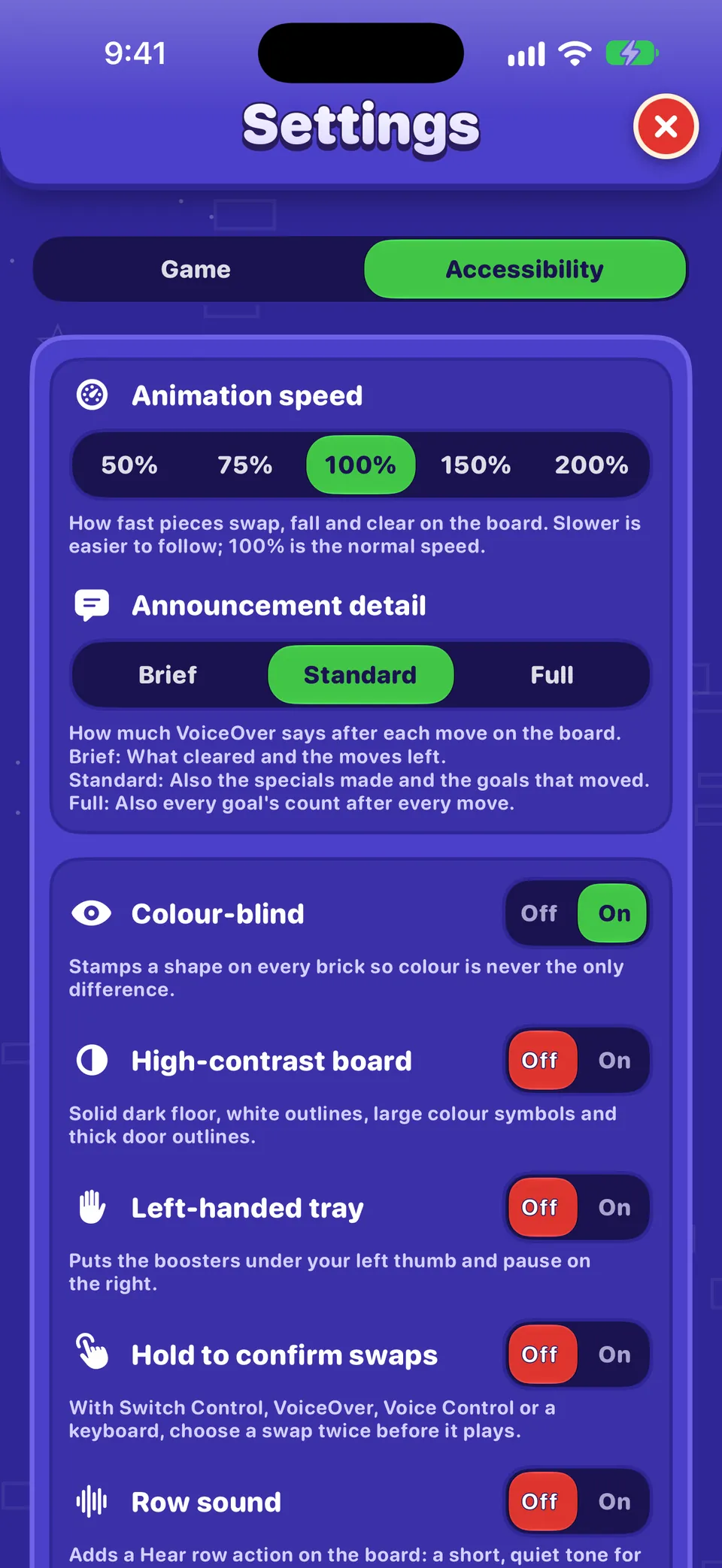
動畫速度、播報詳細程度、色覺輔助、高對比棋盤、左手模式道具列、交換前再確認和整列音效,都在 OutBrick 的輔助使用中有說明。
不在「設定」裡的東西
- 回復購買項目:在商店的最下方。
- 你的名字、頭像和旗幟:在你的個人檔案中(點一下你的頭像)。
- 遊戲的版本號碼:在你的個人檔案最下方。
- 語言:OutBrick 會跟隨你 iPhone 的語言。如果只想為 OutBrick 選擇其他語言,請打開 iPhone 的「設定」›「App」›「OutBrick」›「語言」。
- 即時動態和通知樣式:在 iPhone 的「設定」›「App」›「OutBrick」中。
這份指南有幫助嗎?
Keep reading
OutBrick 的輔助使用:從這裡開始
OutBrick 配合你的每一種方式,從 VoiceOver 和切換控制,到色覺輔助符號、高對比棋盤、較慢的動畫和沒有計時器,並依你的需求提供起點。小工具、Siri、捷徑和其他 Apple 功能
主畫面和鎖定畫面小工具、控制中心、即時動態、Siri 指令、Spotlight、接力、「訊息」挑戰、通知和 App 圖像標記、專注模式過濾條件,以及 Game Center。進度、iCloud、新裝置和隱私權
你的進度如何儲存並透過 iCloud 同步、換到新的 iPhone、分享了什麼以及分享給誰、廣告和追蹤選項,以及如何刪除你的資料。所有選單導覽
底部列、首頁、旅程地圖、商店、積木通行證、排行、你的個人檔案、收藏和設定:每一個是做什麼的,以及怎麼前往。
每則訊息都由團隊成員閱讀。我們會盡量在兩個工作天內回覆。