




主畫面小工具
按住主畫面上的空白處,點一下「編輯」›「加入小工具」,再搜尋 OutBrick。有些小工具可以設定:按住它,再點一下編輯小工具。
| 小工具 | 顯示 |
|---|---|
| Next Level / Continue | Jumps straight into your next board. |
| 旅程 | Your level, boards cleared, Brick Pass tier and next reward. |
| 每日積木 | Your daily coins and streak. |
| Streak and Streak Calendar | Your day streak. The Streak widget also sets the hour of your streak reminder (9:00 to 21:00). |
| 生命 | Lives in your tank and when the next one comes. Also on the Lock Screen. |
| Mascot of the Day and Mascot Mood | A friend: one you choose, or “Surprise me”. |
| Chapter and Chapter Map | Progress through a chapter: the current one, or any you choose. |
| Events and Season Countdown | The live or next event, and time left in the season. |
| Brick Pass and Next Reward | Your tier and what comes next. |
| Coins & Boosters | Your coins and boosters. |
| 收藏 | Your latest cards. |
| Play Random | A random board, played right in the widget on iOS 17 and later. |
| This Week | Your best margins this week. |
| Wrist & Phone | Your Apple Watch level beside your iPhone level. |
鎖定畫面:OutBrick 小工具、連續天數環、金幣、每日積木、下一關、活動倒數和積木通行證,還有顯示你的連續天數、關卡或每日積木的小型單行小工具。
控制中心和即時動態
- 控制中心(iOS 18 以上):打開它,點一下 +,再點加入控制項並搜尋 OutBrick。有繼續關卡、打開旅程、打開商店和隨機關卡的按鈕,音樂和色覺輔助圖案的開關,以及顯示你的連續天數、生命和一位夥伴的狀態控制項。
- 即時動態:你玩棋盤時,它的進度會顯示在鎖定畫面和動態島上。離開遊戲時,它會說你的棋盤還在等你;過關時,它會顯示你的結果。點一下就能回去。在 iPhone 的「設定」›「App」›「OutBrick」中可以關閉即時動態。
Siri 和捷徑
對 Siri 說其中任何一句,或在捷徑 App 的 OutBrick 底下找到它們。問題會直接回答,不用打開遊戲。
| 說 | 會發生什麼 |
|---|---|
| “Play OutBrick” · “Continue my OutBrick journey” | Opens your next board. |
| “Play level 120 in OutBrick” | Opens that level (one you have reached). |
| “Open Garden City in OutBrick” | Opens a village on the map. |
| “Meet Bloo in OutBrick” | Visits a friend. |
| “What level am I on in OutBrick” | Tells you your level and progress. |
| “How many lives do I have in OutBrick” · “When is my next life in OutBrick” | Tells you your lives. |
| “How many stars do I have in OutBrick” | Counts your stars. |
| “Is my OutBrick streak safe” | Tells you your streak and today’s Daily Brick. |
| “How many coins do I have in OutBrick” | Tells you your coins and boosters. |
| “When does the OutBrick event end” | Tells you the time left in the event. |
「捷徑」也提供一些動作,例如說明我的下一步、設定音樂、設定色覺輔助圖案、打開任務和隨機玩一關。
Spotlight、接力和快速動作
- Spotlight:在主畫面上向下滑,就能搜尋你已到達的關卡、村莊、章節、夥伴、活動,或「輔助使用設定」和「積木通行證」等畫面。
- 快速動作:按住 OutBrick 圖像,就有開始下一關、旅程和商店。
- 接力:在一台裝置上開始一個棋盤,再到另一台登入同一個 Apple 帳號的裝置上繼續。
- 視覺智慧(iOS 26 以上):把相機對準 OutBrick 的插圖,或截下它的畫面,就能找到相符的村莊、夥伴或關卡。它完全在你的裝置上執行。
「訊息」中的挑戰和貼圖
在「訊息」對話中,點一下 +,需要的話再點更多,然後點 OutBrick。你可以把關卡當作挑戰卡片傳送,或傳一張夥伴的貼圖。沒有這款遊戲的朋友會收到一個連結,打開這個網站上的一個頁面。
通知和 App 圖像標記
- 遊戲啟動時絕不會要求通知權限。第三次過關後,它會詢問是否讓 Bloo 幫你記住進度;選擇現在不要就會等一週再問。
- 每 20 小時最多一則通知,而且絕不在 22:00 到 09:00 之間。每則通知都提供開始、稍後(三小時)或明天再提醒。
- 提醒包括:你離開的棋盤、生命已補滿、任務可以領取、你的連續天數(在你於「連續天數」小工具中選擇的時間,預設是 20:30)、活動開始、賽季即將結束,以及週日回顧。
- App 圖像標記會計算等你領取的獎勵(可領取的任務、積木通行證階級、村莊星星獎勵、今天第一次過關),最多到九。打開遊戲就會清除它,但不會領取任何東西。
- 在「設定」›「遊戲」›「通知」或 iPhone 的「設定」中關閉提醒。
專注模式過濾條件
在 iPhone 的「設定」›「專注模式」中,選擇一個專注模式,再點「加入過濾條件」›「OutBrick」。該專注模式開啟時,OutBrick 可以關閉音樂(或音樂和音效)、暫停提醒並隱藏 App 圖像標記。
Game Center
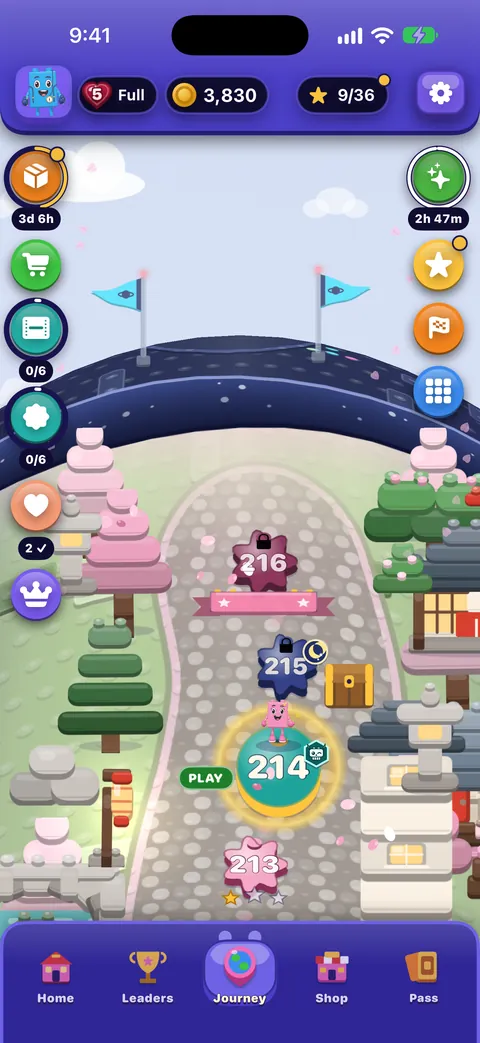
在 iPhone 的「設定」中登入 Game Center,就能解鎖 65 個成就(其中前 50 個章節各有一個),以及最高關卡、總過關次數、今日和本週的排行榜。可以從旅程上的徽章或暫停選單打開 Game Center。遊戲中的「排行」標籤頁是另一個獨立的總排行榜。
這份指南有幫助嗎?
Keep reading
每一項設定的說明
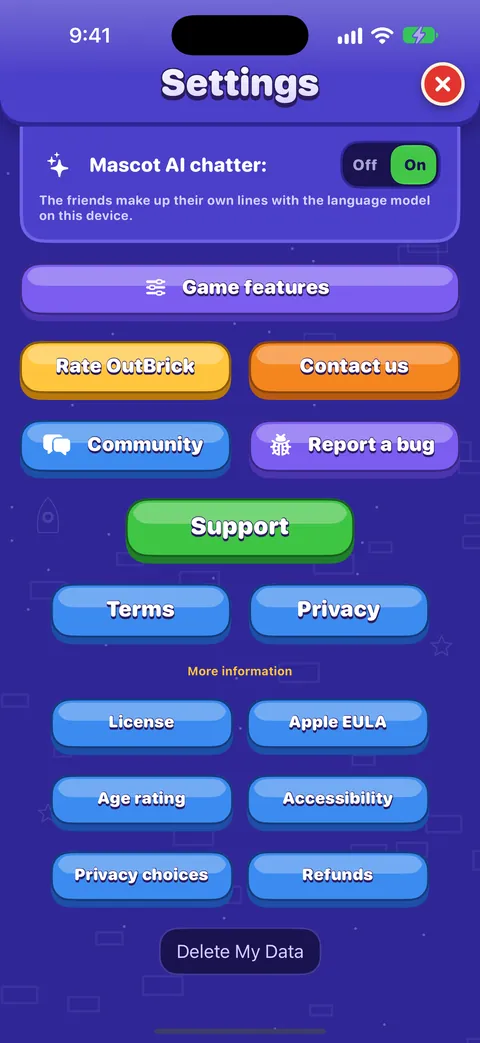
「設定」中「遊戲」和「輔助使用」標籤頁上的每個開關和按鈕:它的作用、預設值,以及支援、社群和隱私權連結會帶你去哪裡。進度、iCloud、新裝置和隱私權
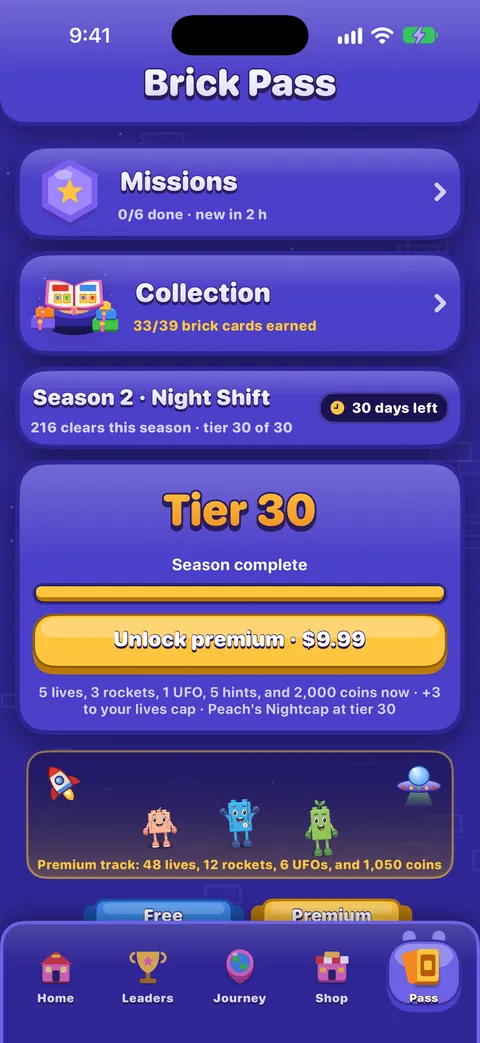
你的進度如何儲存並透過 iCloud 同步、換到新的 iPhone、分享了什麼以及分享給誰、廣告和追蹤選項,以及如何刪除你的資料。獎勵、活動和積木通行證
每日積木和連續天數、積木轉盤、任務、積木通行證、活動和賽跑,以及排行榜。OutBrick 的輔助使用:從這裡開始
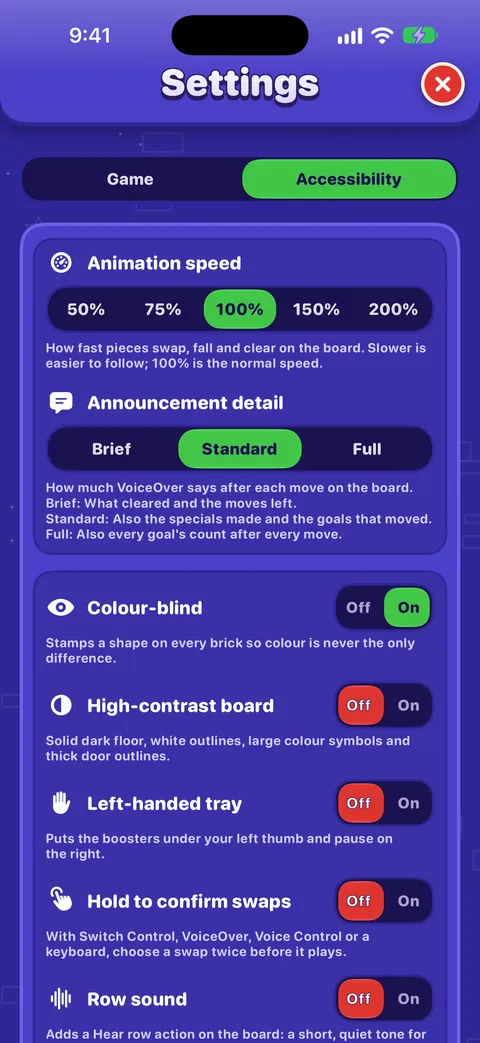
OutBrick 配合你的每一種方式,從 VoiceOver 和切換控制,到色覺輔助符號、高對比棋盤、較慢的動畫和沒有計時器,並依你的需求提供起點。
每則訊息都由團隊成員閱讀。我們會盡量在兩個工作天內回覆。