




Home Screen widgets
Touch and hold an empty part of your Home Screen, tap Edit › Add Widget, and search for OutBrick. Some widgets can be set up: touch and hold one, then tap Edit Widget.
| Widget | Shows |
|---|---|
| Next Level / Continue | Jumps straight into your next board. |
| Putovanje | Your level, boards cleared, Brick Pass tier and next reward. |
| Daily Brick | Your daily coins and streak. |
| Streak and Streak Calendar | Your day streak. The Streak widget also sets the hour of your streak reminder (9:00 to 21:00). |
| Životi | Lives in your tank and when the next one comes. Also on the Lock Screen. |
| Mascot of the Day and Mascot Mood | A friend: one you choose, or “Surprise me”. |
| Chapter and Chapter Map | Progress through a chapter: the current one, or any you choose. |
| Events and Season Countdown | The live or next event, and time left in the season. |
| Brick Pass and Next Reward | Your tier and what comes next. |
| Coins & Boosters | Your coins and boosters. |
| Collection | Your latest cards. |
| Play Random | A random board, played right in the widget on iOS 17 and later. |
| This Week | Your best margins this week. |
| Wrist & Phone | Your Apple Watch level beside your iPhone level. |
Lock Screen: an OutBrick widget, Streak Ring, Coins, Daily Brick, Next Level, Event Countdown and Brick Pass, plus small inline lines for your streak, level or Daily Brick.
Control Center and Live Activities
- Control Center (iOS 18 and later): open it, tap +, then Add a Control and search for OutBrick. There are buttons for Continue level, Open Journey, Open Shop and Random level, switches for Music and Colour-blind glyphs, and status controls for your streak, lives and a friend.
- Live Activity: while you play a board, its progress shows on the Lock Screen and in the Dynamic Island. Leave the game and it says your board is waiting; clear it and it shows your result. Tap it to go back. Turn Live Activities off in the iPhone Settings › Apps › OutBrick.
Siri and Shortcuts
Say any of these to Siri, or find them in the Shortcuts app under OutBrick. Questions are answered without opening the game.
| Say | Što se događa |
|---|---|
| “Play OutBrick” · “Continue my OutBrick journey” | Opens your next board. |
| “Play level 120 in OutBrick” | Opens that level (one you have reached). |
| “Open Garden City in OutBrick” | Opens a village on the map. |
| “Meet Bloo in OutBrick” | Visits a friend. |
| “What level am I on in OutBrick” | Tells you your level and progress. |
| “How many lives do I have in OutBrick” · “When is my next life in OutBrick” | Tells you your lives. |
| “How many stars do I have in OutBrick” | Counts your stars. |
| “Is my OutBrick streak safe” | Tells you your streak and today’s Daily Brick. |
| “How many coins do I have in OutBrick” | Tells you your coins and boosters. |
| “When does the OutBrick event end” | Tells you the time left in the event. |
Shortcuts also offers actions such as Explain My Next Move, Set Music, Set Colour-blind Glyphs, Open Missions and Play a Random Level.
Spotlight, Handoff and quick actions
- Spotlight: swipe down on the Home Screen and search for a level you have reached, a village, a chapter, a friend, an event, or screens like “Accessibility settings” and “Brick Pass”.
- Quick actions: touch and hold the OutBrick icon for Play next level, Journey and Shop.
- Handoff: start a board on one device and continue it on another signed in to the same Apple Account.
- Visual Intelligence (iOS 26 and later): point the camera at, or take a screenshot of, OutBrick art to find the matching village, friend or level. It runs entirely on your device.
Challenges and stickers in Messages
In a Messages conversation, tap +, then More if you need to, then OutBrick. Send a level as a challenge card, or one of the friends’ stickers. Friends without the game get a link that opens a page on this website.
Notifications and the icon badge
- The game never asks for notifications at launch. After your third clear it asks whether Bloo may keep your place; Not now waits a week.
- At most one notification every 20 hours, and never between 22:00 and 09:00. Each one offers Play, Later (three hours) or Tomorrow.
- The reminders: a board you left, lives refilled, missions ready, your streak (at the hour you choose in the Streak widget, 20:30 by default), events starting, a season ending and a Sunday recap.
- The icon badge counts rewards waiting for you (claimable missions, Brick Pass tiers, village star rewards, today’s first clear), up to nine. Opening the game clears it without claiming anything.
- Turn reminders off in Settings › Game › Notifications, or in the iPhone Settings.
Focus filters
In the iPhone Settings › Focus, choose a Focus, then Add Filter › OutBrick. While that Focus is on, OutBrick can turn the music off (or music and sounds), pause reminders and hide the icon badge.
Game Center
Sign in to Game Center in the iPhone Settings to unlock 65 achievements (one for each of the first 50 chapters among them) and leaderboards for highest level, total clears, today and this week. Open Game Center from the badge on the Journey or from the Pause menu. The Leaders tab in the game is a separate, all-time board.
Je li ti ovaj vodič pomogao?
Keep reading
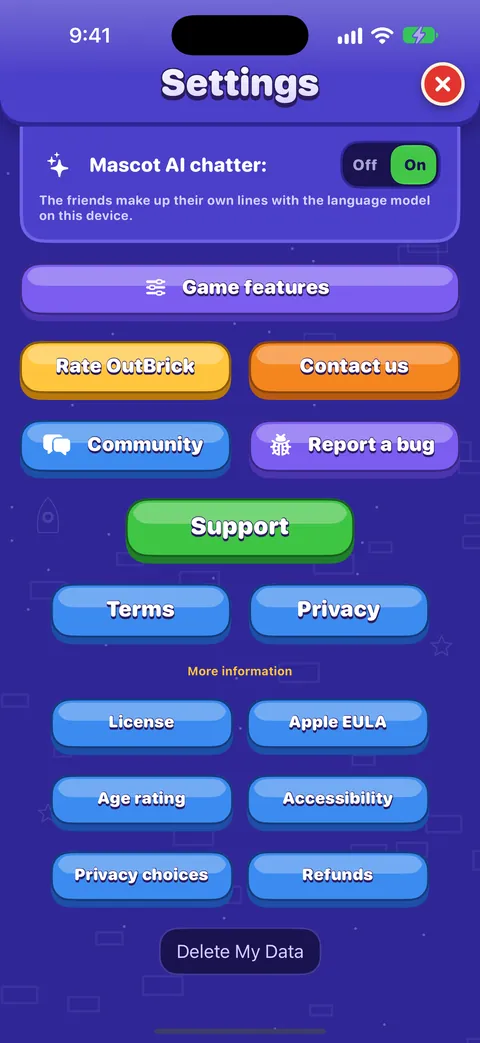
Every setting explained
Each switch and button on the Game and Accessibility tabs of Settings, what it does, what it starts as, and where the support, community and privacy links lead.Progress, iCloud, new devices and privacy
How your progress is saved and synced through iCloud, moving to a new iPhone, what is shared and with whom, advertising and tracking choices, and how to delete your data.Rewards, events and the Brick Pass
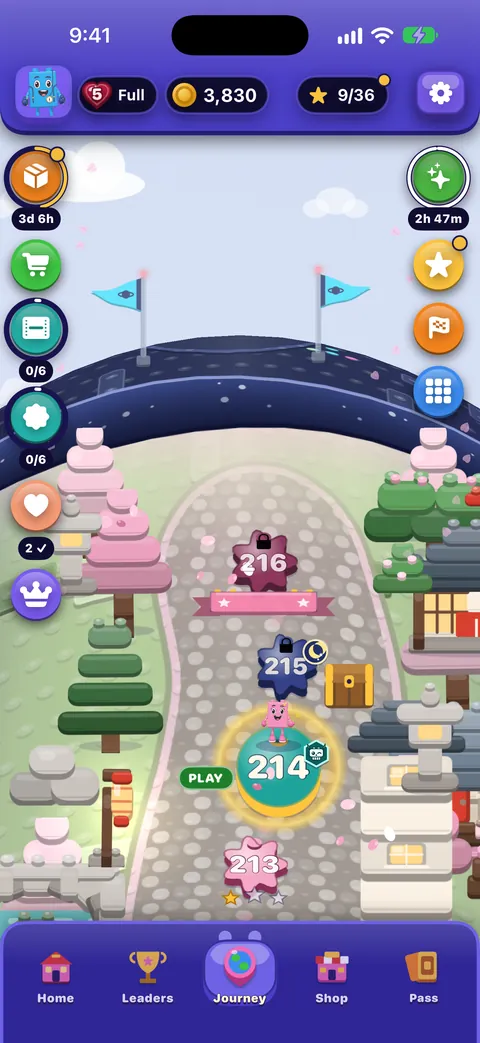
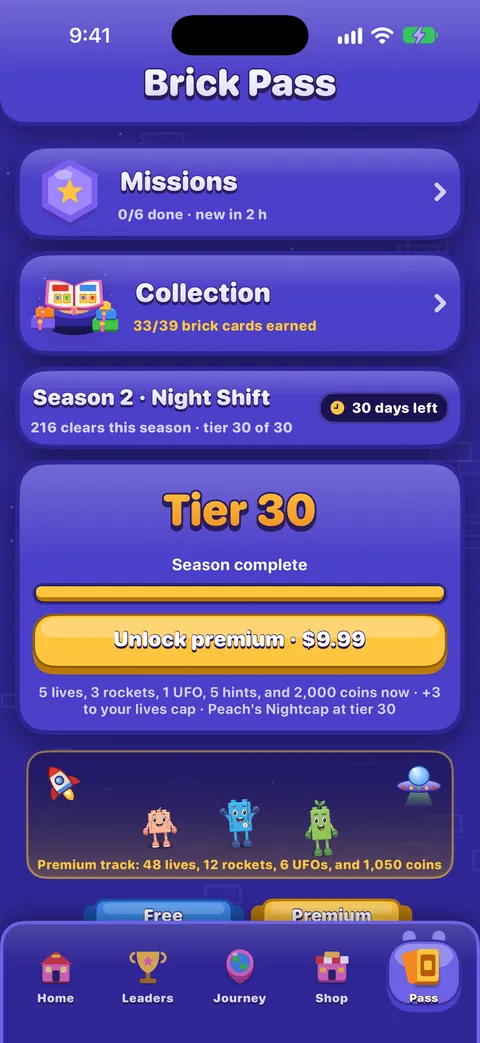
The Daily Brick and day streaks, the Brick Wheel, Missions, the Brick Pass, events and races, and the leaderboard.Accessibility in OutBrick: start here
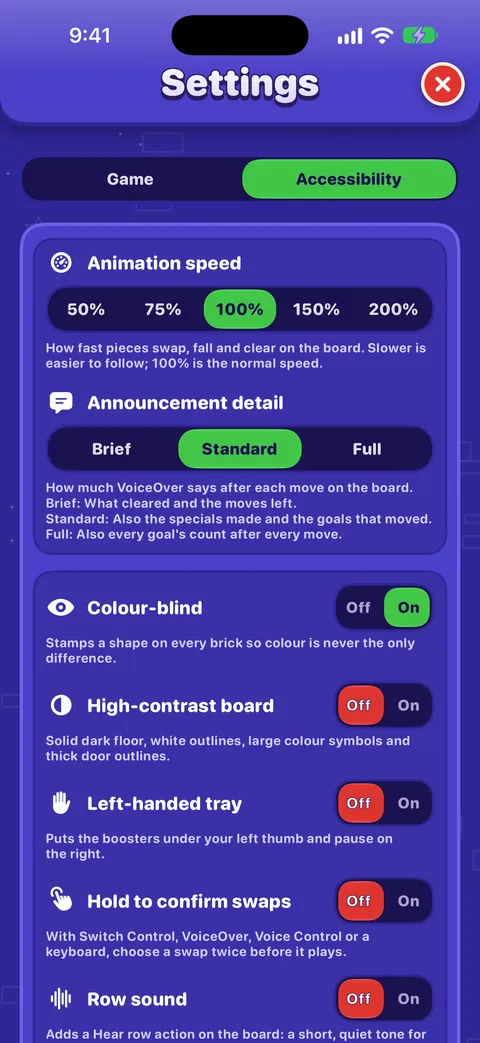
Every way OutBrick adapts to you, from VoiceOver and Switch Control to colour-blind symbols, a high-contrast board, slower animation and no timers, with a starting point for your needs.
Svaku poruku čita netko iz tima. Nastojimo odgovoriti u roku od dva radna dana.
Još si zapeo?
Još si zapeo?
Pitaj u zajednici. Tim i drugi igrači odgovaraju javno, a tvoja adresa e-pošte nikad se ne prikazuje.
Pitaj zajednicuPronašao si grešku?
Dobra prijava brže se popravi. Obrazac za greške traži točno ono što nam treba.
Prijavi greškuRadije bi pisao privatno?
Obrazac za kontakt stiže do istog tima, privatno. Koristi ga za kupnje i sve osobno.
Kontaktiraj podršku