




How your progress is saved
- Progress is saved on your device and, when you are signed in to iCloud, in your own iCloud account. There is no OutBrick account to create.
- iCloud keeps your level, stars, coins, boosters, lives and undos, streaks, Brick Pass, Collection, Wardrobe, name, avatar and stats, and your colour-blind choice.
- Sound, music, haptics, notifications and the board accessibility settings stay on each device.
- When two devices disagree, nothing is overwritten: the higher level and counts are kept, collections are combined, and coins spent on one device are never refunded by another.
Moving to a new iPhone or iPad
- On the new device, sign in to the same Apple Account and turn on iCloud.
- Install OutBrick from the App Store and open it. Your progress is fetched and merged when the game starts.
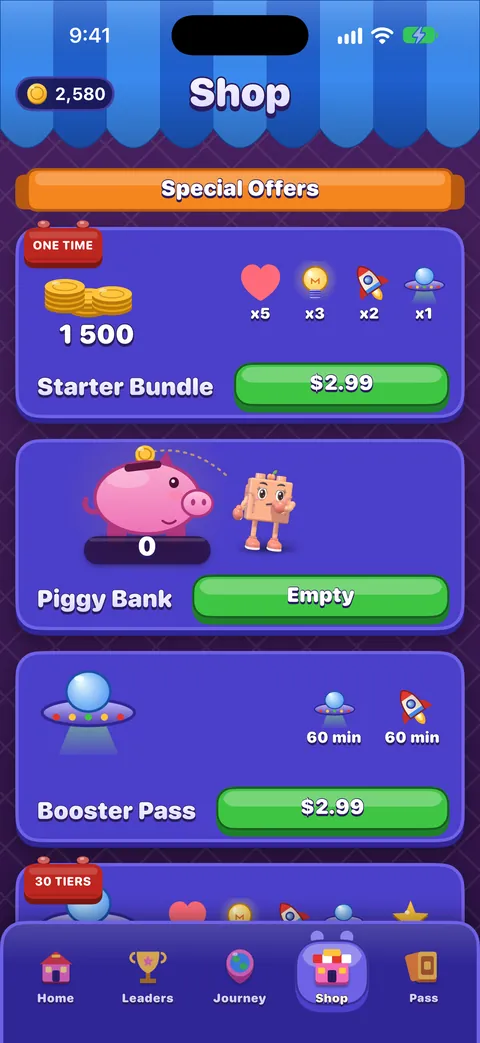
- Open the Shop, scroll to the bottom and tap Restore Purchase to bring back Remove Ads, Brick Pass seasons and Wardrobe items.
Važno
If you were signed out of iCloud on the old device, its progress was only on that device. Sign in to iCloud there and open OutBrick once before you switch.
Advertising and tracking choices
- iOS may ask whether OutBrick can track you. Ask App Not to Track works fine: videos still play and rewards still pay.
- In the EU, the UK and Switzerland, a consent form appears the first time you choose a video. Change your answer any time with Settings › Game › Advertising choices.
- More on our privacy choices page.
Deleting your data
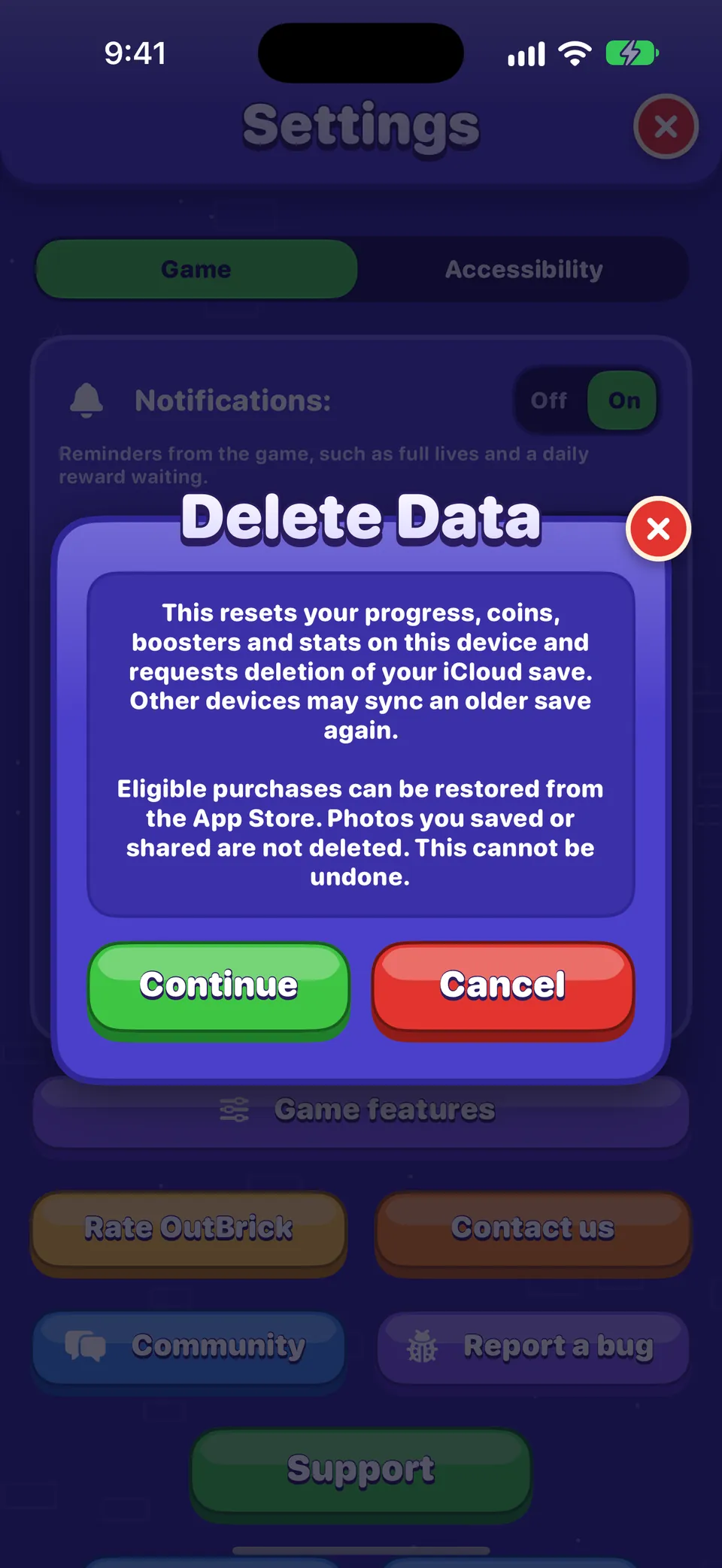
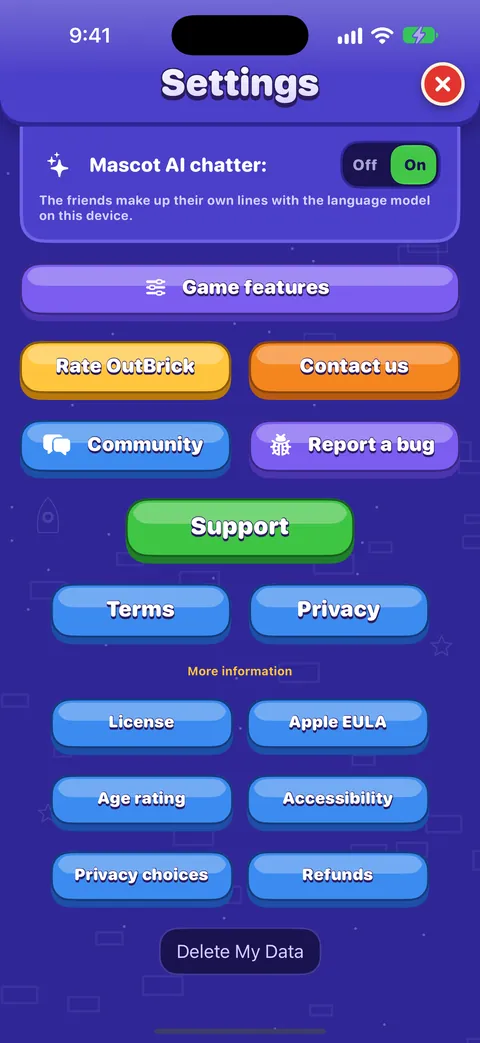
- Open Settings and scroll to the very bottom of the Game tab.
- Tap Delete My Data, read the card, and tap Continue.
This resets your progress, coins, boosters and stats on this device and asks iCloud to delete your save. Another device signed in to the same iCloud may sync an older save back, so do it there too. Purchases you own can be restored from the Shop afterwards, and photos you saved or shared are not touched. It cannot be undone.
Dobro je znati
Your community account is separate from the game. Delete it from your community Settings after signing in.
Je li ti ovaj vodič pomogao?
Keep reading
The Shop, purchases and restoring
What is on each shelf of the Shop, what Remove Ads and the Brick Pass do, how to restore purchases on a new device, and how refunds work.Every setting explained
Each switch and button on the Game and Accessibility tabs of Settings, what it does, what it starts as, and where the support, community and privacy links lead.Widgets, Siri, Shortcuts and other Apple features
Home Screen and Lock Screen widgets, Control Center, Live Activities, Siri phrases, Spotlight, Handoff, Messages challenges, notifications and the icon badge, Focus filters and Game Center.Troubleshooting common problems
Quick fixes for missing progress, purchases that did not arrive, lives that seem stuck, no sound, missing notifications, widgets, videos that will not load and VoiceOver focus problems.
Svaku poruku čita netko iz tima. Nastojimo odgovoriti u roku od dva radna dana.
Još si zapeo?
Još si zapeo?
Pitaj u zajednici. Tim i drugi igrači odgovaraju javno, a tvoja adresa e-pošte nikad se ne prikazuje.
Pitaj zajednicuPronašao si grešku?
Dobra prijava brže se popravi. Obrazac za greške traži točno ono što nam treba.
Prijavi greškuRadije bi pisao privatno?
Obrazac za kontakt stiže do istog tima, privatno. Koristi ga za kupnje i sve osobno.
Kontaktiraj podršku