




How your progress is saved
- Progress is saved on your device and, when you are signed in to iCloud, in your own iCloud account. There is no OutBrick account to create.
- iCloud keeps your level, stars, coins, boosters, lives and undos, streaks, Brick Pass, Collection, Wardrobe, name, avatar and stats, and your colour-blind choice.
- Sound, music, haptics, notifications and the board accessibility settings stay on each device.
- When two devices disagree, nothing is overwritten: the higher level and counts are kept, collections are combined, and coins spent on one device are never refunded by another.
Moving to a new iPhone or iPad
- On the new device, sign in to the same Apple Account and turn on iCloud.
- Install OutBrick from the App Store and open it. Your progress is fetched and merged when the game starts.
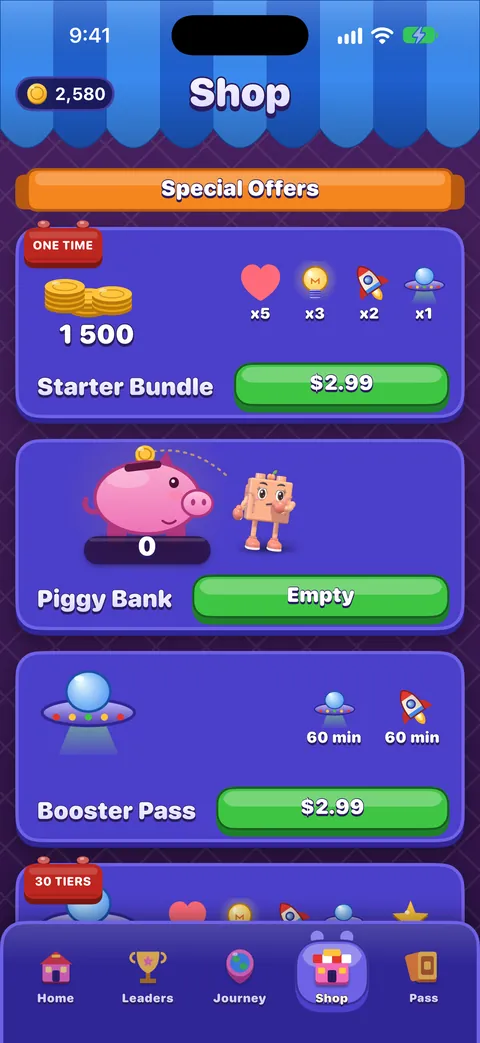
- Open the Shop, scroll to the bottom and tap Restore Purchase to bring back Remove Ads, Brick Pass seasons and Wardrobe items.
Důležité
If you were signed out of iCloud on the old device, its progress was only on that device. Sign in to iCloud there and open OutBrick once before you switch.
Advertising and tracking choices
- iOS may ask whether OutBrick can track you. Ask App Not to Track works fine: videos still play and rewards still pay.
- In the EU, the UK and Switzerland, a consent form appears the first time you choose a video. Change your answer any time with Settings › Game › Advertising choices.
- More on our privacy choices page.
Deleting your data
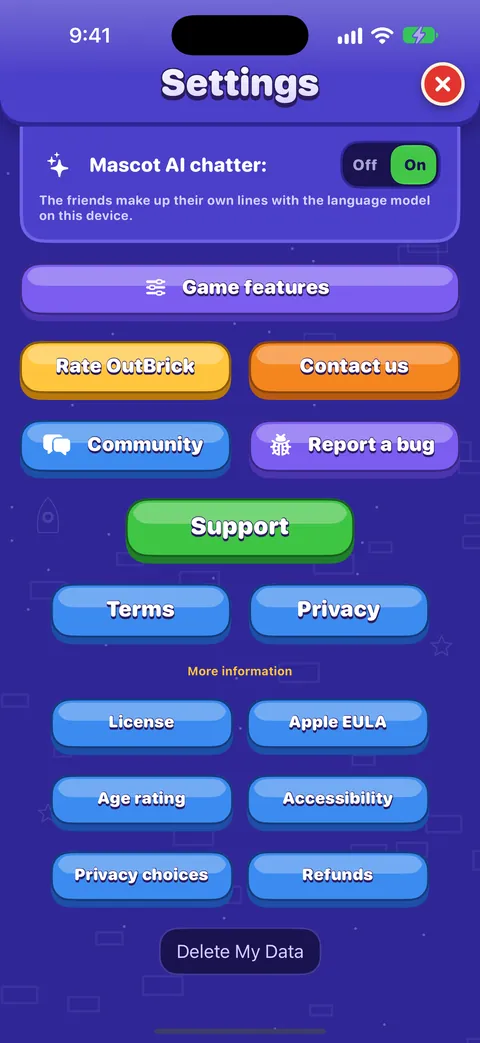
- Open Settings and scroll to the very bottom of the Game tab.
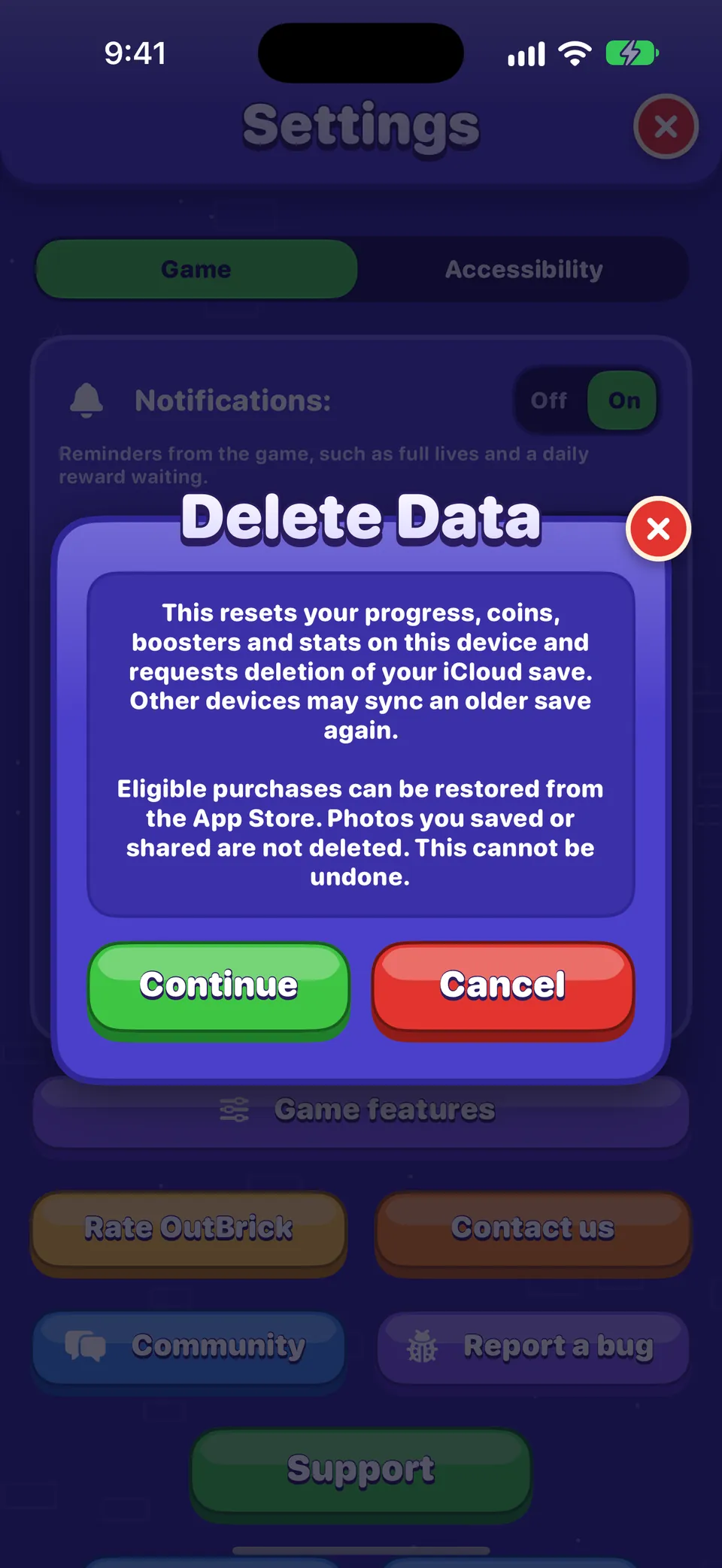
- Tap Delete My Data, read the card, and tap Continue.
This resets your progress, coins, boosters and stats on this device and asks iCloud to delete your save. Another device signed in to the same iCloud may sync an older save back, so do it there too. Purchases you own can be restored from the Shop afterwards, and photos you saved or shared are not touched. It cannot be undone.
Dobré vědět
Your community account is separate from the game. Delete it from your community Settings after signing in.
Pomohl ti tento návod?
Keep reading
The Shop, purchases and restoring
What is on each shelf of the Shop, what Remove Ads and the Brick Pass do, how to restore purchases on a new device, and how refunds work.Every setting explained
Each switch and button on the Game and Accessibility tabs of Settings, what it does, what it starts as, and where the support, community and privacy links lead.Widgets, Siri, Shortcuts and other Apple features
Home Screen and Lock Screen widgets, Control Center, Live Activities, Siri phrases, Spotlight, Handoff, Messages challenges, notifications and the icon badge, Focus filters and Game Center.Troubleshooting common problems
Quick fixes for missing progress, purchases that did not arrive, lives that seem stuck, no sound, missing notifications, widgets, videos that will not load and VoiceOver focus problems.
Každou zprávu čte člověk z týmu. Snažíme se odpovědět do dvou pracovních dnů.
Pořád nevíš?
Pořád nevíš?
Zeptej se v komunitě. Tým i ostatní hráči odpovídají veřejně a tvoje e‑mailová adresa se nikdy nezobrazí.
Zeptat se komunityNašel(a) jsi chybu?
Dobré hlášení se opraví rychleji. Formulář pro chyby se ptá přesně na to, co potřebujeme.
Nahlásit chybuRaději napíšeš soukromě?
Kontaktní formulář se dostane ke stejnému týmu, ale soukromě. Použij ho pro nákupy a všechno osobní.
Kontaktovat podporu