




Opening Settings
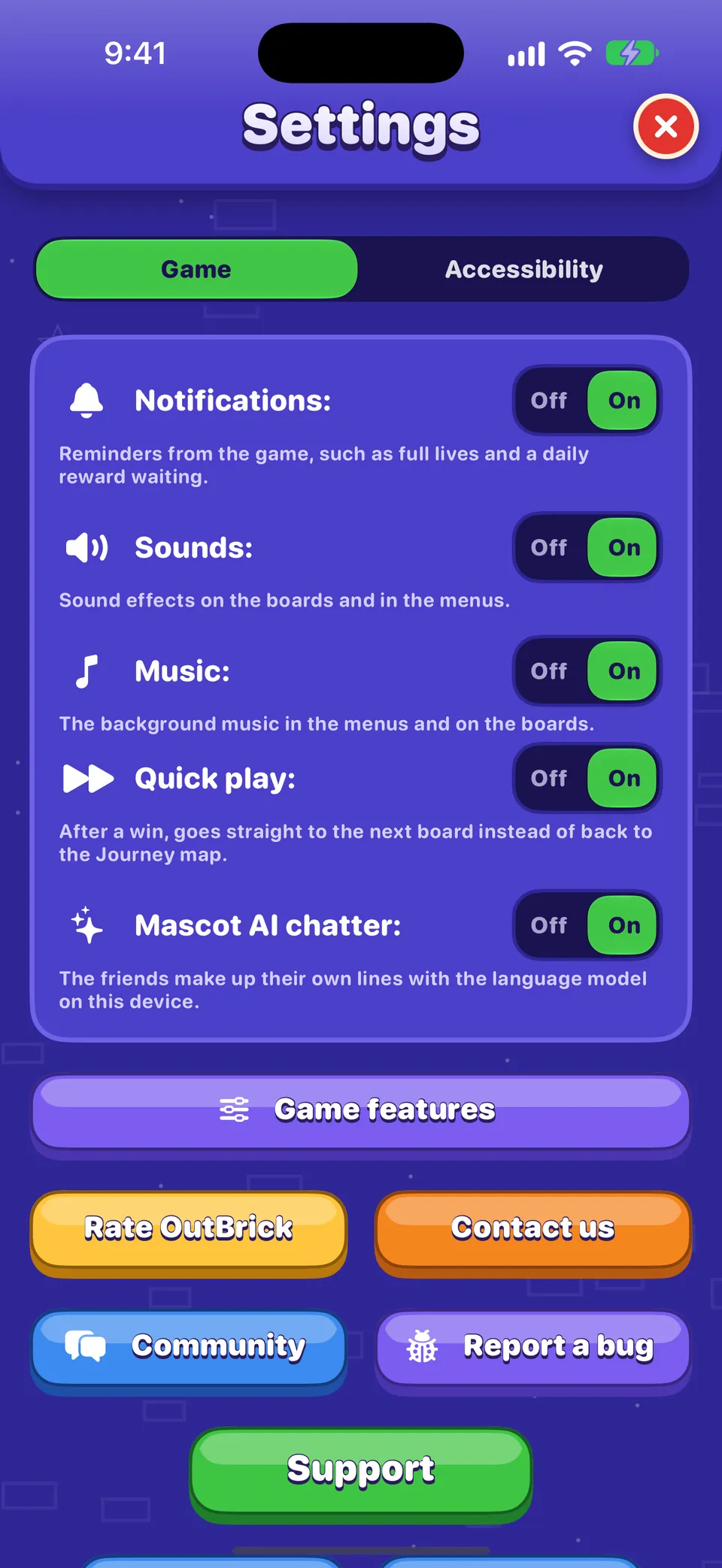
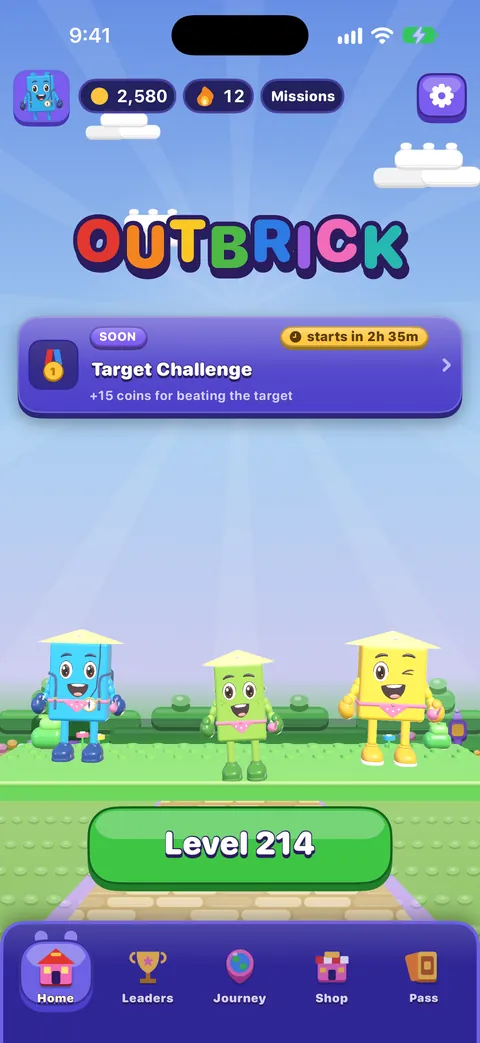
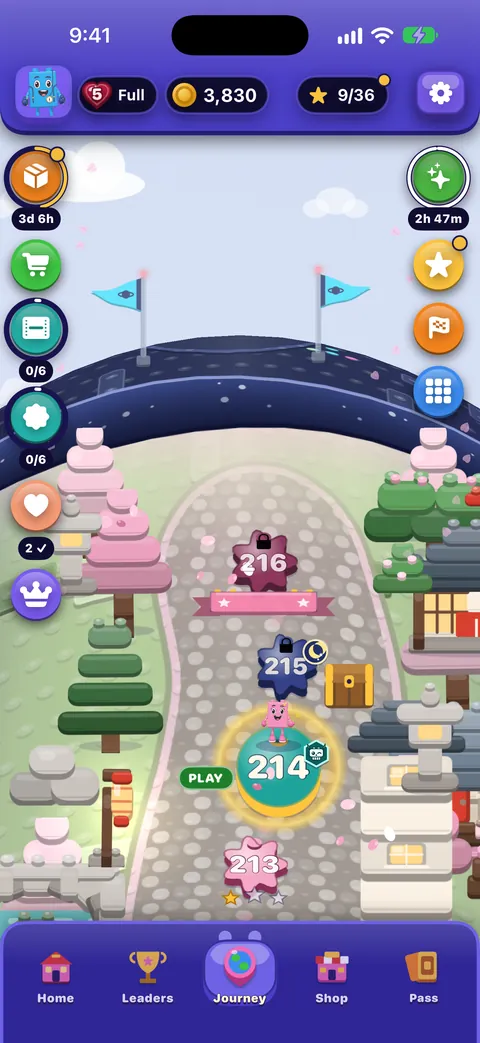
Tap the gear at the top right of Home or the Journey. Settings fills the screen; the red × closes it (so does Esc on a keyboard, or the two-finger scrub with VoiceOver). It has two tabs: Game, which opens first, and Accessibility.
Every switch shows Off | On, with the line under it explaining what it does. VoiceOver reads that line as the switch’s hint.
The Game tab
| Setting | What it does | Starts as |
|---|---|---|
| Thông báo | Reminders from the game, such as full lives and a daily reward waiting. Switching it on asks iOS for permission if it never has. | On |
| Sounds | Sound effects on the boards and in the menus. | On |
| Music | The background music in the menus and on the boards. | On |
| Haptics | Taps you feel as pieces move, match and land. Only on devices that can vibrate. | On |
| Quick play | After a win, goes straight to the next board instead of back to the Journey map. | On |
| Mascot AI chatter | The friends make up their own lines with the language model on your device. Only shown where Apple’s on-device model is available in your language. | On |
| Show me on the standings board | Publishes your player name and level to everyone on the Leaders tab. Turning it off removes you. | On |
Nên biết
Sounds, Music and Haptics are also in the Pause menu during a board. If an OutBrick Focus filter is changing sound or reminders, a line under Music says so; your own settings are never changed.
The buttons below the switches
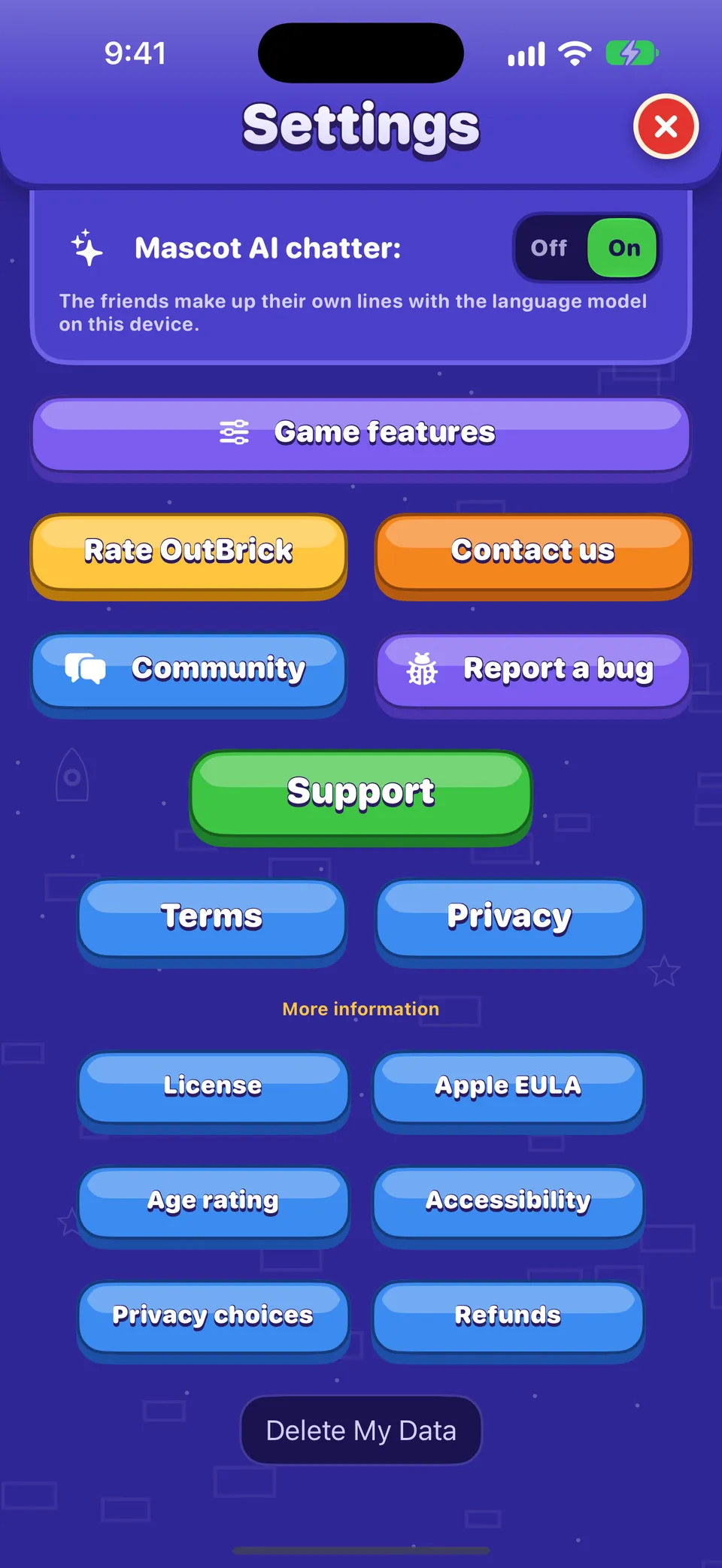
- Game features
- Switch off Friend Rescue, Village Race, Brick Royale, Crew Race or Offers on the map if you would rather not see them. Nothing you have earned is lost.
- Rate OutBrick
- Opens the App Store’s review page. There is no reward for rating, and the game only asks a few times a year, never after a loss or a purchase.
- Contact us
- Opens our contact form inside the game: the private way to reach the team.
- Cộng đồng
- Opens this community in Safari.
- Báo lỗi
- Opens a bug report in Safari with your device, iOS version, game version, accessibility settings and level already filled in. See Reporting a bug well.
- Lựa chọn quảng cáo
- Only shown where an ad-consent form is required (for example in the EU and the UK). Reopens it so you can change your choice.
- Support, Terms, Privacy
- Our support, terms and privacy policy pages.
- More information
- License, Apple EULA, Age rating, Accessibility, Privacy choices and Refunds.
- Delete My Data
- Resets your progress on this device and asks iCloud to delete your save. See Progress, iCloud and privacy.
Nên biết
Community and Report a bug open in Safari, outside the game, because the community is a place for people aged 16 and over and the game itself is rated 4+.
The Accessibility tab
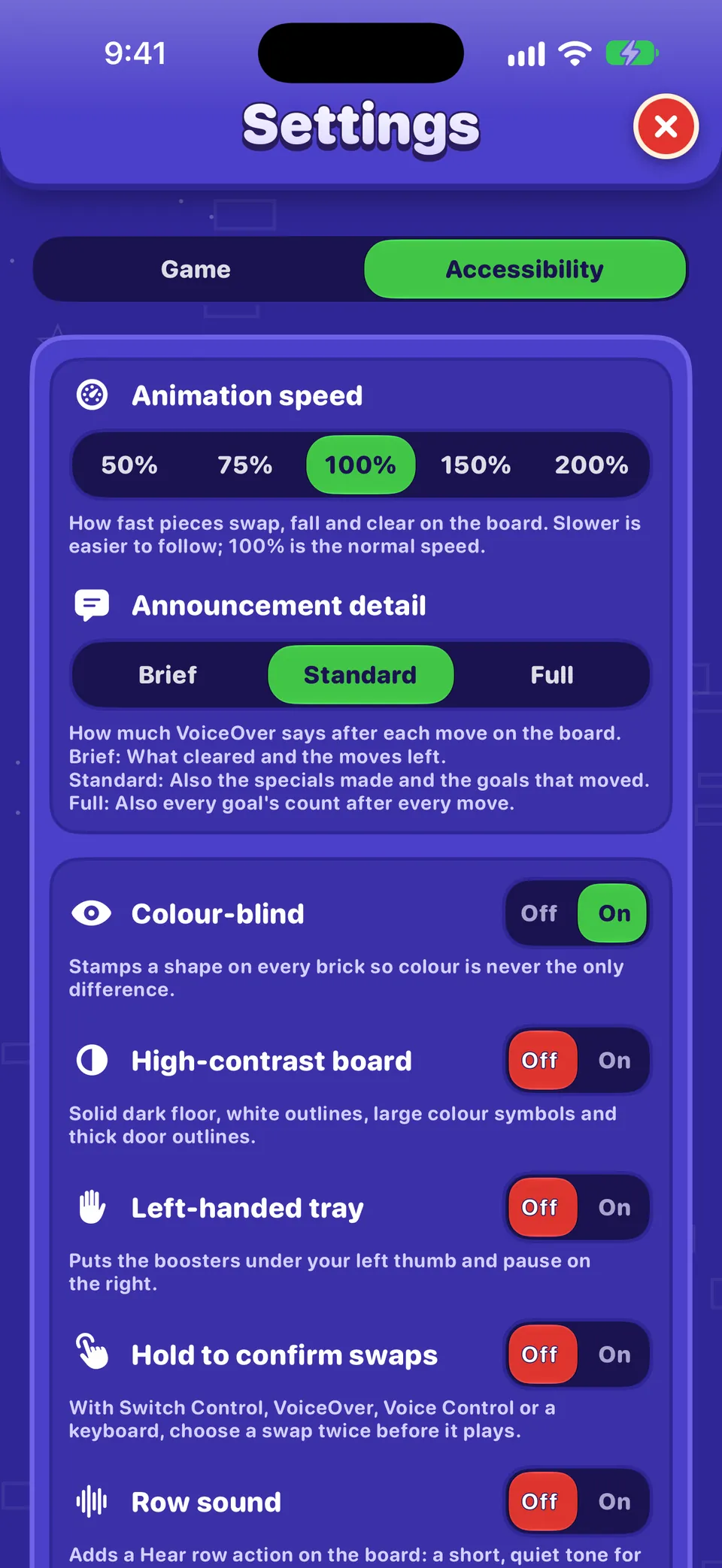
Animation speed, Announcement detail, Colour-blind, High-contrast board, Left-handed tray, Hold to confirm swaps and Row sound are each explained in Accessibility in OutBrick.
Things that are not in Settings
- Restore purchases: at the bottom of the Shop.
- Your name, avatar and flag: in your Profile (tap your avatar).
- The game’s version number: at the foot of your Profile.
- Language: OutBrick follows your iPhone’s language. To choose another just for OutBrick, open the iPhone Settings › Apps › OutBrick › Language.
- Live Activities and notification styles: in the iPhone Settings › Apps › OutBrick.
Hướng dẫn này có hữu ích không?
Keep reading
Accessibility in OutBrick: start here
Every way OutBrick adapts to you, from VoiceOver and Switch Control to colour-blind symbols, a high-contrast board, slower animation and no timers, with a starting point for your needs.Widgets, Siri, Shortcuts and other Apple features
Home Screen and Lock Screen widgets, Control Center, Live Activities, Siri phrases, Spotlight, Handoff, Messages challenges, notifications and the icon badge, Focus filters and Game Center.Progress, iCloud, new devices and privacy
How your progress is saved and synced through iCloud, moving to a new iPhone, what is shared and with whom, advertising and tracking choices, and how to delete your data.A tour of every menu
The bottom bar, Home, the Journey map, the Shop, the Brick Pass, Leaders, your Profile, the Collection and Settings: what each one is for and how to reach it.
Mỗi tin nhắn đều được một người trong nhóm đọc. Chúng tôi cố gắng trả lời trong vòng hai ngày làm việc.
Vẫn bị kẹt?
Vẫn bị kẹt?
Hỏi trong cộng đồng. Nhóm và người chơi khác trả lời công khai, và địa chỉ email của bạn không bao giờ hiển thị.
Hỏi cộng đồngPhát hiện lỗi?
Một báo cáo tốt sẽ được sửa nhanh hơn. Biểu mẫu báo lỗi hỏi đúng những gì chúng tôi cần.
Báo lỗiMuốn viết riêng?
Biểu mẫu liên hệ đến cùng nhóm đó, một cách riêng tư. Hãy dùng nó cho việc mua hàng và mọi vấn đề cá nhân.
Liên hệ hỗ trợ