




打开设置
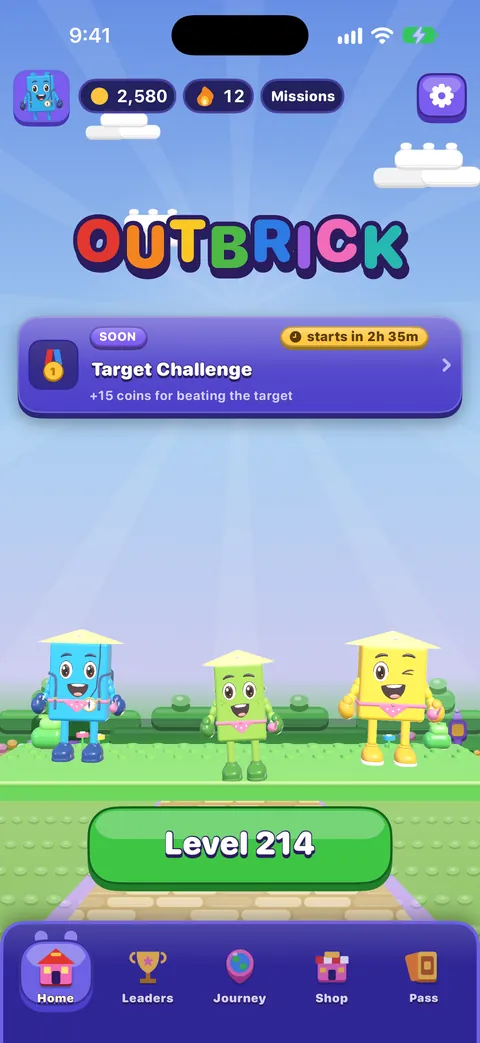
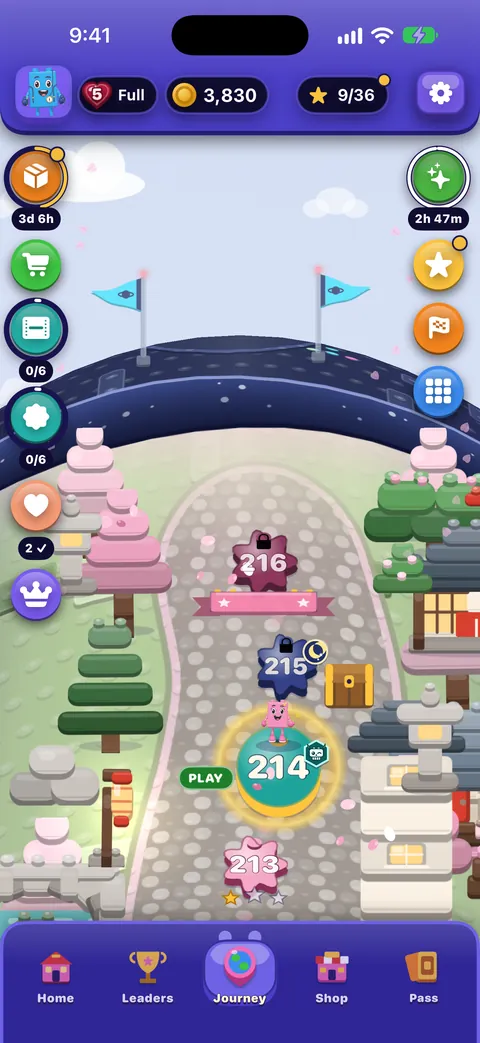
轻点 首页 或 旅程 右上角的齿轮。设置会占满整个屏幕;红色的 × 可以关闭它(键盘上的 Esc,或使用旁白时双指来回擦动,也可以关闭)。它有两个标签:最先打开的 游戏,以及 无障碍。
每个开关都显示 关 | 开,下方的一行文字说明它的作用。旁白会把这行文字作为开关的提示朗读。
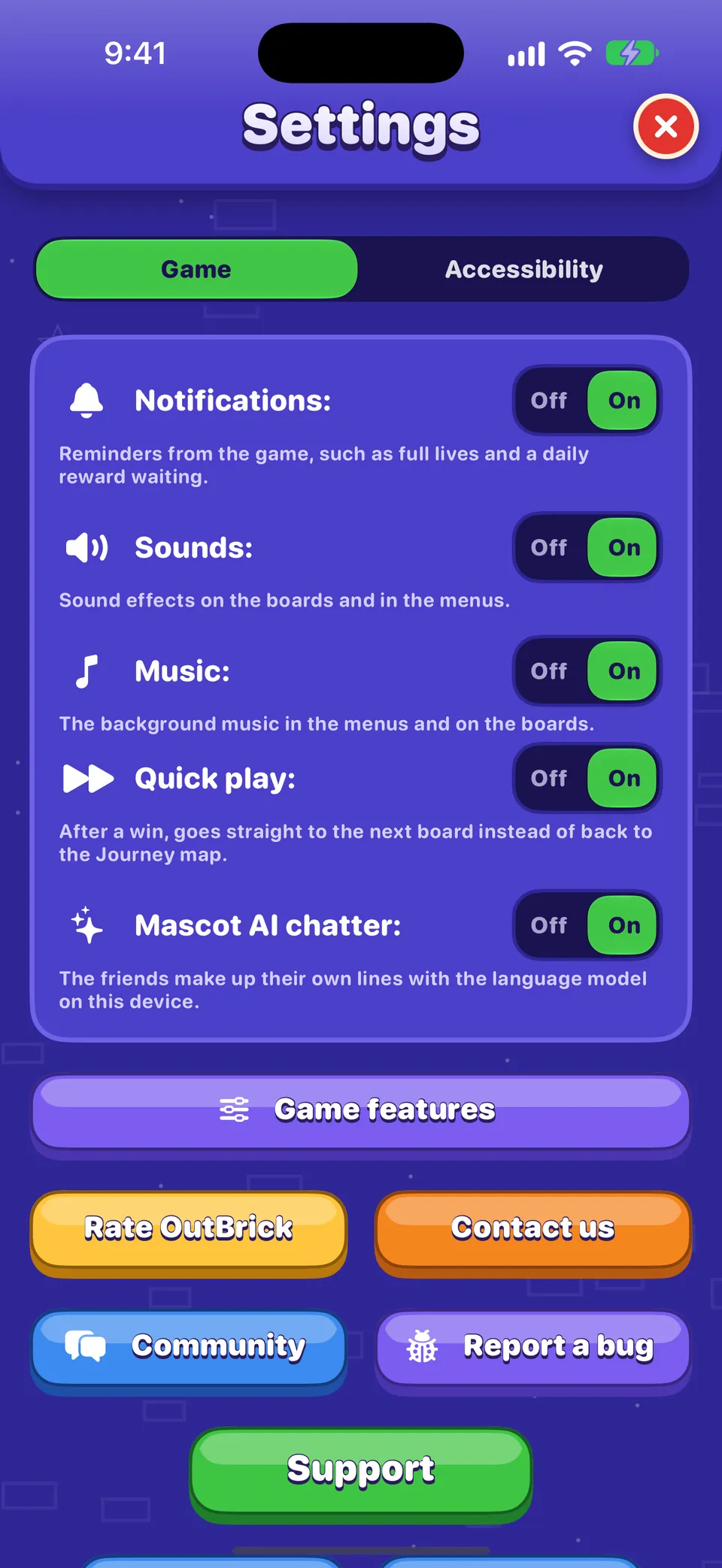
游戏标签
| 设置项 | 作用 | 默认值 |
|---|---|---|
| 通知 | Reminders from the game, such as full lives and a daily reward waiting. Switching it on asks iOS for permission if it never has. | On |
| Sounds | Sound effects on the boards and in the menus. | On |
| Music | The background music in the menus and on the boards. | On |
| Haptics | Taps you feel as pieces move, match and land. Only on devices that can vibrate. | On |
| 快速游戏 | After a win, goes straight to the next board instead of back to the Journey map. | On |
| 吉祥物 AI 闲聊 | The friends make up their own lines with the language model on your device. Only shown where Apple’s on-device model is available in your language. | On |
| 在公开排行榜上显示我 | Publishes your player name and level to everyone on the Leaders tab. Turning it off removes you. | On |
须知
玩棋盘时,音效、音乐和触感反馈也在暂停菜单中。如果某个 OutBrick 专注模式过滤条件 正在改变声音或提醒,音乐下方会有一行文字说明;你自己的设置永远不会被更改。
开关下方的按钮
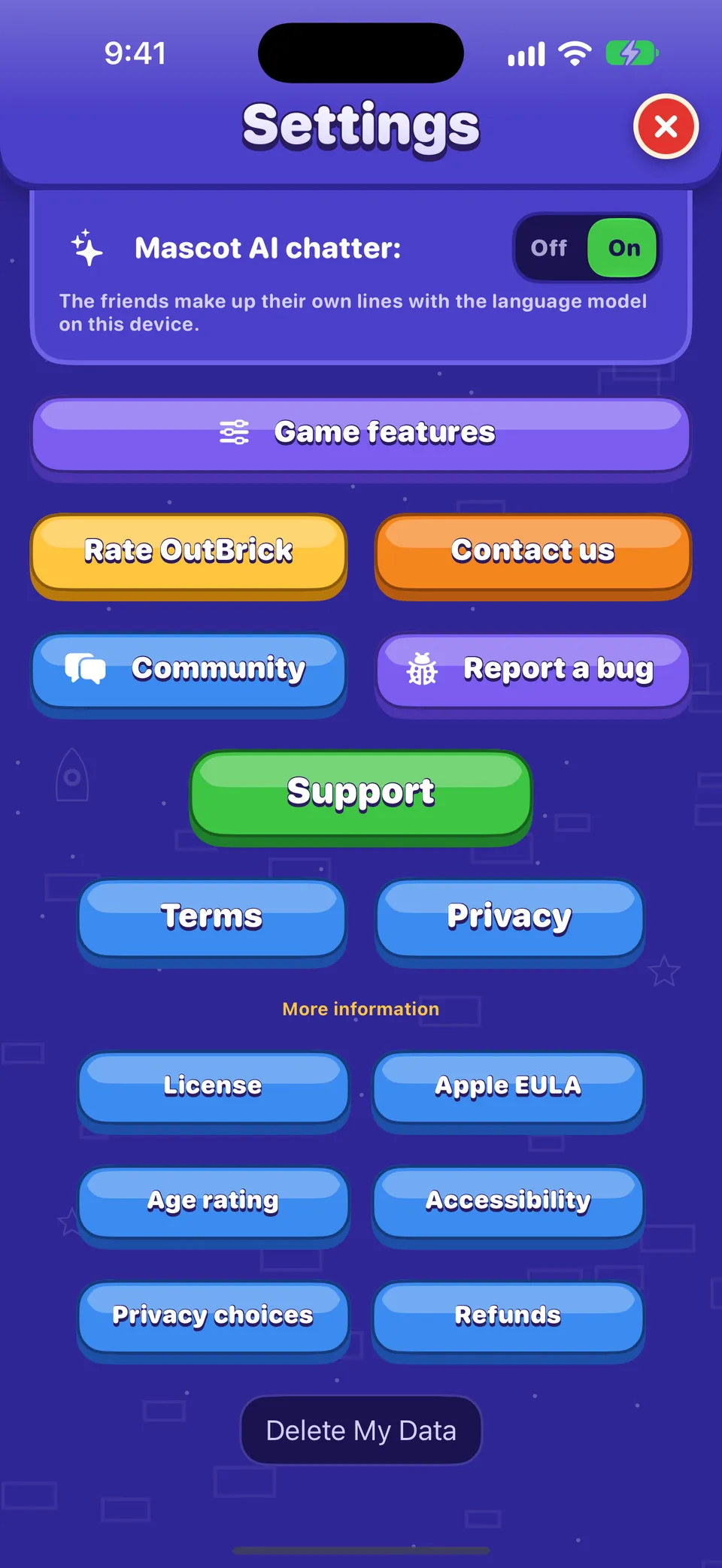
- 游戏功能
- 如果你不想看到 营救伙伴、村庄赛跑、积木大逃杀、伙伴赛跑 或 地图上的优惠,可以把它们关掉。你已获得的奖励不会丢失。
- 为 OutBrick 评分
- 打开 App Store 的评价页面。评分没有奖励,游戏每年只会询问几次,而且绝不会在失败或购买之后询问。
- 联系我们
- 在游戏内打开我们的联系表单:私下联系团队的方式。
- 社区
- 在 Safari 中打开本社区。
- 报告问题
- 在 Safari 中打开一份问题报告,已预先填好你的设备、iOS 版本、游戏版本、辅助功能设置和关卡。请参阅如何写好问题报告。
- 广告选项
- 仅在需要广告同意表单的地区显示(例如欧盟和英国)。它会重新打开该表单,让你更改选择。
- 删除我的数据
- 重置你在这台设备上的进度,并请求 iCloud 删除你的存档。请参阅进度、iCloud 和隐私。
须知
“社区”和“报告问题”会在游戏之外的 Safari 中打开,因为社区面向 16 岁及以上的人士,而游戏本身的分级是 4+。
无障碍标签
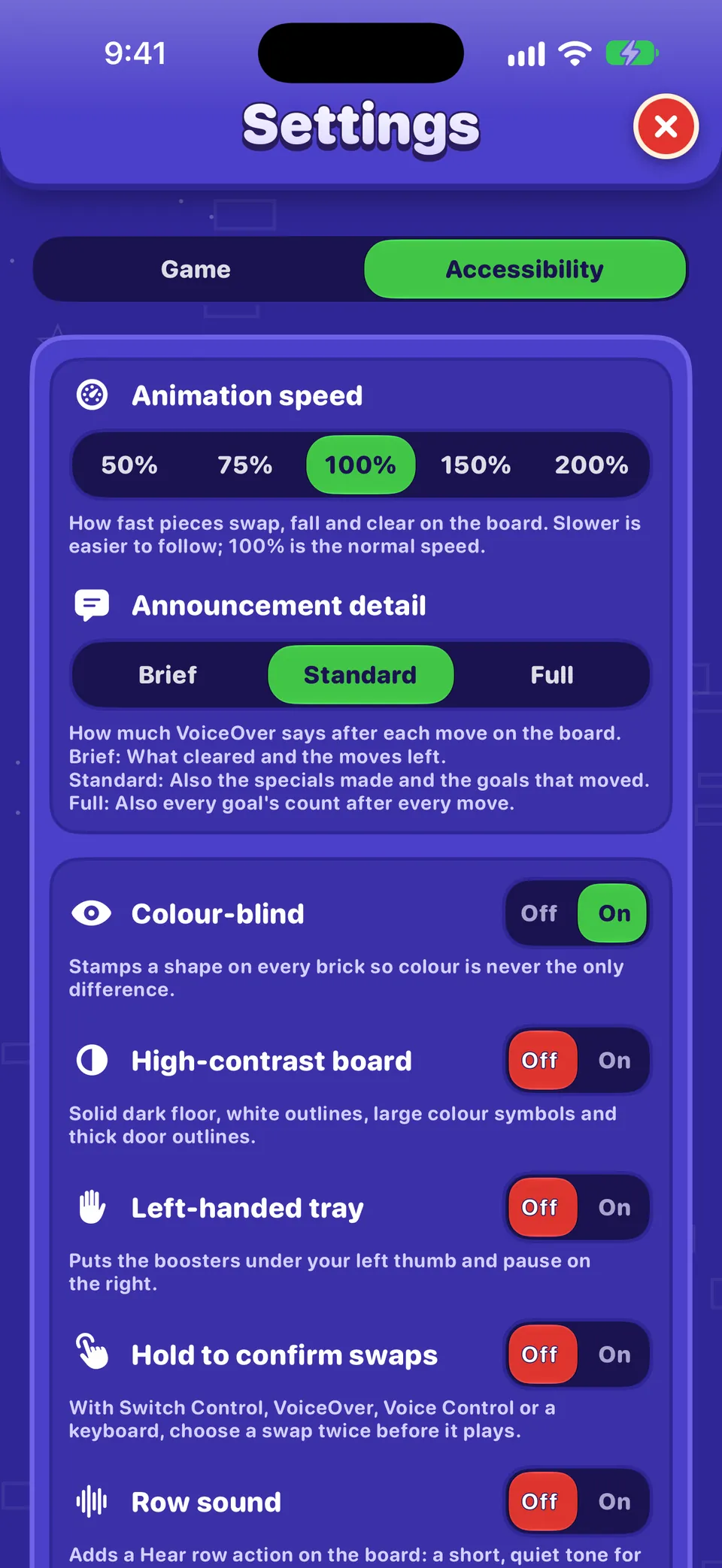
动画速度、播报详细程度、色觉辅助、高对比度棋盘、左手模式工具栏、确认交换和行声音,在OutBrick 的无障碍功能中都有说明。
不在设置中的内容
- 恢复购买: 在 商店 底部。
- 你的名称、头像和旗帜: 在你的 个人资料 中(轻点你的头像)。
- 游戏的版本号: 在你的 个人资料 底部。
- 语言: OutBrick 跟随你 iPhone 的语言。如果只想为 OutBrick 选择另一种语言,请打开 iPhone 的 设置 › App › OutBrick › 语言。
- 实时活动和通知样式: 在 iPhone 的 设置 › App › OutBrick 中。
这篇指南有帮助吗?
Keep reading
OutBrick 的无障碍功能:从这里开始
OutBrick 适应你的每一种方式:从旁白和切换控制,到色觉辅助符号、高对比度棋盘、更慢的动画和没有计时器,并按你的需要给出起点。小组件、Siri、快捷指令和其他 Apple 功能
主屏幕和锁定屏幕小组件、控制中心、实时活动、Siri 短语、“聚焦”、接力、“信息”挑战、通知和图标标记、专注模式过滤条件以及 Game Center。进度、iCloud、新设备和隐私
你的进度如何保存并通过 iCloud 同步、换用新 iPhone、哪些内容会分享给谁、广告和跟踪选项,以及如何删除你的数据。所有菜单导览
底栏、首页、旅程地图、商店、砖块通行证、排行、个人资料、收藏和设置:每一项的用途以及如何进入。
每条消息都由团队成员亲自阅读。我们力争在两个工作日内回复。