




First, three quick checks
- Update OutBrick. Open the App Store, tap your picture, and update OutBrick if it is listed. Many fixes arrive this way.
- Check your version. Tap your avatar on Home: the version is at the bottom of your Profile, for example “OutBrick 5.1.1 (68)”.
- Close and reopen the game. Swipe up from the bottom of the screen and pause, swipe OutBrick away, then open it again.
My progress is missing
- Make sure you are signed in to iCloud with the same Apple Account as before, and that iCloud Drive is on.
- Open OutBrick and give it a minute online: progress is fetched and merged when the game starts.
- If the old device was never signed in to iCloud, its progress only exists there. Sign in on the old device, open OutBrick once, then try again on the new one.
More in Progress, iCloud and privacy.
Something I bought did not arrive
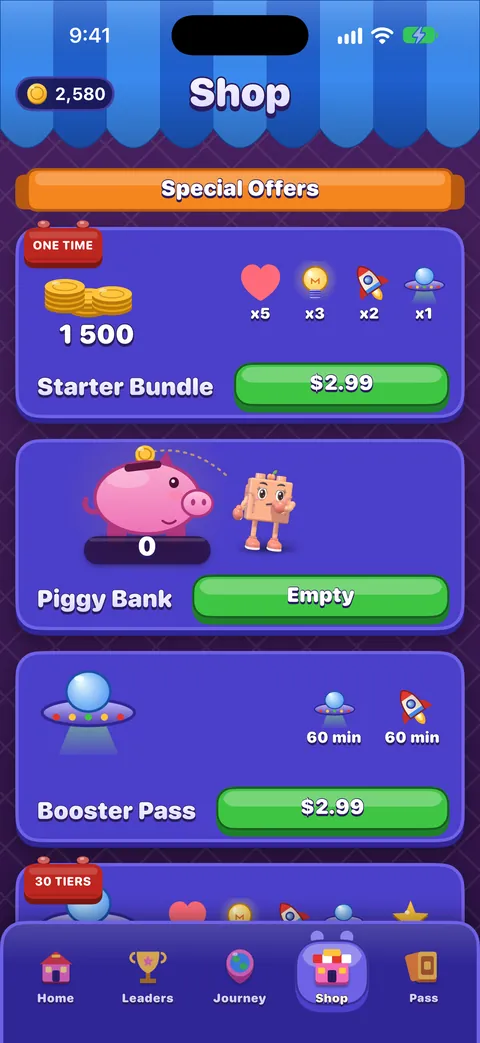
- Open the Shop, scroll to the bottom and tap Restore Purchase.
- For coins, boosters and lives, check that iCloud is on: they travel with your progress, not through the App Store.
- Still missing? Write to us privately with the contact form, with the date and the item. Never post a receipt in the community. Refunds are handled by Apple: see Refunds.
My lives are not coming back
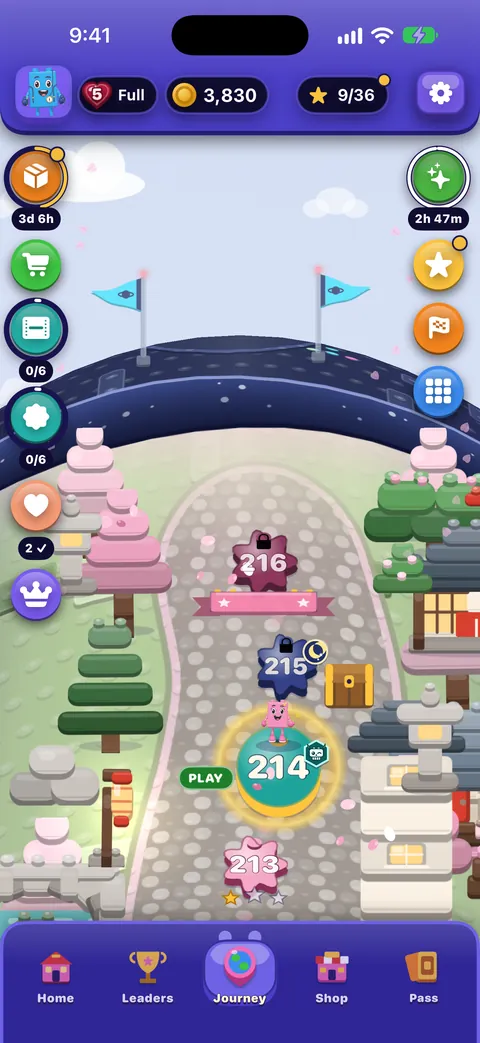
A life returns every 30 minutes, counted from real time, so it keeps refilling while the game is closed. If you change your device’s clock backwards, the game ignores it and you may wait longer. Keep Settings › General › Date & Time › Set Automatically on. Tap the heart on the Journey to see when the next life comes.
There is no sound or music
- Check Settings › Game › Sounds and Music, or the same switches in the Pause menu.
- Check the Ring/Silent switch and the volume.
- An OutBrick Focus filter may be muting the game: a line under Music in Settings tells you when it is.
I do not get notifications
- Check Settings › Game › Notifications in the game, and Settings › Notifications › OutBrick on the iPhone.
- OutBrick sends at most one notification every 20 hours, never between 22:00 and 09:00, so quiet days are normal.
- A Focus may be holding them back.
A widget is blank or out of date
Open OutBrick once so it can share your latest progress with its widgets. If a widget still looks wrong, remove it and add it again. Widgets refresh on a schedule set by iOS, so a few minutes’ delay is normal.
A video will not load
- Videos need an internet connection, and sometimes none is available for a moment: try again shortly.
- Each kind of video has a daily limit (39 in total), reset at midnight. When a limit is reached, its button disappears until tomorrow.
- Only a video watched to the end pays its reward.
VoiceOver jumps back to the top of the board
Some players have told us VoiceOver can lose its place while swiping through a board. We have found the cause: a card offering help can open on its own while you are reading the board. A fix is on its way in an update. Until then:
- আপনি বোর্ড পড়ার সময় বুস্টার বা ইঙ্গিতের প্রস্তাব দেওয়া কোনো কার্ড এলে দুই আঙুলের স্ক্রাব সেটি বন্ধ করে আপনাকে বোর্ডে ফিরিয়ে দেয়।
- Use the rotors (Pieces that can match, Specials, Goals, Blockers, Gates) to jump straight to what you need, instead of swiping cell by cell.
- Use a piece’s actions (swipe up or down) to move it, which keeps your focus on the board.
- Double-tap the Board summary, or use Read the board, to hear where things are.
- Tell us your device, iOS version, OutBrick version, level and exactly what VoiceOver said in the Accessibility category. Every report helps us find it faster.
A board feels impossible
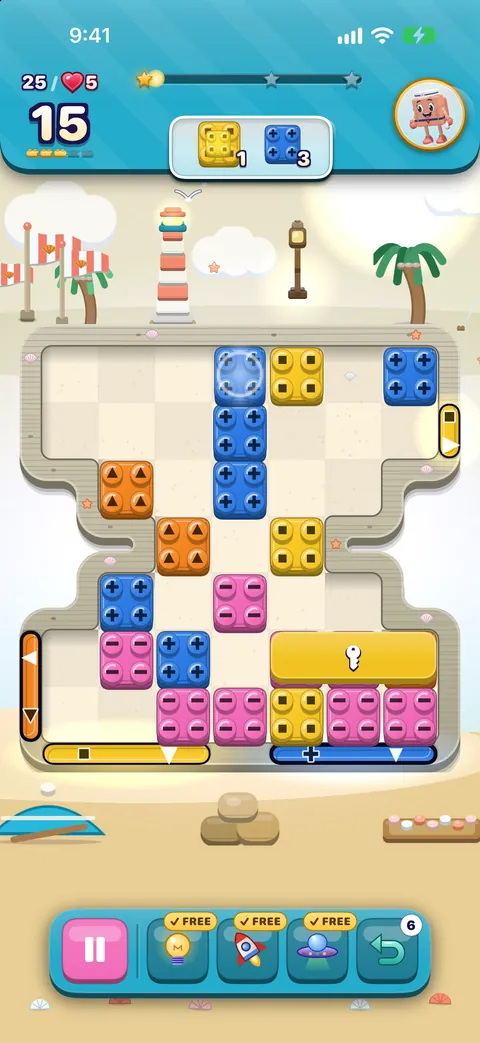
- You can never be truly stuck: with no move possible, the board reshuffles for free.
- Use the free Hint, Rocket and UFO you get on every attempt.
- কোনো বোর্ডে আপনার ষষ্ঠ চেষ্টা থেকে একটি সাহায্যের হাত দিনে একবার তিনটি বাড়তি চাল যোগ করে।
- Ask in Help & support with the level number: other players love a puzzle.
এই গাইডটি কি কাজে এসেছে?
Keep reading
Reporting a bug well
The fastest way to get a bug fixed: report it from inside the game so your details are filled in, write steps someone else can follow, and add exactly what VoiceOver or another assistive technology did.Progress, iCloud, new devices and privacy
How your progress is saved and synced through iCloud, moving to a new iPhone, what is shared and with whom, advertising and tracking choices, and how to delete your data.The Shop, purchases and restoring
What is on each shelf of the Shop, what Remove Ads and the Brick Pass do, how to restore purchases on a new device, and how refunds work.VoiceOver দিয়ে খেলা
How the board reads, how to slide and swap with actions, the rotors, every gesture, what you hear after a move and how to get a free hint.
টিমের একজন মানুষ প্রতিটি বার্তা পড়েন। আমরা দুই কর্মদিবসের মধ্যে উত্তর দেওয়ার চেষ্টা করি।
এখনও আটকে আছেন?
এখনও আটকে আছেন?
কমিউনিটিতে জিজ্ঞেস করুন। টিম আর অন্য খেলোয়াড়রা সবার সামনে উত্তর দেন, আর আপনার ইমেল ঠিকানা কখনও দেখানো হয় না।
কমিউনিটিকে জিজ্ঞেস করুনগোপনে লিখতে চান?
যোগাযোগ ফর্মটি গোপনে একই টিমের কাছে পৌঁছায়। কেনাকাটা আর ব্যক্তিগত যেকোনো বিষয়ে এটি ব্যবহার করুন।
সাপোর্টে যোগাযোগ করুন