



What OutBrick is
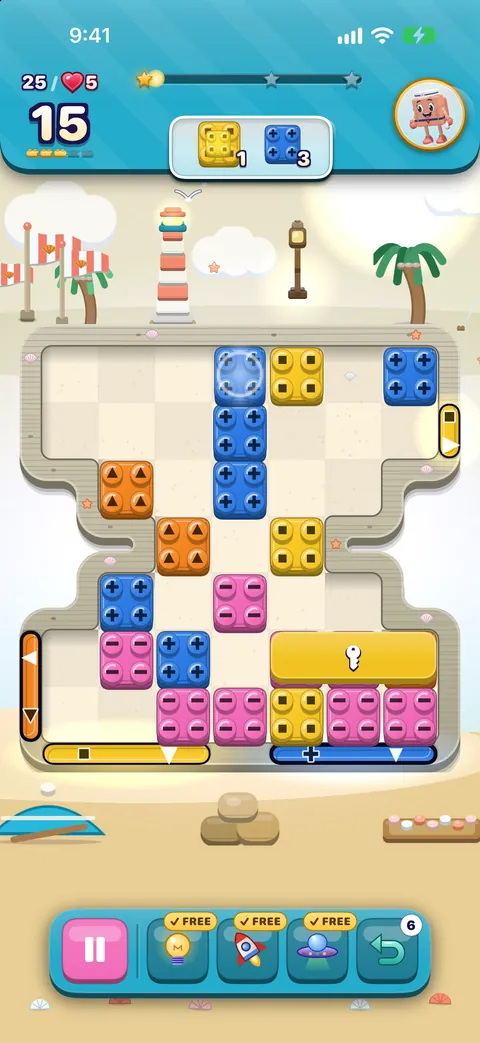
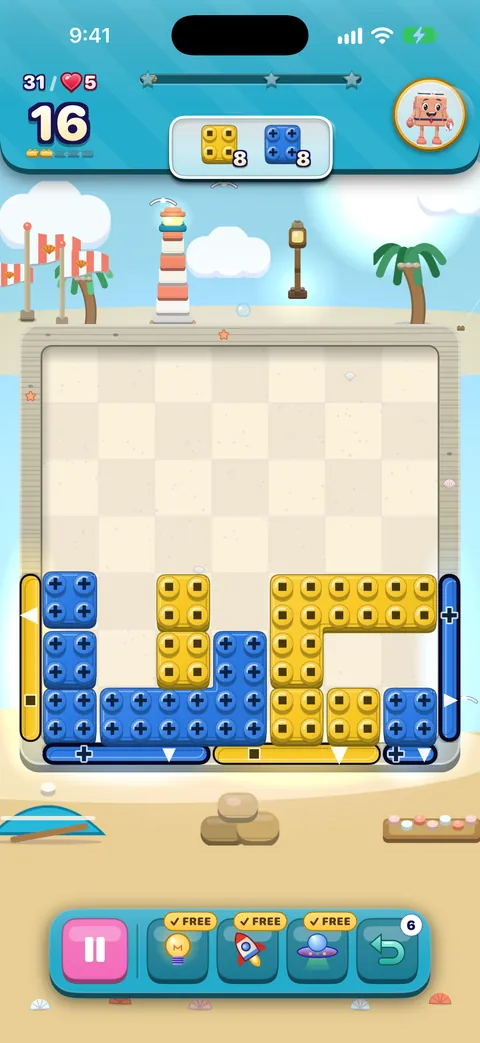
OutBrick is a calm Slide & Match puzzle. Each board is a garden of toy bricks with coloured gates on its edges. Slide a brick into the gate of its own colour and it goes home, or swap two neighbours to make a line of three and clear them. Each board has goals to meet within a number of moves, and there is never a clock.
- 2,000 levels along the Journey, through 167 villages, each with its own look and twelve kinds of board.
- Nine brick friends (Bloo, Peach, Sprout, Moss, Bricko, Zippy, Vio, Flurry and Poppy) cheer you on in text bubbles.
- Free to play. Optional videos and purchases exist, but lives come back on their own and you never need to spend to keep playing.
Your first board
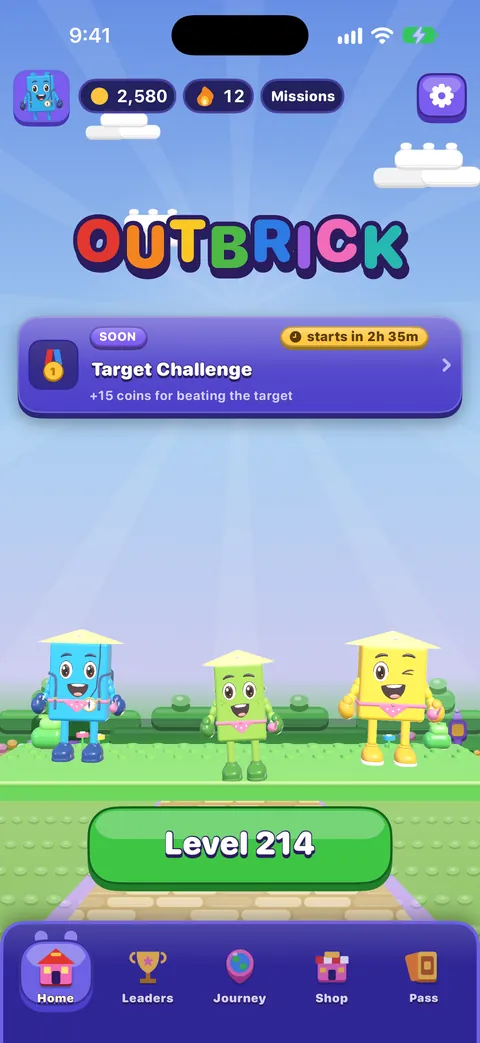
From Home, tap the big green Level button. The first time you meet a new idea, a short teaching card shows it with a moving hand. Tap anywhere to start playing.
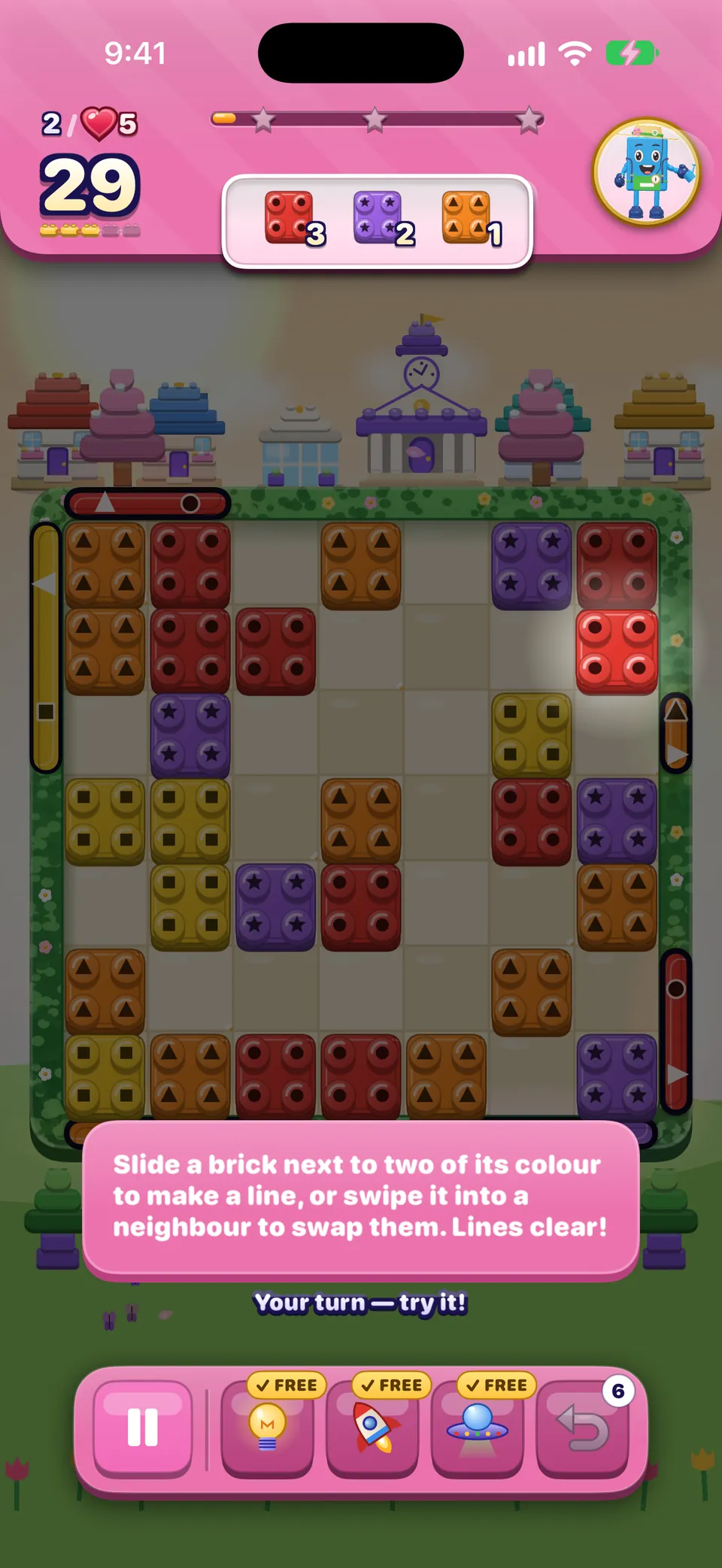
- Slide: swipe a brick toward an empty space. It travels until you let go or it meets something. Carry it into the gate of its colour and it leaves the board.
- Swap: swipe a brick into a neighbour. If that makes a line of three or more (or a 2×2 square), they clear. If not, the bricks spring back and no move is used.
- Watch the goals in the panel at the top. Each tick means a goal is done.
Wskazówka
Not sure what to do? Tap the Hint booster in the tray. You get a free Hint, Rocket and UFO on every attempt.
Reading the goals
The order panel at the top shows what this board wants and how many are left: bricks of a colour to send home or match, crates to break, locks to undo or moss to clear. Each goal wears the same colour-blind symbol as its bricks. Some boards come in two stages: finish the first goals and new gates open for the second.
Every part of the screen is explained in Playing a board.
When you clear a board
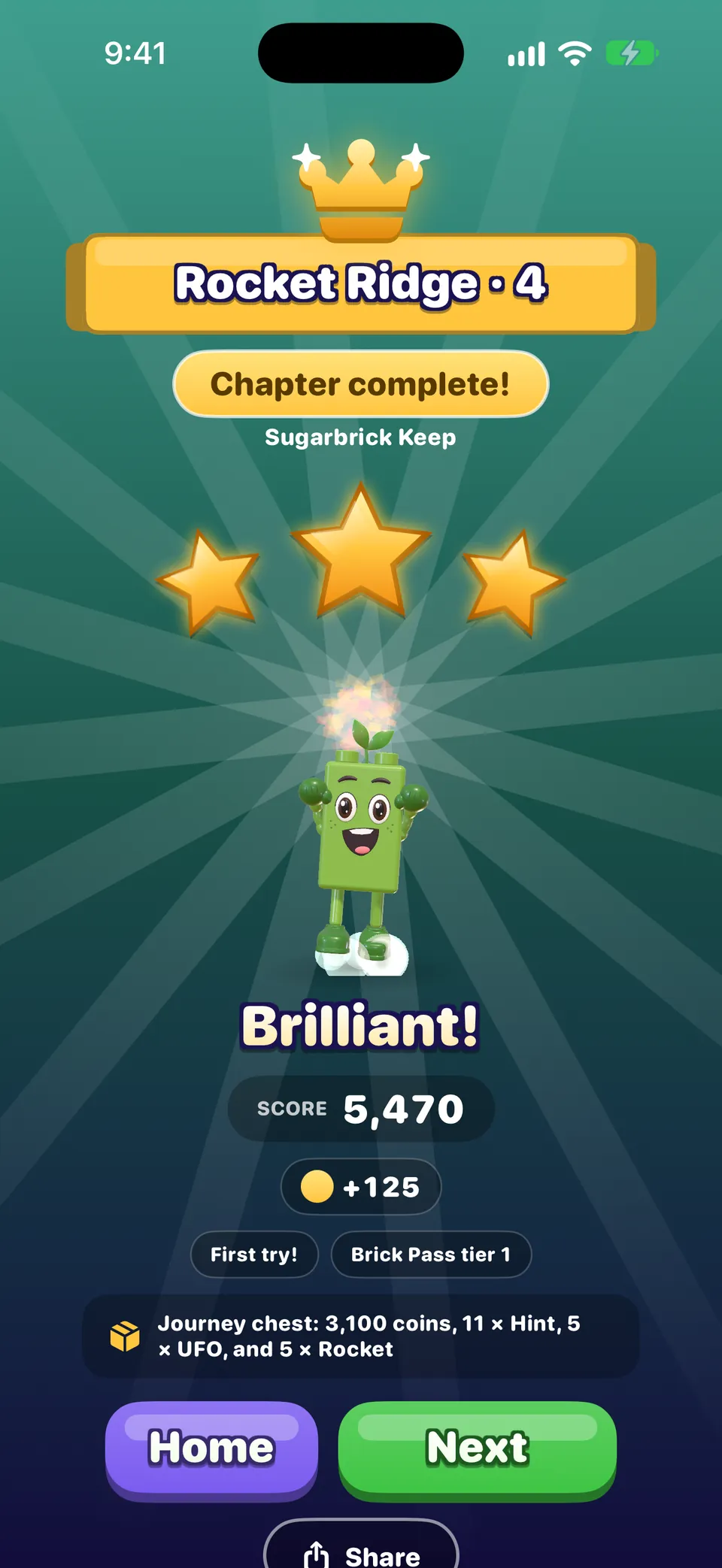
- Any moves you have left turn into line blasters and go off, adding 150 points each. Tap to skip the show.
- You always earn at least one star for a clear; a higher score earns two or three.
- Next goes on to the next board; Home takes you back. With Quick play on (Settings › Game), a win goes straight to the next board.
- Winning never costs a life. Lives are only used when an attempt is lost. See Lives, moves and undos.
Where to go next
- A tour of every menu, so you know what every button does.
- Special bricks, blockers and board kinds, the moment you meet something new.
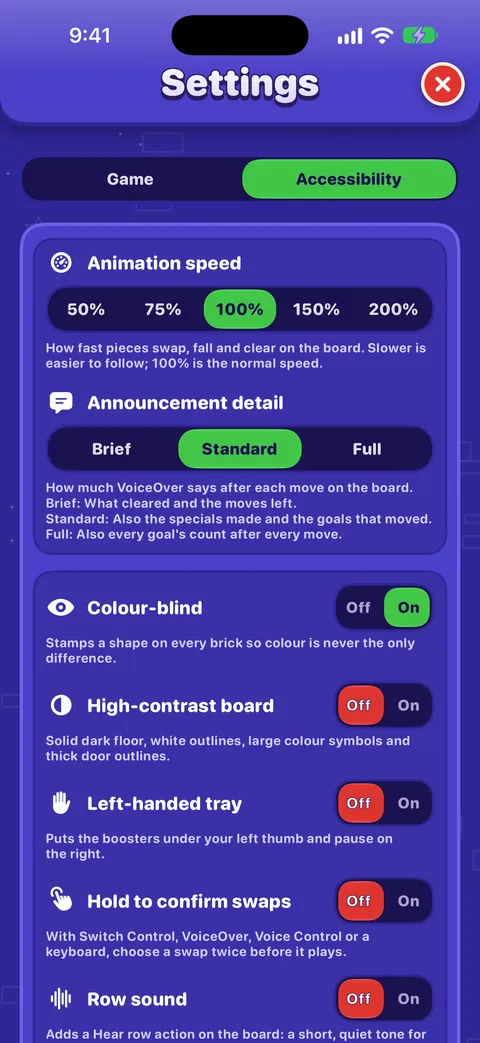
- Accessibility and Playing with VoiceOver, if you want the game to fit you better.
Czy ten poradnik był pomocny?
Keep reading
A tour of every menu
The bottom bar, Home, the Journey map, the Shop, the Brick Pass, Leaders, your Profile, the Collection and Settings: what each one is for and how to reach it.Gra na planszy
Every part of the board screen, how sliding and swapping work, what counts as a move, how stars and score work, and what Hard, Super Hard, Boss and Night boards mean.Special bricks, blockers and board kinds
How to make every special brick and combo, what each blocker, lid and gate does, face-down bricks, portals, long bricks, and the twelve kinds of board in every village.Accessibility in OutBrick: start here
Every way OutBrick adapts to you, from VoiceOver and Switch Control to colour-blind symbols, a high-contrast board, slower animation and no timers, with a starting point for your needs.
Każdą wiadomość czyta ktoś z zespołu. Staramy się odpowiadać w ciągu dwóch dni roboczych.
Nadal nie wiesz, jak dalej?
Nadal nie wiesz, jak dalej?
Zapytaj w społeczności. Zespół i inni gracze odpowiadają publicznie, a twój adres e-mail nigdy nie jest pokazywany.
Zapytaj społecznośćBłąd w grze?
Dobre zgłoszenie szybciej zostaje naprawione. Formularz błędu pyta dokładnie o to, czego potrzebujemy.
Zgłoś błądWolisz napisać prywatnie?
Formularz kontaktowy trafia prywatnie do tego samego zespołu. Używaj go w sprawie zakupów i spraw osobistych.
Skontaktuj się z pomocą