




Kawalan Suara
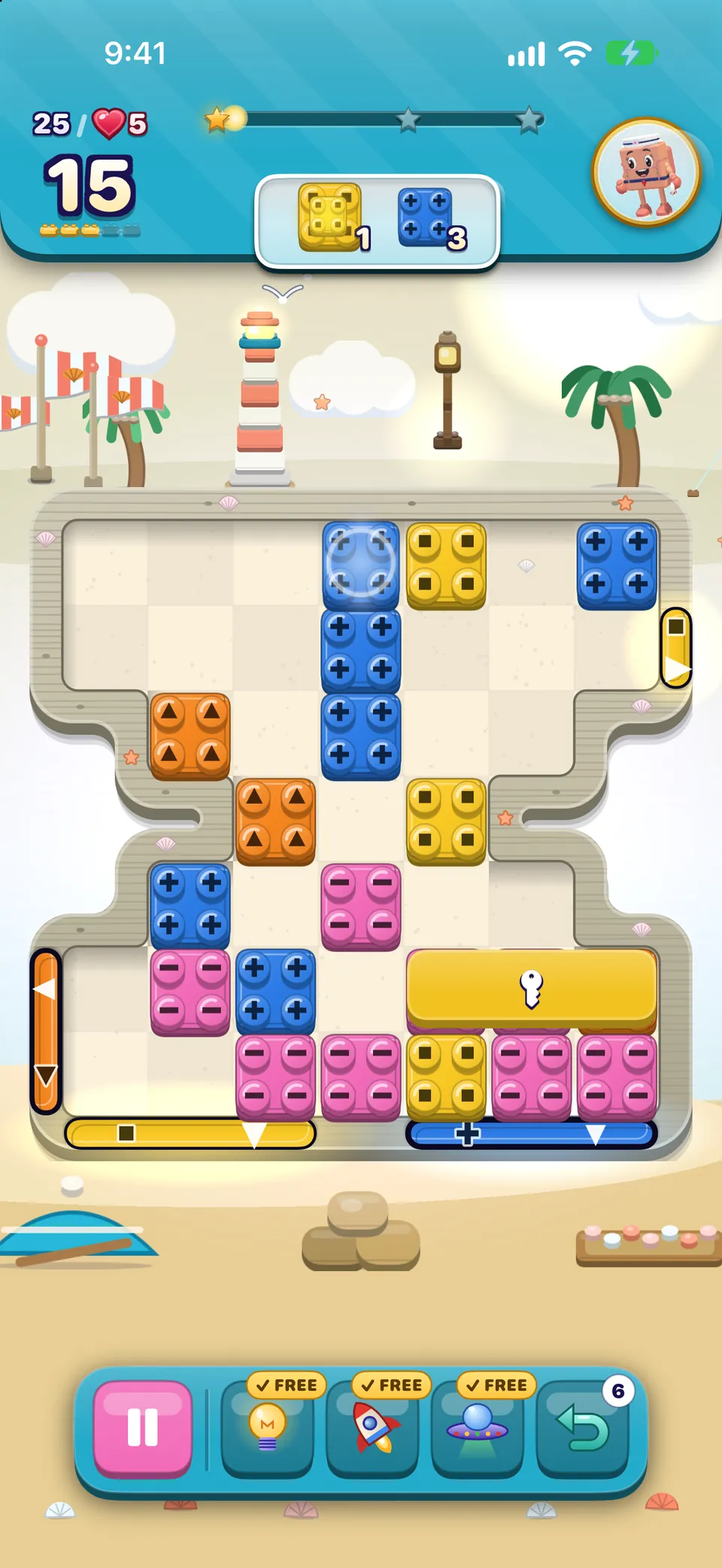
Turn on Voice Control in the iPhone Settings › Accessibility › Voice Control. Every piece on the board answers to three names, where the number is its place counting row by row from the top left:
- its colour and number: “Tap Red 14”
- “Tap Piece 14”
- its full name and number.
- Say “Tap Red 14” to choose the piece.
- Say the direction: “Tap Slide left”, or just “Tap Left”. On a swap you can say “Tap Swap up” or “Tap Up”.
- Say “Show numbers” at any time to see a number on everything you can tap.
- Face-down bricks answer to “Face-down 14”, so their colour stays hidden.
- Menu buttons answer to the words printed on them first.
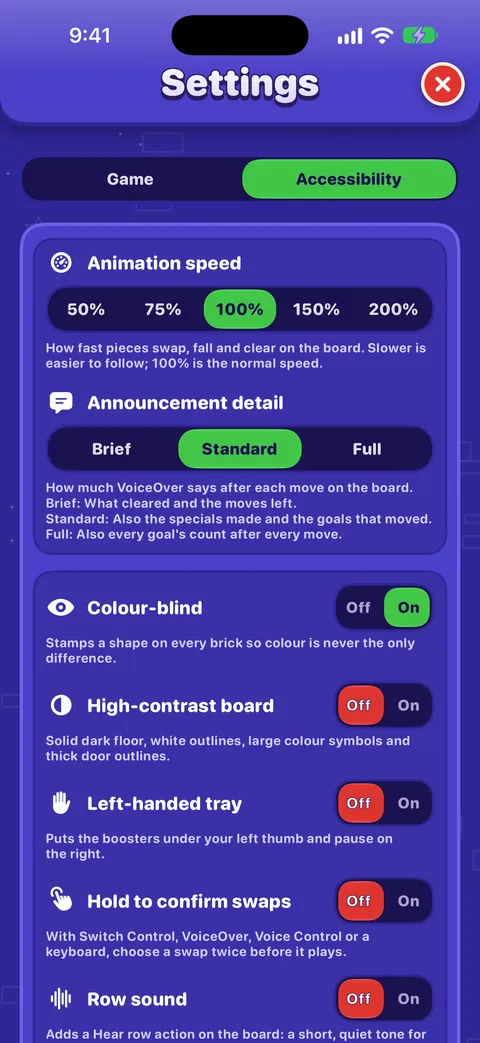
- The Animation speed choices answer to either the percentage or the word: “Half speed”, “Slower”, “Normal speed”, “Faster”, “Double speed”.
Kawalan Suis
- Scan to a piece and select it to choose it.
- Scan to a neighbour or one of the direction controls that appear, and select it to slide or swap.
- Select the chosen piece again to put it down.
Switch Control is treated like VoiceOver on the board: every piece is its own element, in reading order, and the same direction controls appear. Turn on Hold to confirm swaps if you scan quickly.
Baik untuk diketahui
Switch Control on the Slide & Match boards has been built and checked in code but not yet played end to end on a device by the team. If you play with switches, we would love to hear how it goes in the Accessibility category.
Keyboards on iPad and Mac
With a hardware keyboard, the board has its own keys. Hold ⌘ on iPad to see them listed.
| Key | What it does |
|---|---|
| ← → ↑ ↓ | Moves a white cursor over the board, stepping over gaps. With a piece chosen, slides or swaps it that way. |
| Space or Return | Chooses the piece under the cursor, or puts it down. |
| H | Shows and says a hint. |
| Esc | Puts the chosen piece down. Outside the board, closes Settings and cards. |
In menus, the game’s own buttons take keyboard focus, and Return or Space presses them. Full Keyboard Access moves between them with Tab.
Hold to confirm swaps
In Settings › Accessibility, Hold to confirm swaps asks you to choose every move twice. The first time you hear (or see) the move with “Choose it again to confirm”; choose the same move again within five seconds and it plays. Anything else cancels it. It applies to VoiceOver, Voice Control, Switch Control and the keyboard.
Left-handed tray
The tray at the foot of a board holds Pause on the left and the boosters and Undo on the right. Left-handed tray mirrors it, so the boosters sit under your left thumb and Pause moves to the right.
Adakah panduan ini membantu?
Keep reading
Bermain dengan VoiceOver
How the board reads, how to slide and swap with actions, the rotors, every gesture, what you hear after a move and how to get a free hint.Accessibility in OutBrick: start here
Every way OutBrick adapts to you, from VoiceOver and Switch Control to colour-blind symbols, a high-contrast board, slower animation and no timers, with a starting point for your needs.Bermain papan
Every part of the board screen, how sliding and swapping work, what counts as a move, how stars and score work, and what Hard, Super Hard, Boss and Night boards mean.Every setting explained
Each switch and button on the Game and Accessibility tabs of Settings, what it does, what it starts as, and where the support, community and privacy links lead.
Seorang ahli pasukan membaca setiap mesej. Kami berusaha membalas dalam tempoh dua hari bekerja.
Masih tersekat?
Masih tersekat?
Tanya dalam komuniti. Pasukan dan pemain lain menjawab secara terbuka, dan alamat e-melmu tidak pernah ditunjukkan.
Tanya komunitiJumpa pepijat?
Laporan yang baik dibaiki lebih cepat. Borang pepijat meminta tepat apa yang kami perlukan.
Lapor pepijatLebih suka menulis secara peribadi?
Borang hubungan sampai kepada pasukan yang sama, secara peribadi. Gunakannya untuk pembelian dan apa-apa yang peribadi.
Hubungi sokongan