




Colour-blind symbols
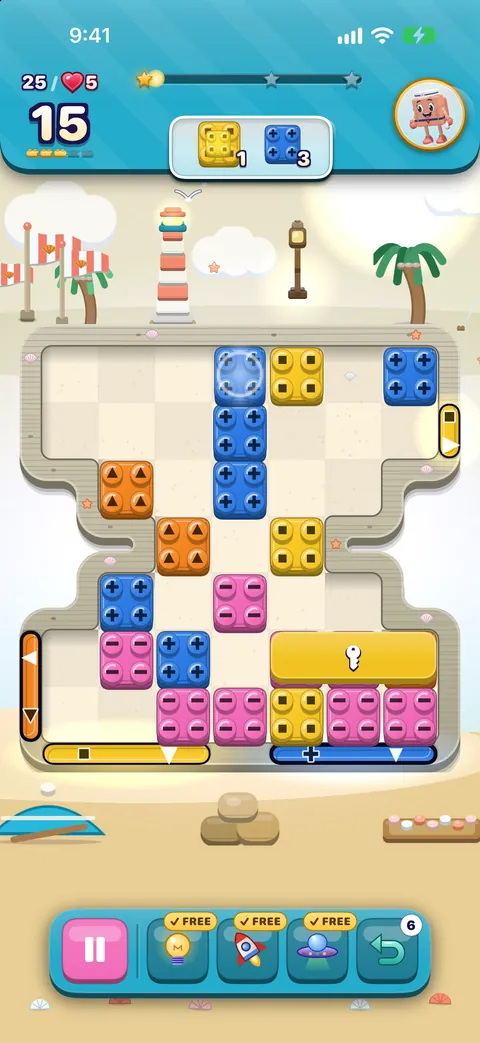
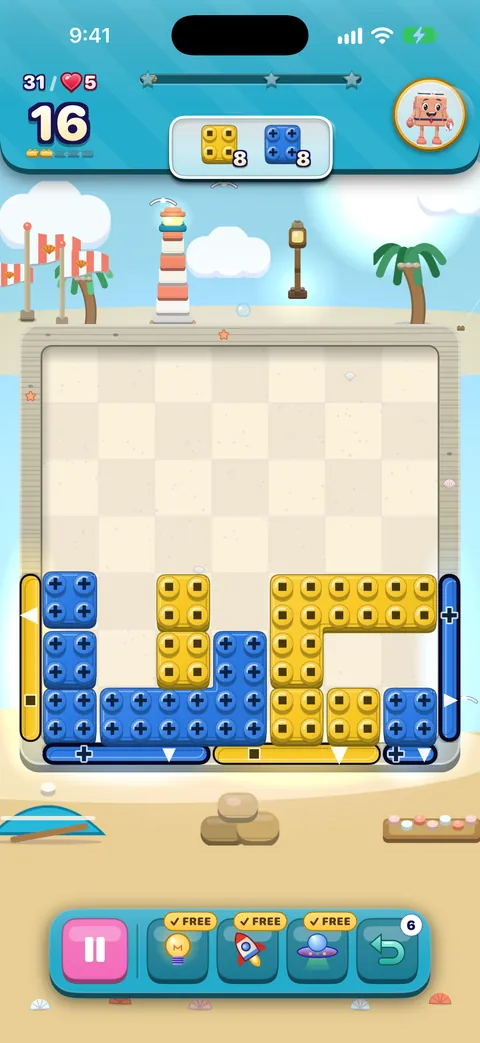
Colour-blind is on from the very first board. Every brick is stamped with a shape for its colour, coloured specials wear a small shape badge, and the goals in the header carry the same shape, so you can match bricks to goals without telling colours apart.
| Colour | Shape |
|---|---|
| Červená | Circle |
| Oranžová | Triangle |
| Žltá | Square |
| Zelená | Diamond |
| Modrá | Plus |
| Fialová | Star |
| Ružová | Bar |
| Tyrkysová | Hexagon |
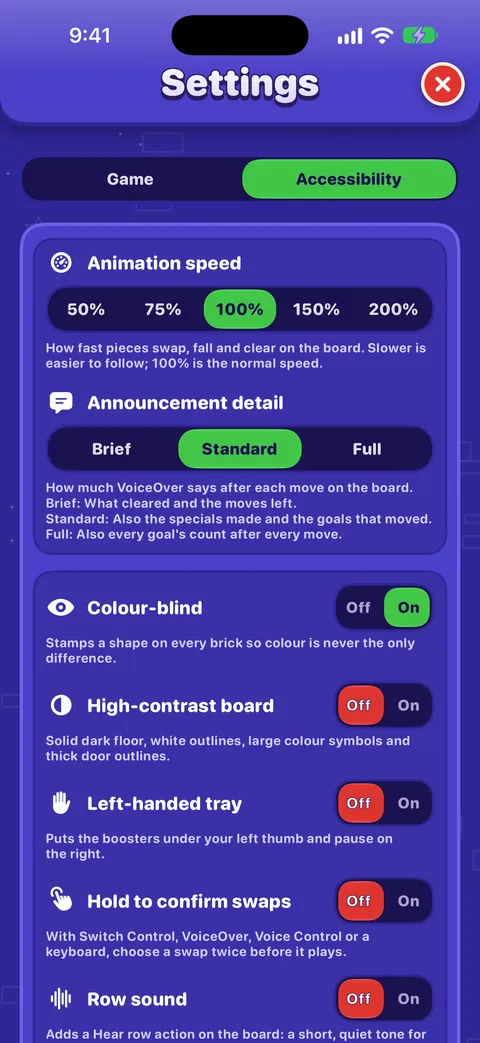
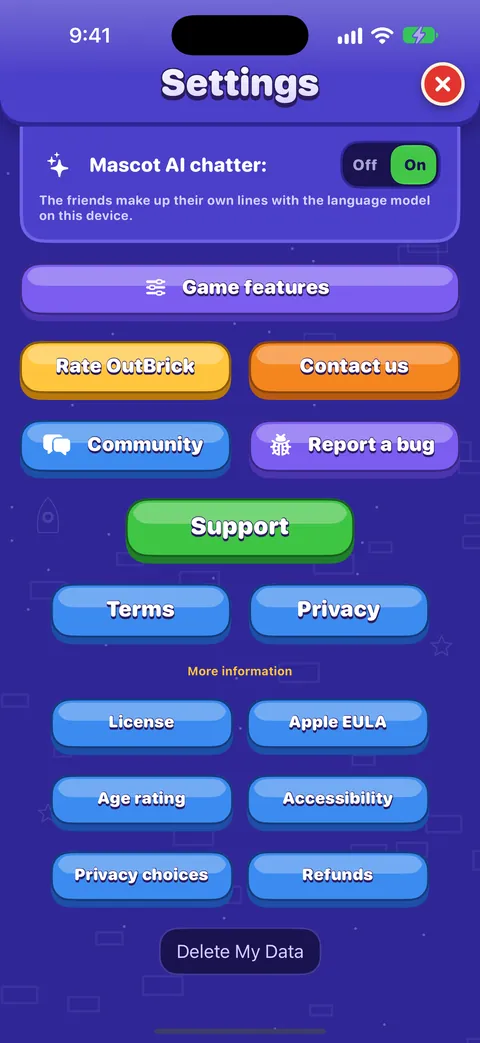
- Switch it in Settings › Accessibility › Colour-blind, in the Pause menu during a board, or from Control Center if you add the OutBrick control.
- The symbols also turn on whenever the iPhone’s Differentiate Without Color or the game’s High-contrast board is on.
- Your choice is saved to iCloud, so it follows you to your other devices.
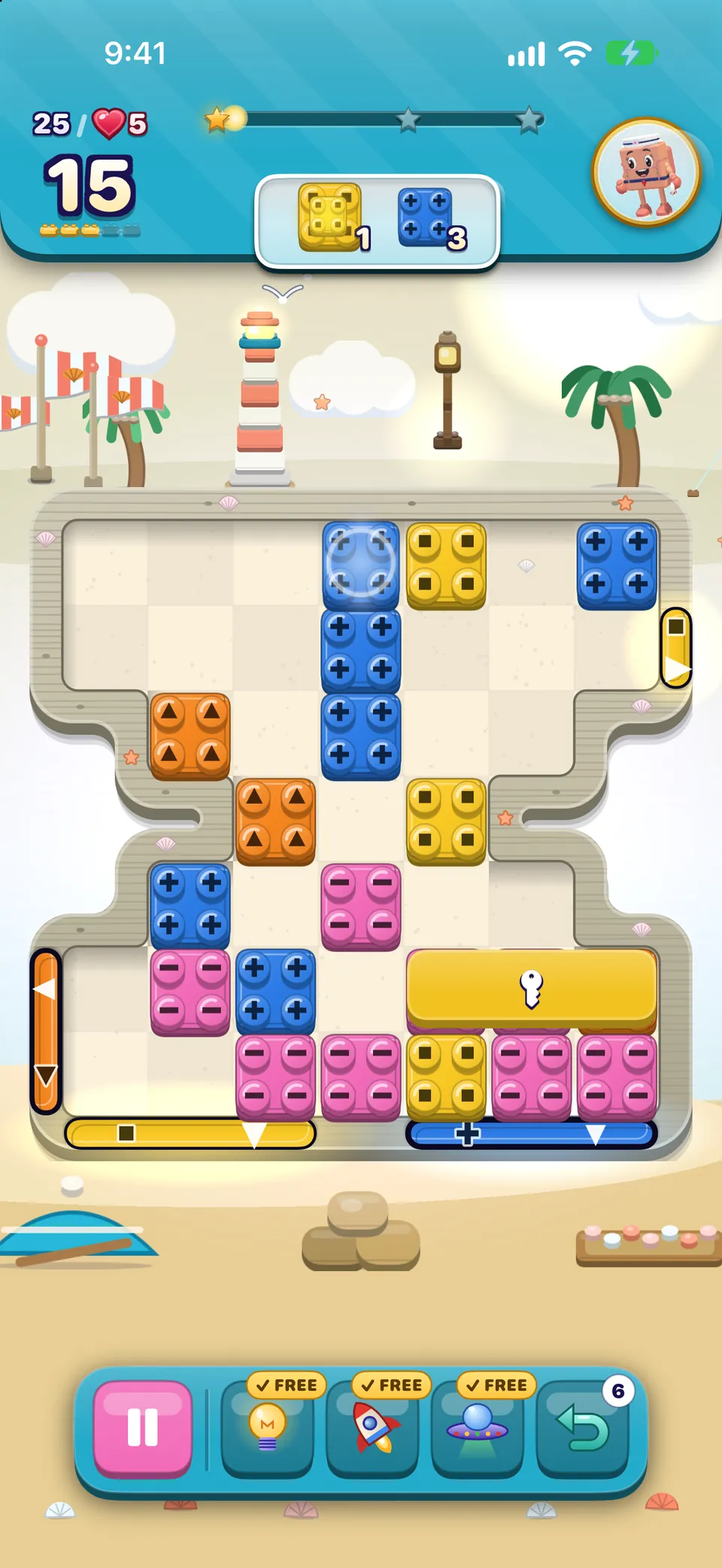
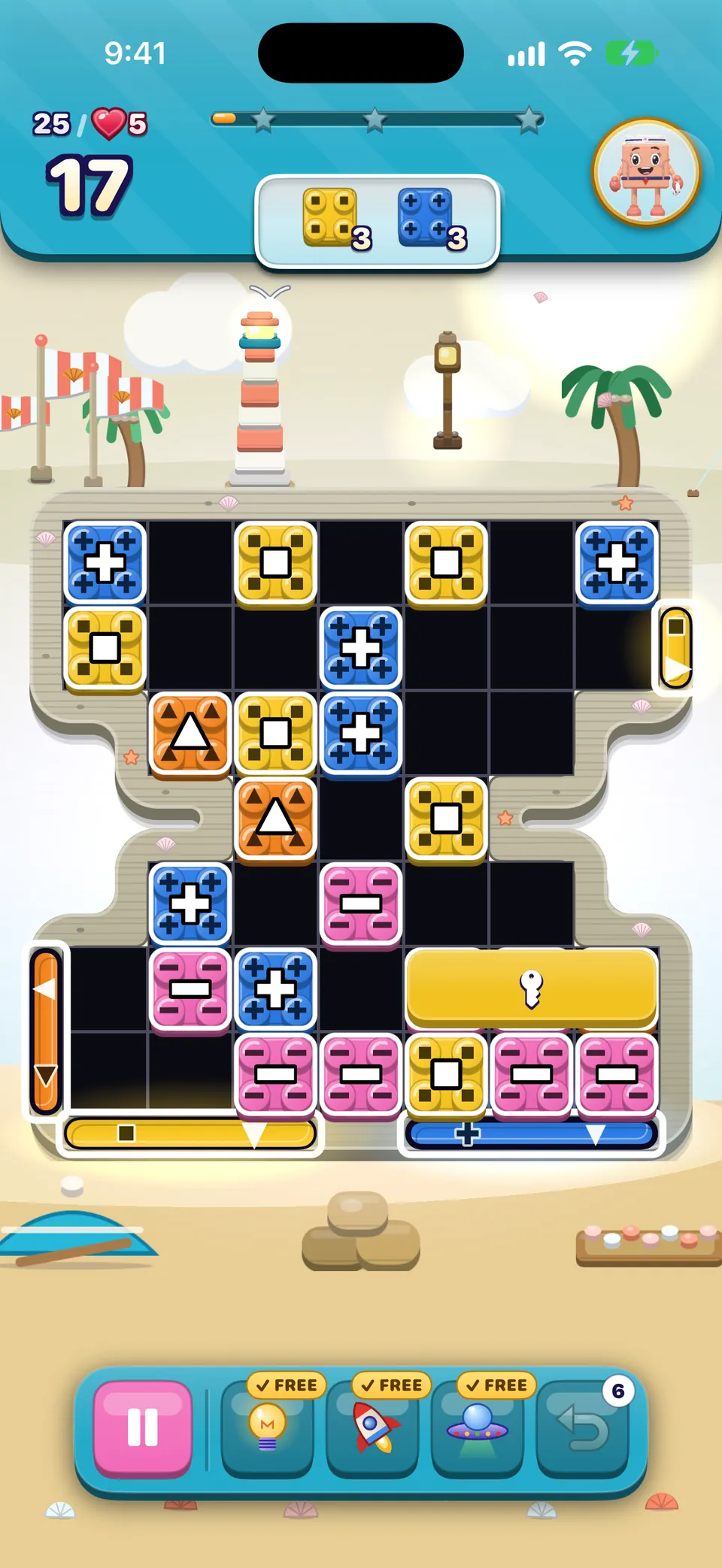
High-contrast board
Settings › Accessibility › High-contrast board draws the board on a near-black floor with a faint grid, puts a white outline on every piece and a large white symbol on plain bricks, and gives every gate a thick outline. Gate colours are checked against the floor, and a gate whose colour is too close to it gets a two-tone outline.
Larger text and magnification
- Larger Text: in the iPhone Settings › Accessibility › Display & Text Size › Larger Text. Body text can grow to more than double its size, headings to almost twice, and layouts stack so nothing is cut off. Win and out-of-moves screens grow less, so they still fit.
- Large Content Viewer: at the largest sizes, touch and hold a control in the board header or tray to see a magnified label, then lift your finger.
- Bold Text and Zoom work everywhere in the game.
Motion, animation speed and flashing
- Animation speed
- In Settings › Accessibility: 50%, 75%, 100%, 150% or 200%. At 50% every swap, fall and clear takes twice as long, which makes chains easier to follow.
- Obmedzenie pohybu
- In the iPhone Settings › Accessibility › Motion. Idle movement on the board stops, glows hold still, hints shimmer in place instead of moving, and screens cross-fade instead of sliding.
- Dim Flashing Lights
- Also under Motion. Full-screen flashes from big combos drop to a third of their strength and never come closer together than about a third of a second; a fuse burns steadily instead of flickering.
Sound, music, haptics and Row sound
- Nothing depends on hearing. Every sound in OutBrick has something on screen to match it. The friends speak in text bubbles, not voices, and VoiceOver announcements are spoken by your own VoiceOver.
- Sounds, Music and Haptics each have their own switch in Settings › Game, and in the Pause menu during a board. Haptics only appears on devices that can vibrate.
- Row sound (Settings › Accessibility) adds a Hear row action on the board: a short, quiet note for each piece from left to right, one pitch per colour symbol, with a different tone for round, pointed and straight shapes. Blockers make a low knock and empty cells are a rest.
Tip
Row sound needs sound effects on and the Ring/Silent switch on ring. If either is off, the action tells you so.
Pomohol ti tento návod?
Keep reading
Accessibility in OutBrick: start here
Every way OutBrick adapts to you, from VoiceOver and Switch Control to colour-blind symbols, a high-contrast board, slower animation and no timers, with a starting point for your needs.Hra s VoiceOverom
How the board reads, how to slide and swap with actions, the rotors, every gesture, what you hear after a move and how to get a free hint.Every setting explained
Each switch and button on the Game and Accessibility tabs of Settings, what it does, what it starts as, and where the support, community and privacy links lead.Special bricks, blockers and board kinds
How to make every special brick and combo, what each blocker, lid and gate does, face-down bricks, portals, long bricks, and the twelve kinds of board in every village.
Každú správu číta človek z tímu. Snažíme sa odpovedať do dvoch pracovných dní.
Stále si zaseknutý (zaseknutá)?
Stále si zaseknutý (zaseknutá)?
Opýtaj sa komunity. Tím aj ostatní hráči odpovedajú verejne a tvoja e-mailová adresa sa nikdy nezobrazí.
Opýtaj sa komunityNašiel (našla) si chybu?
Dobré hlásenie sa opraví rýchlejšie. Formulár na chyby sa pýta presne na to, čo potrebujeme.
Nahlásiť chybuRadšej napíšeš súkromne?
Kontaktný formulár sa dostane k tomu istému tímu, súkromne. Použi ho pri nákupoch a všetkom osobnom.
Kontaktovať podporu