




What is in the Shop
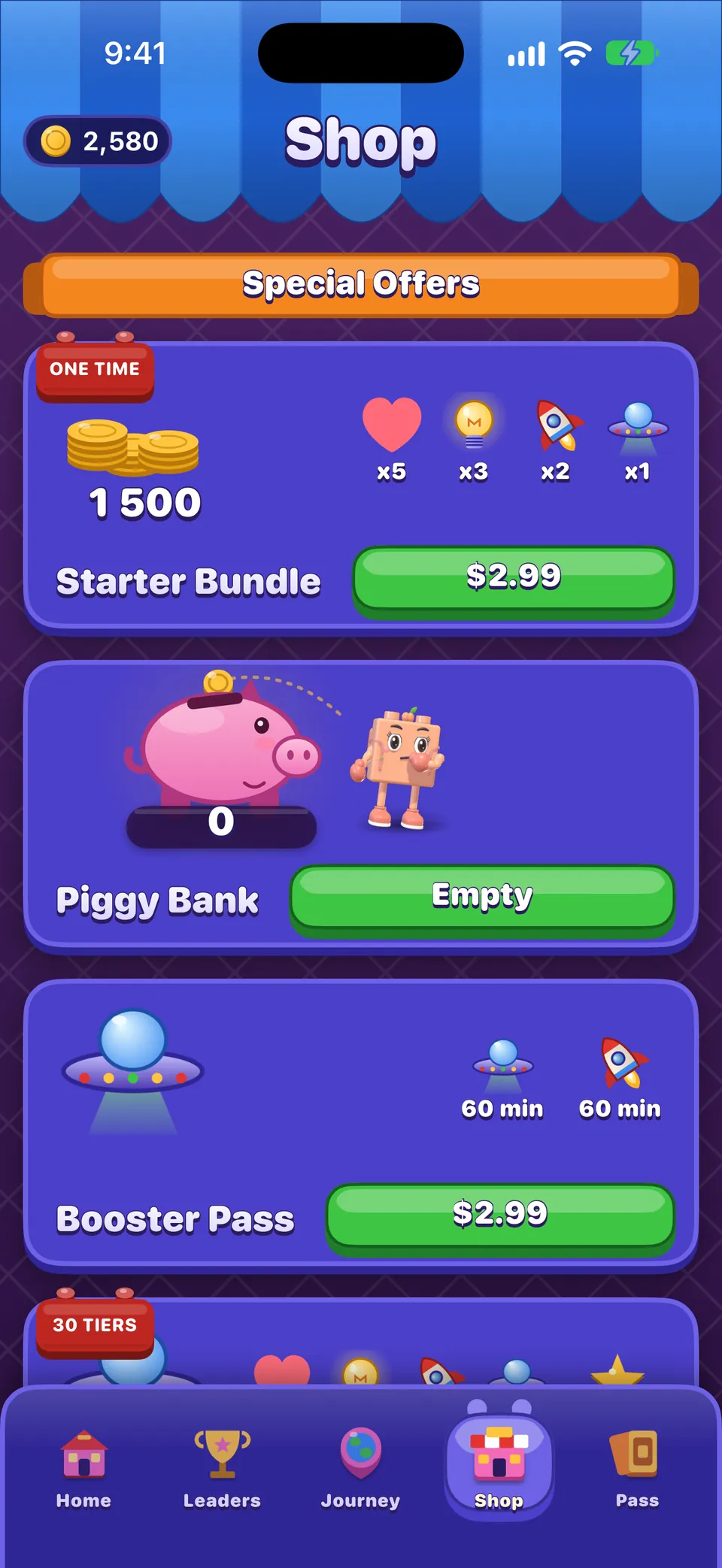
Shelves from top to bottom: Special Offers (the Starter Bundle while it lasts, the Piggy Bank, the Booster Pass, the Brick Pass and Remove Ads), the Weekly Deal, event offers during an event, the Weekend Deal from Friday to Monday, Boosters & Moves, Boosters, Passes, Bundles, Lives, the Wardrobe, Coins, and finally Restore Purchase and the legal links.
- Prices are shown in your own currency by the App Store.
- Your first coin purchase is doubled, once.
- The Piggy Bank fills with coins as you clear new levels; you can open it for a small price when it is ready.
- Every pass and timed item is a one-time purchase. Nothing in OutBrick is a subscription, and nothing renews by itself.
- Nothing paid is offered on a board before level 6.
Remove Ads and the Brick Pass
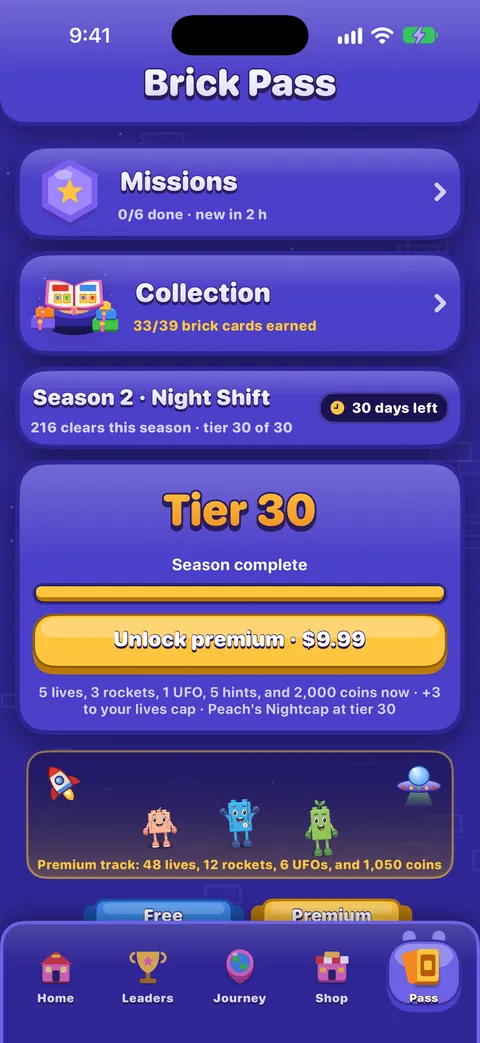
Remove Ads takes away every optional video, but not the rewards: buttons that used to say Watch now say Claim reward and pay at once, within the same daily limits. Owning the current season’s Brick Pass does the same for that season, and adds three lives to your tank.
Restoring purchases
- Sign in to the iPhone with the same Apple Account you bought with, and to iCloud.
- Open the Shop and scroll to the very bottom.
- Tap Restore Purchase.
Restore brings back everything you own for good: Remove Ads, Brick Pass seasons 1 to 3 and Wardrobe items. Coins, boosters, lives and other things you use up are not restored by the App Store; they travel with your progress through iCloud instead. See Progress, iCloud and privacy.
Refunds and problems with a purchase
Purchases are made through Apple, so Apple handles refunds: see our refunds page for how to ask. If something you bought did not arrive, try Restore Purchase first, then write to us privately with the contact form. Never post a receipt or order number in the community.
Hướng dẫn này có hữu ích không?
Keep reading
Rewards, events and the Brick Pass
The Daily Brick and day streaks, the Brick Wheel, Missions, the Brick Pass, events and races, and the leaderboard.Lives, running out of moves, and undos
When a life is used and when it is not, how lives come back, what the out-of-moves screen offers, the helping hand, the free daily try, and optional videos.Progress, iCloud, new devices and privacy
How your progress is saved and synced through iCloud, moving to a new iPhone, what is shared and with whom, advertising and tracking choices, and how to delete your data.Troubleshooting common problems
Quick fixes for missing progress, purchases that did not arrive, lives that seem stuck, no sound, missing notifications, widgets, videos that will not load and VoiceOver focus problems.
Mỗi tin nhắn đều được một người trong nhóm đọc. Chúng tôi cố gắng trả lời trong vòng hai ngày làm việc.
Vẫn bị kẹt?
Vẫn bị kẹt?
Hỏi trong cộng đồng. Nhóm và người chơi khác trả lời công khai, và địa chỉ email của bạn không bao giờ hiển thị.
Hỏi cộng đồngPhát hiện lỗi?
Một báo cáo tốt sẽ được sửa nhanh hơn. Biểu mẫu báo lỗi hỏi đúng những gì chúng tôi cần.
Báo lỗiMuốn viết riêng?
Biểu mẫu liên hệ đến cùng nhóm đó, một cách riêng tư. Hãy dùng nó cho việc mua hàng và mọi vấn đề cá nhân.
Liên hệ hỗ trợ