



The bottom bar
Five tabs run along the bottom of the screen. You can also swipe left or right to move between them.
| Tab | What it holds |
|---|---|
| Home | Your friends on their brick stage and the big Level button. |
| Leaders | The leaderboard. It unlocks at level 21. |
| Journey | The raised centre tab: the map of all 2,000 levels. |
| Shop | Coins, boosters, bundles, lives and the wardrobe. |
| Pass | The Brick Pass season, plus shortcuts to Missions and the Collection. |
Home
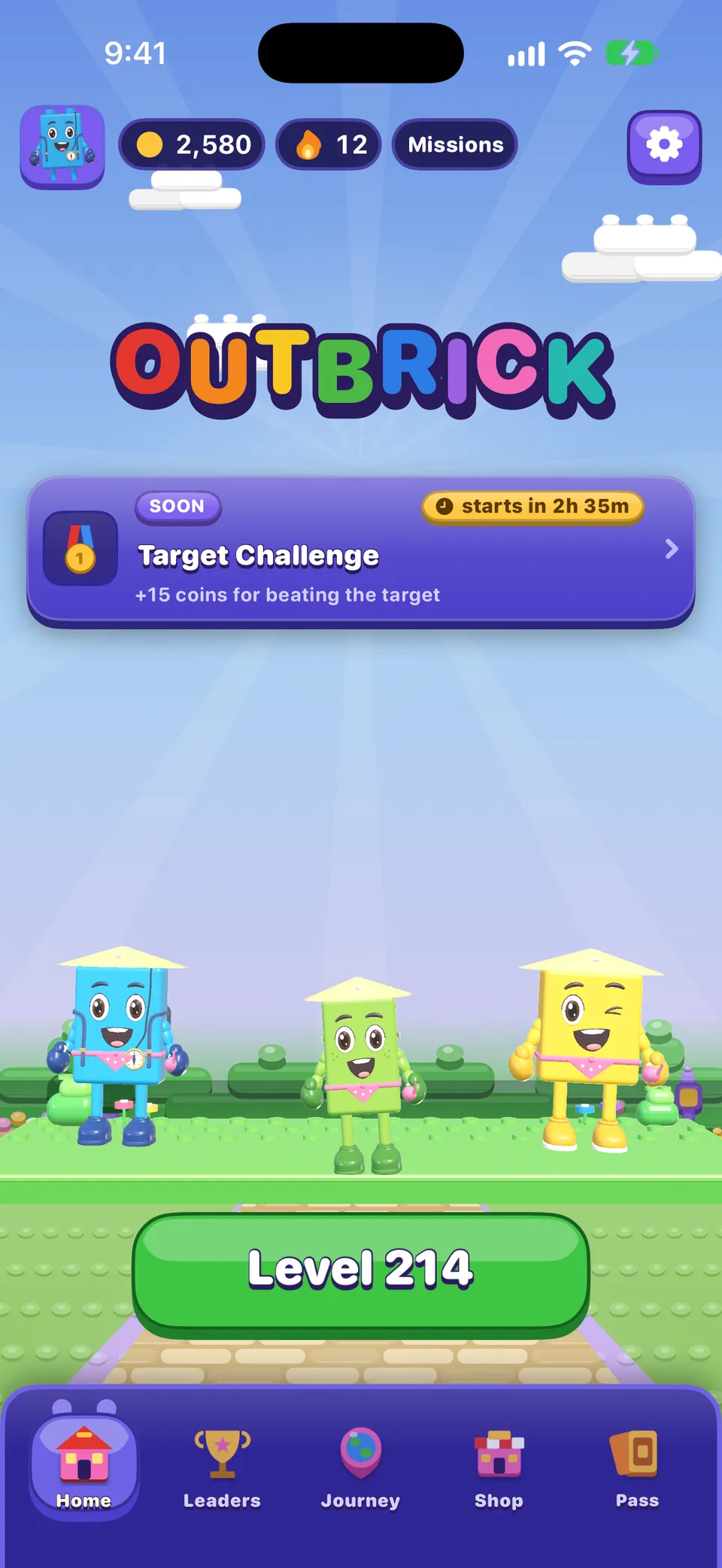
- Avatar
- Opens your Profile.
- Coins
- Opens the Shop.
- Streak (flame)
- Shows your day streak and when the next streak reward comes. A streak grows each day you clear a board.
- Missions
- Three things to do today and three for the week.
- Brick Wheel
- A free spin each day for coins or a booster.
- Gear
- Opens Settings.
- Event banner
- The live or upcoming event. Tap it to go there.
- Level button
- Plays your current board.
Greit å vite
Your Daily Brick (100 coins) arrives on its own: clear a board on a new day and it is paid on Home with a short banner.
Reisekartet
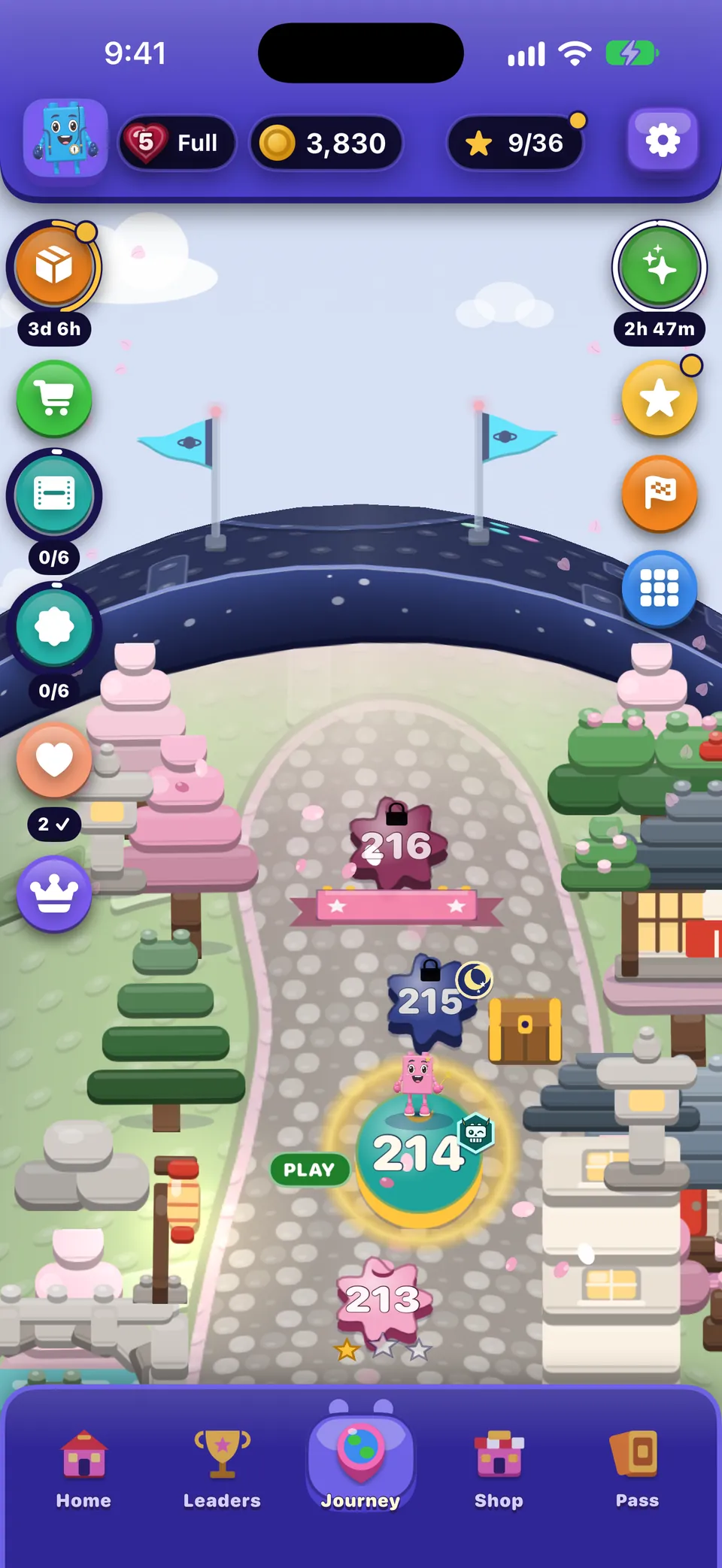
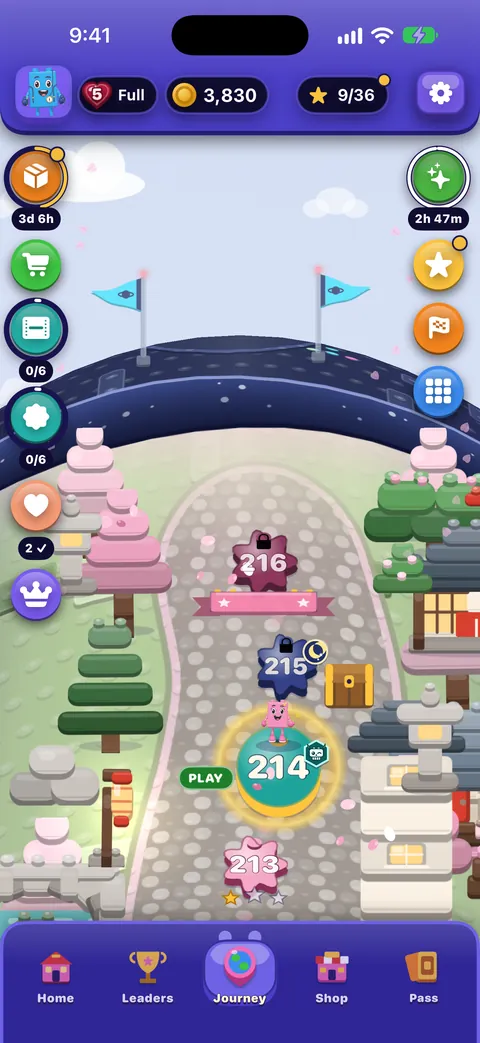
- Header: your avatar, lives (tap to see when the next one comes), coins, the village’s stars (tap to see star rewards) and the gear.
- Level stops: tap your current level or any cleared one to play it straight away. A locked stop tells you how many levels away it is.
- Right-hand badges: the event, star and village-gift rewards, races, Game Center (when you are signed in) and All villages, an atlas of every place you can visit.
- Left-hand badges: the streak challenge, the piggy bank, the Brick Pass, deals, the Shop door and other rewards.
- My level: the pin button brings you back to your current level.
More in The Journey and its villages.
Shop, Pass and Leaders
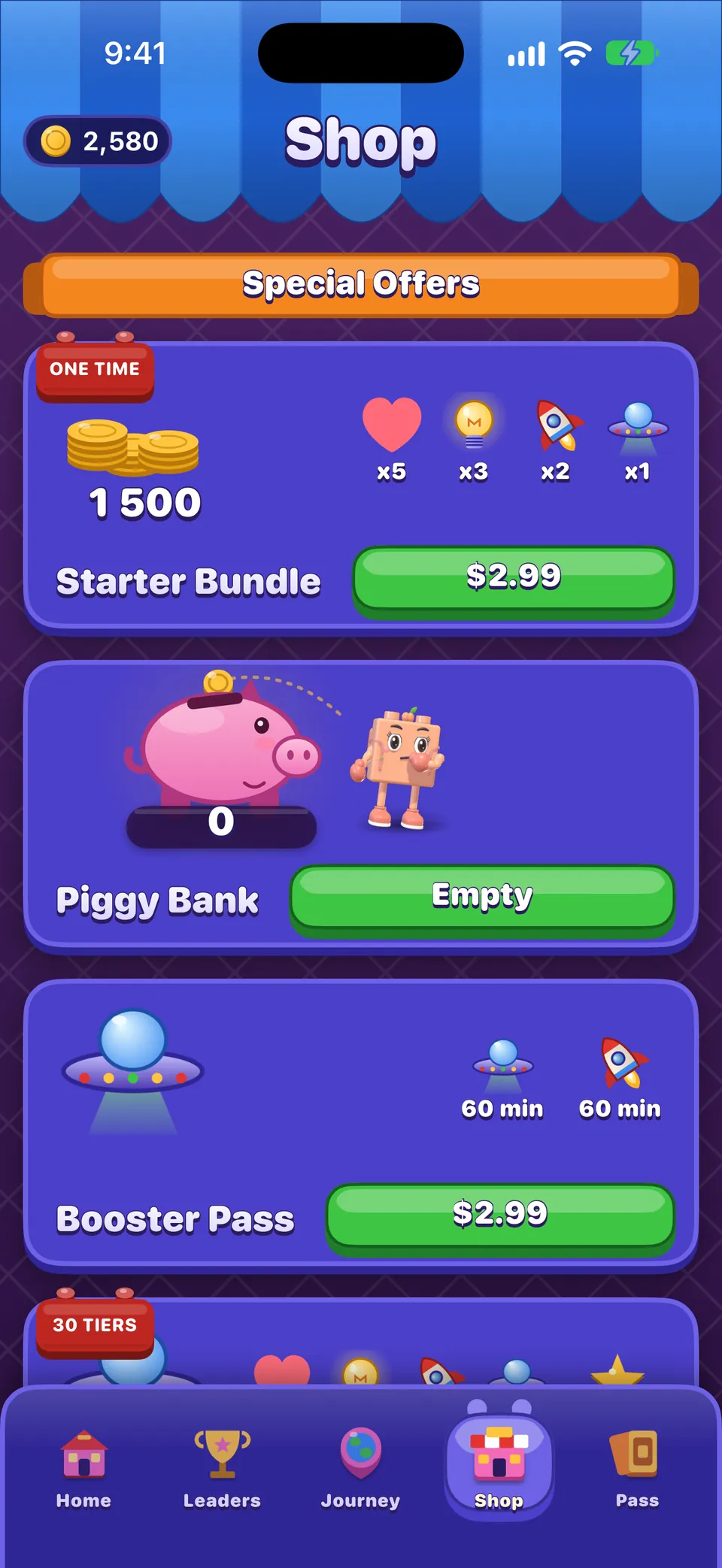
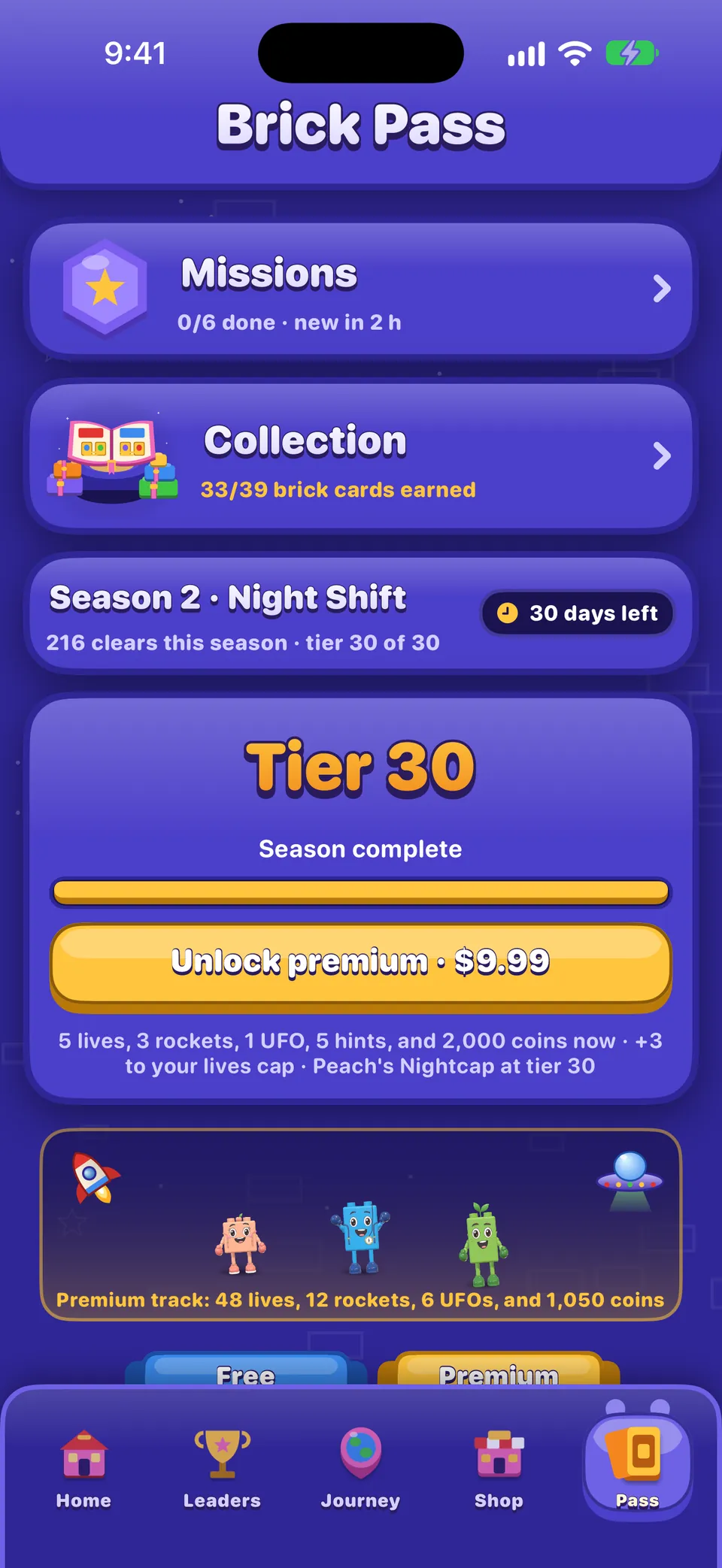
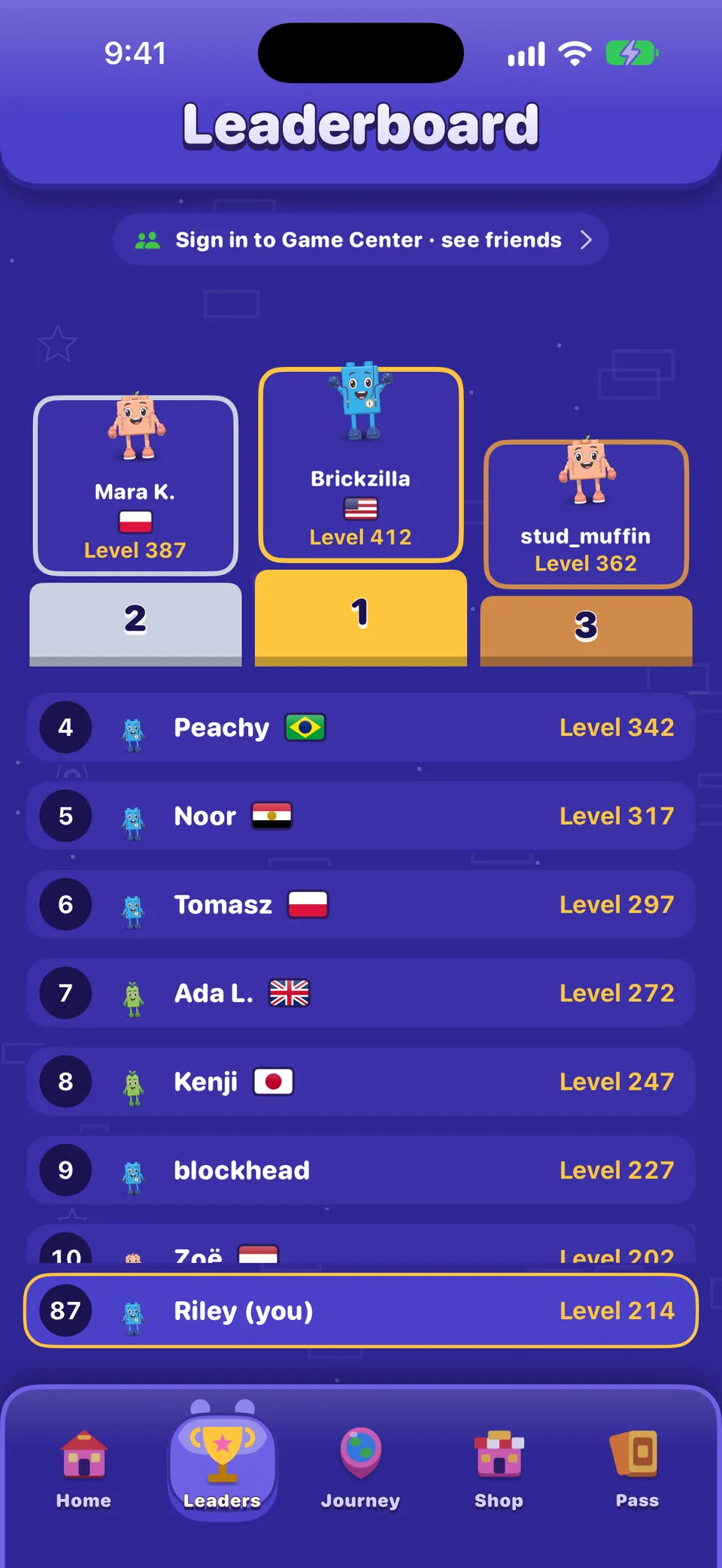
See The Shop, purchases and restoring and Rewards, events and the Brick Pass.
Your Profile and the Collection
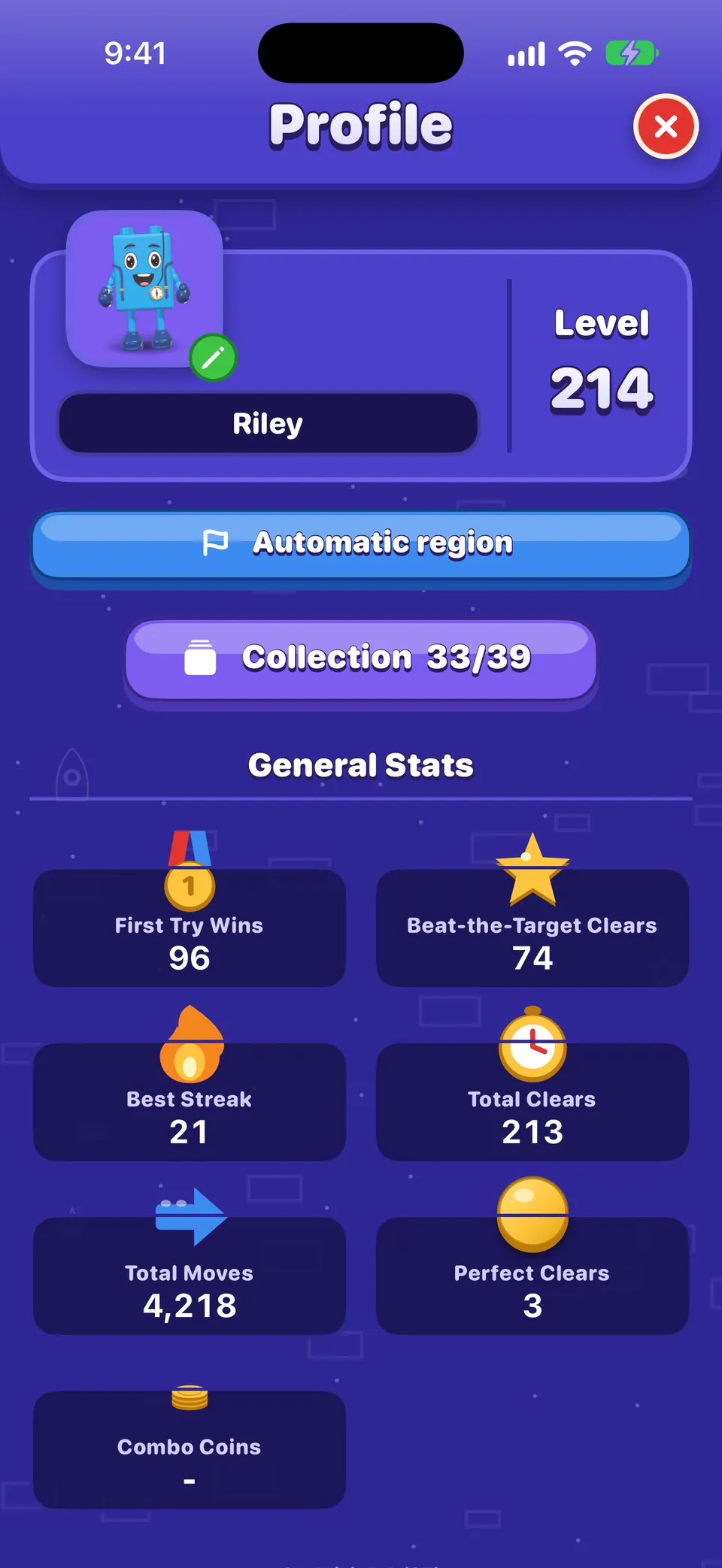
- Profile (tap your avatar): your name, level, country flag, the Collection button and your stats: first-try wins, best streak, total clears and more. The game version is at the foot.
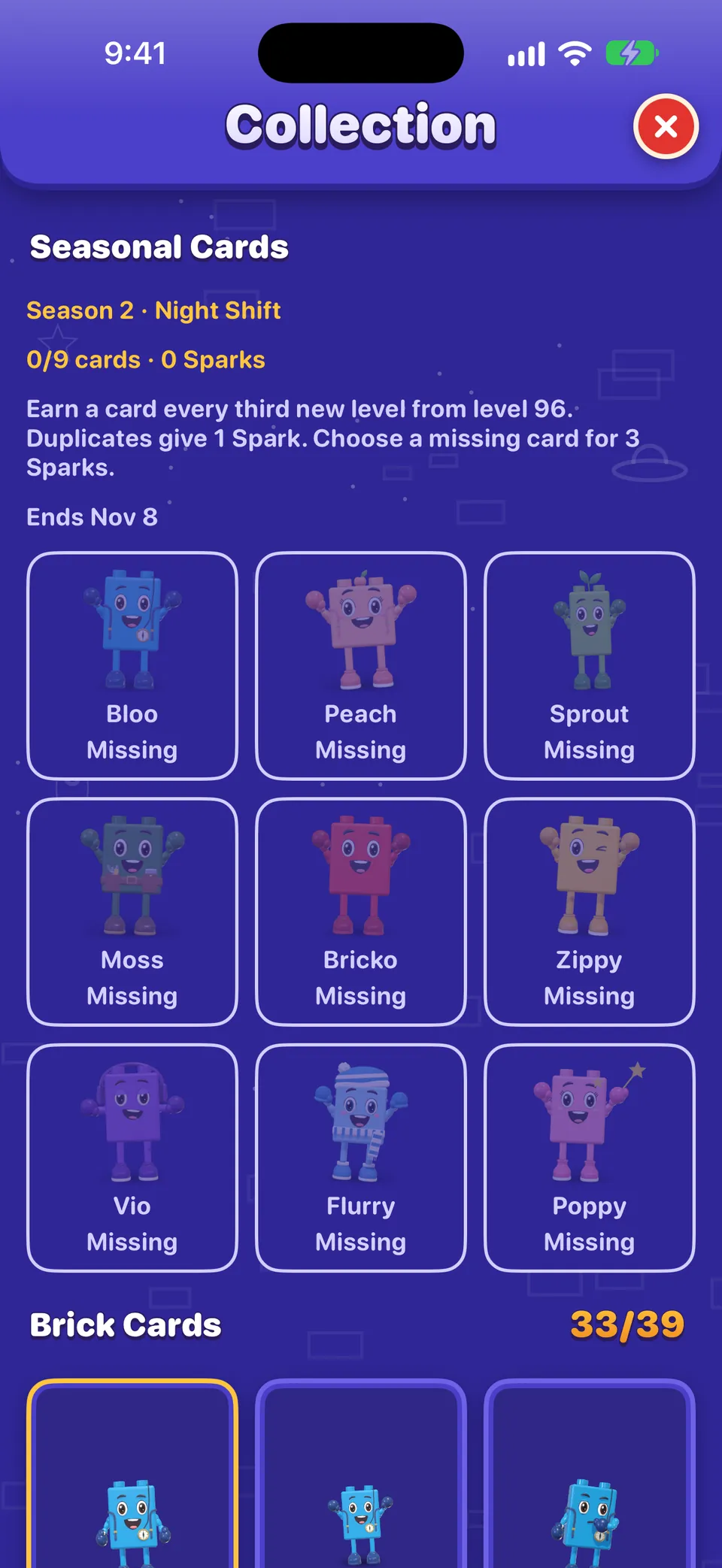
- Collection (from the Profile, or the Pass tab, unlocked at level 95): Brick Cards, Chapter Badges, Keepsakes, Seasonal Cards and the Wardrobe.
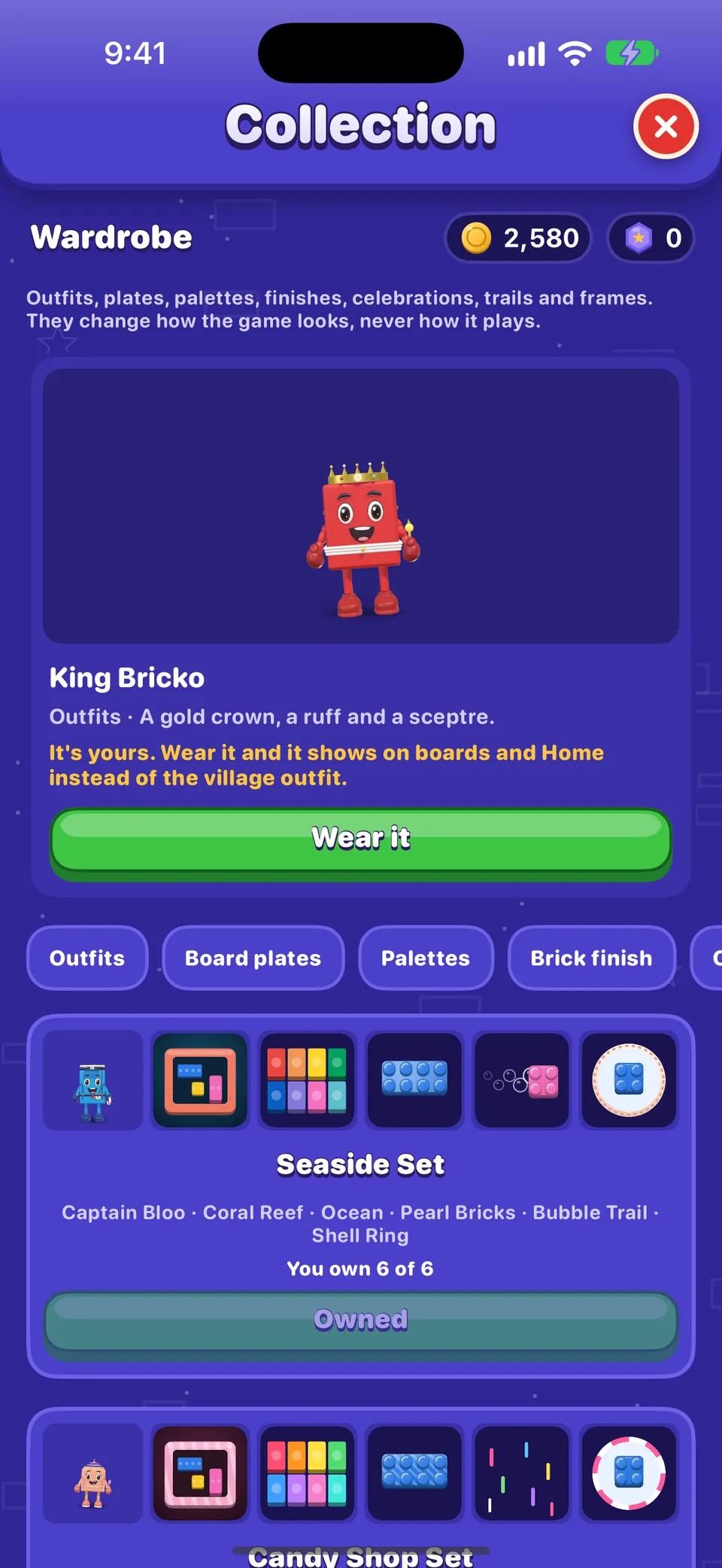
More in Friends, the Collection and the Wardrobe.
Innstillinger
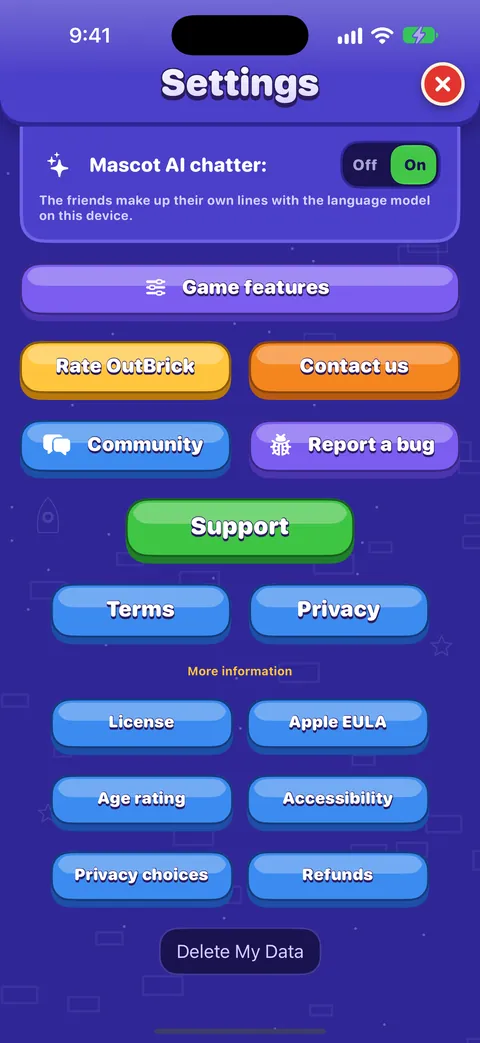
Tap the gear on Home or the Journey. Settings has two tabs, Game and Accessibility, and ends with links to support, the community and the legal pages. Every row is explained in Every setting explained.
Var denne veiledningen nyttig?
Keep reading
Welcome to OutBrick: your first board
What OutBrick is, how the teaching cards work, how to read a board’s goals, and what happens when you clear it.Every setting explained
Each switch and button on the Game and Accessibility tabs of Settings, what it does, what it starts as, and where the support, community and privacy links lead.The Journey and its villages
How the map of 2,000 levels works: villages and chapters, stars and village rewards, chests and gifts, the atlas of every village, and replaying a board.Slik spiller du et brett
Every part of the board screen, how sliding and swapping work, what counts as a move, how stars and score work, and what Hard, Super Hard, Boss and Night boards mean.
En person i teamet leser hver melding. Vi prøver å svare innen to virkedager.
Står du fortsatt fast?
Står du fortsatt fast?
Spør i fellesskapet. Teamet og andre spillere svarer åpent, og e-postadressen din blir aldri vist.
Spør fellesskapetFunnet en feil?
En god rapport blir rettet raskere. Feilskjemaet spør om akkurat det vi trenger.
Meld fra om feilVil du heller skrive privat?
Kontaktskjemaet når det samme teamet, privat. Bruk det for kjøp og alt som er personlig.
Kontakt brukerstøtte