


OutBricks hjelpesenter
Alt om OutBrick, forklart.
Illustrerte veiledninger til hver skjerm, meny og innstilling i det utgitte spillet, skrevet av teamet, med en hel hylle om VoiceOver og tilgjengelighet. Les dem her, og spør fellesskapet om alt de ikke svarer på.
Kontrollert mot OutBrick 5.1.1 · 8. oktober 2026


















Kom i gang
Ditt første brett og en omvisning i alle menyene. 4 veiledninger
Welcome to OutBrick: your first board
What OutBrick is, how the teaching cards work, how to read a board’s goals, and what happens when you clear it.Your first week in OutBrick
What a typical first week looks like, day by day: Garden City and its teaching cards, your first stars and village reward, Hard boards, Clover Farm, and the small daily habits that make the Journey smoother.Common questions, answered honestly
Short, exact answers to the questions players ask most: timers, lives, ads and purchases, offline play, new phones, accessibility, children, and how to reach a person.A tour of every menu
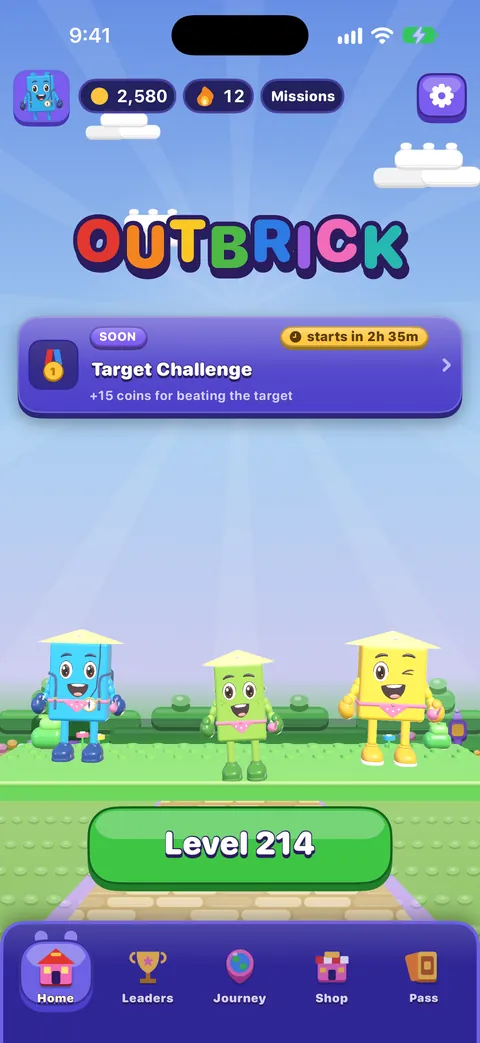
The bottom bar, Home, the Journey map, the Shop, the Brick Pass, Leaders, your Profile, the Collection and Settings: what each one is for and how to reach it.
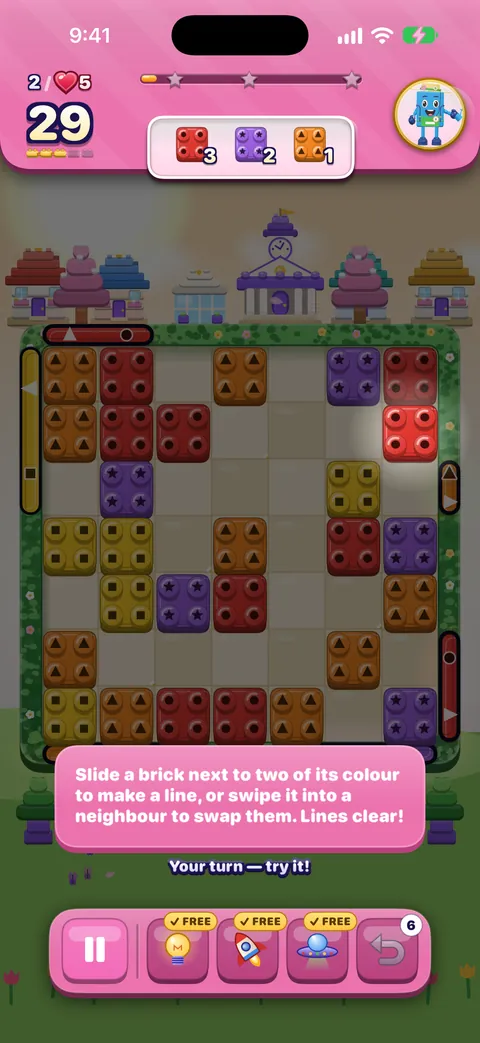
Slik spiller du et brett
Trekk, mål, spesialklosser, hindre og boostere. 4 veiledninger
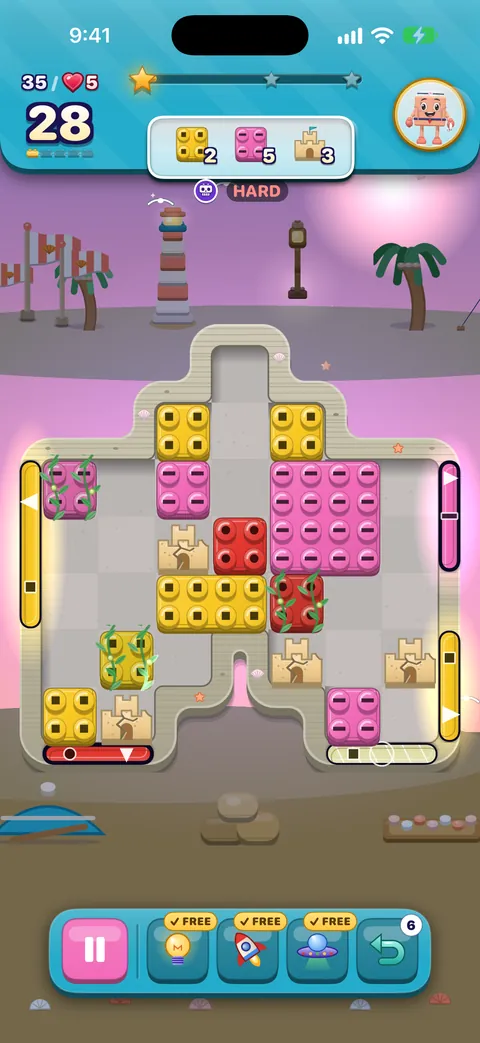
Slik spiller du et brett
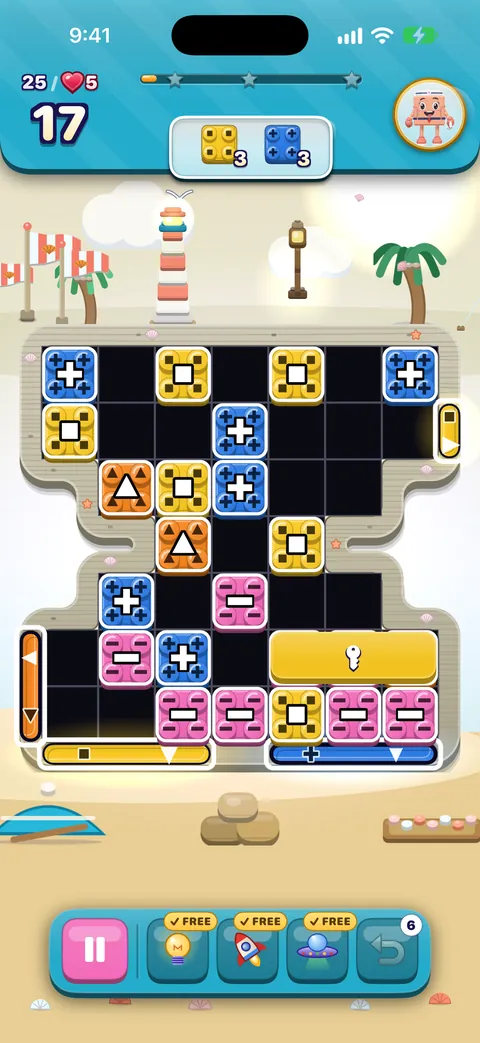
Every part of the board screen, how sliding and swapping work, what counts as a move, how stars and score work, and what Hard, Super Hard, Boss and Night boards mean.Special bricks, blockers and board kinds
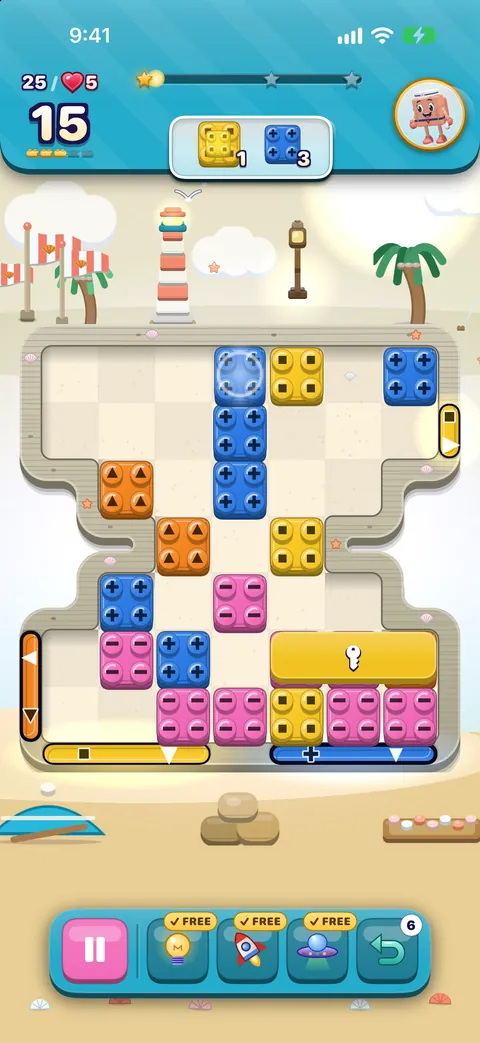
How to make every special brick and combo, what each blocker, lid and gate does, face-down bricks, portals, long bricks, and the twelve kinds of board in every village.Boosters, hints and Pause
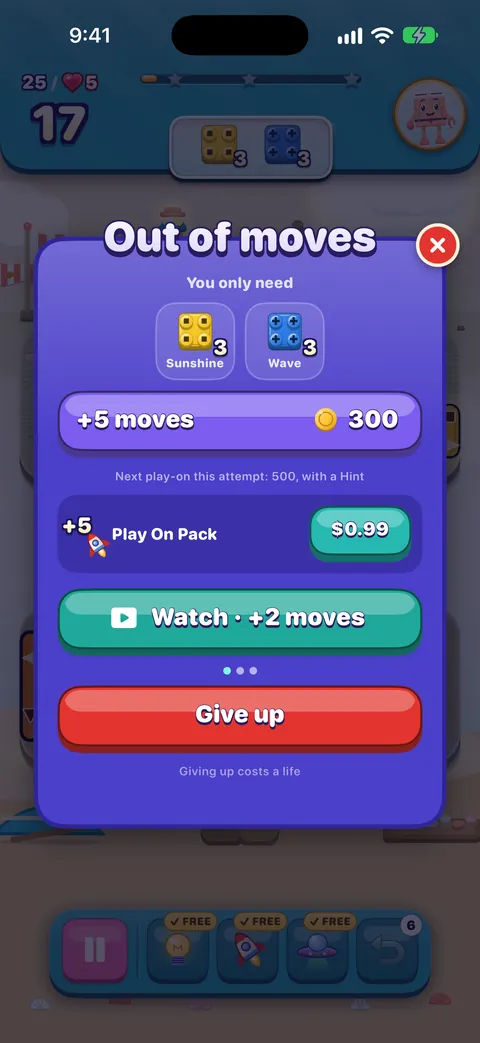
What Hint, Rocket, UFO and Undo do, the free ones you get on every board, how to get more, and everything in the Pause menu.Lives, running out of moves, and undos
When a life is used and when it is not, how lives come back, what the out-of-moves screen offers, the helping hand, the free daily try, and optional videos.
Kjenn hver kloss
Spesialklosser og kombinasjoner, alle hindre og porter, de tolv slags brettene, strategi og en ordliste. 5 veiledninger
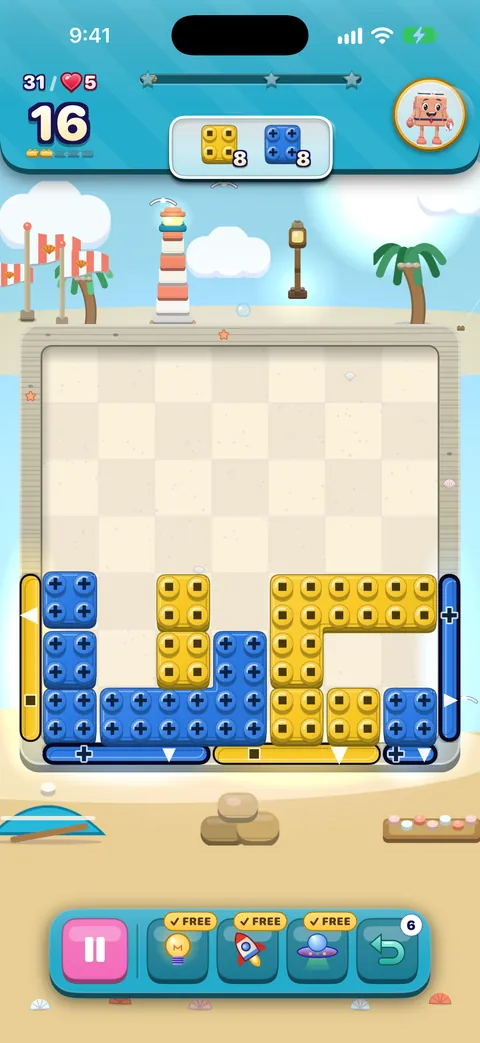
Special bricks and combos: the complete guide
How to make every special brick, exactly what each one clears, the three ways to set them off, every combination of two specials, and how cascades, score, stars and the leftover-moves finish fit together.Every blocker, lid and gate, explained
What every obstacle on a board looks like, what it does and exactly how to clear or open it: crates, ice, locks, moss, statues, face-down bricks, keys, long and shaped bricks, the five lids, every kind of gate and portals.The twelve kinds of board
Every village’s twelve boards follow the same pattern of twelve kinds, from Send Them Home to Quiet Puzzle. What each kind brings, how boards where bricks fall differ from boards where nothing falls, and what Hard, Super Hard, Boss and Night boards change.How to beat a hard board
An expert’s method for boards that keep beating you: reading goals, counting moves, choosing between slides and matches, working low on falling boards, saving specials for combos, spending boosters and undos well, and when to play on.OutBrick glossary
Every word you meet in OutBrick, from gates and line blasters to lids, the helping hand, the Brick Pass and the Wardrobe, explained in a sentence or two with a link to the guide that covers it.
Reisen og belønninger
Landsbyer, stjerner, eventer, butikken og vennene dine. 5 veiledninger
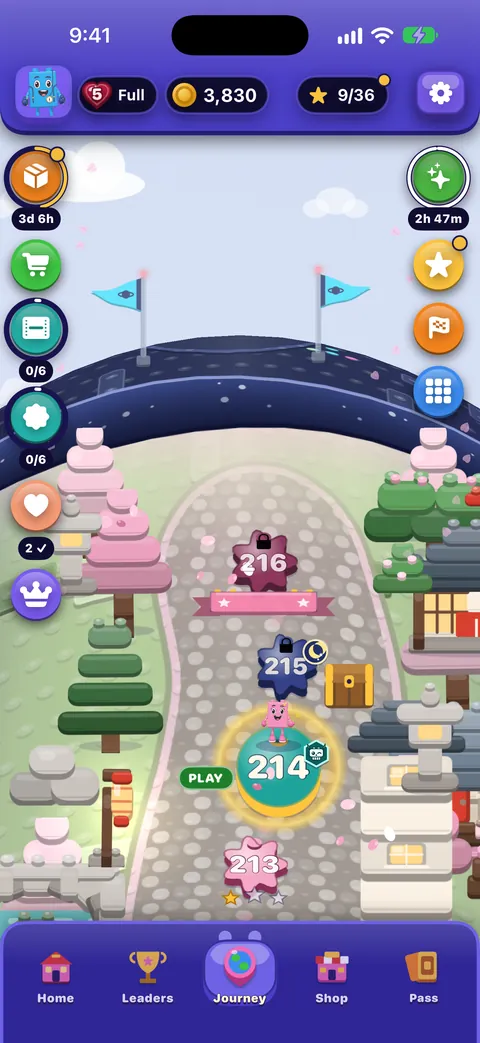
The Journey and its villages
How the map of 2,000 levels works: villages and chapters, stars and village rewards, chests and gifts, the atlas of every village, and replaying a board.Rewards, events and the Brick Pass
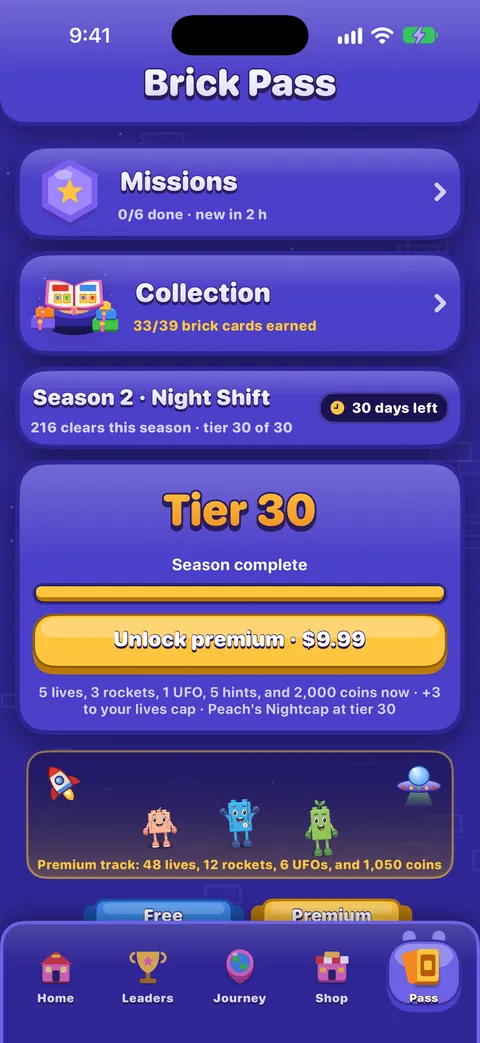
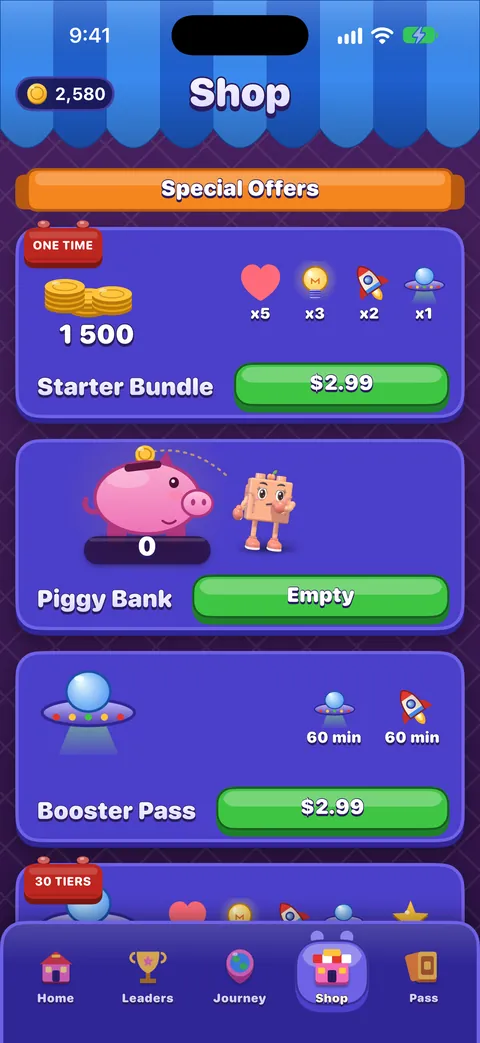
The Daily Brick and day streaks, the Brick Wheel, Missions, the Brick Pass, events and races, and the leaderboard.The Shop, purchases and restoring
What is on each shelf of the Shop, what Remove Ads and the Brick Pass do, how to restore purchases on a new device, and how refunds work.Friends, the Collection and the Wardrobe
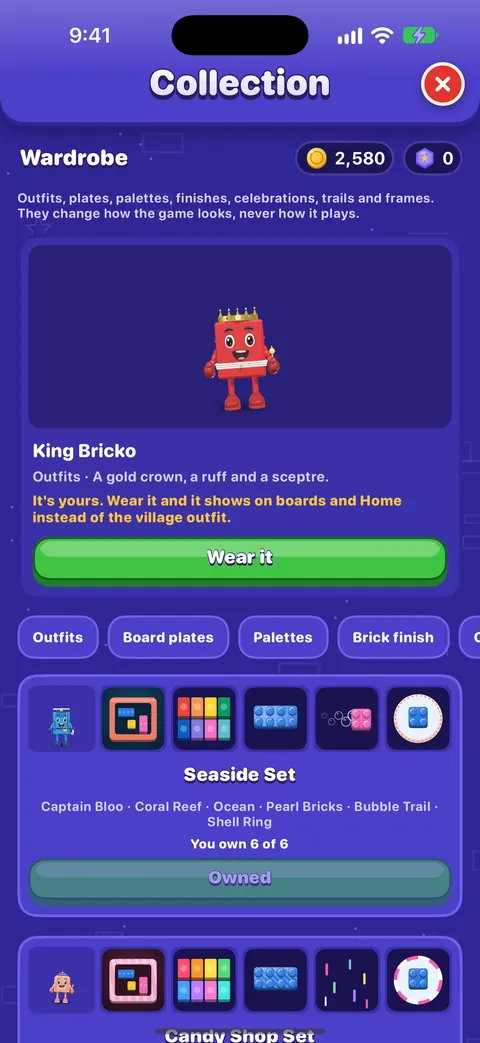
Meet the nine brick friends, see what they do on Home and on the board, and how your Profile, the Collection and the Wardrobe work.Meet the nine friends
Bloo, Peach, Sprout, Bricko, Zippy, Vio, Moss, Flurry and Poppy: who each friend is, how they show it, and everywhere you meet them in OutBrick.
Familier og rolig spilling
For foreldre og omsorgspersoner, om rolig spilling og hvordan belønninger, liv og reklame fungerer. 3 veiledninger
A guide for parents and carers
What OutBrick is and is not, the Apple controls that put you in charge of purchases, time and notifications, how refunds work, what data the game and this website keep, and a checklist to work through.Playing calmly
The settings that make OutBrick quieter and gentler, why there is never a clock, how to step away without losing anything, and a few habits for unhurried play.How rewards, lives and ads work, in plain words
Every number behind lives, undos, running out of moves and the eight optional videos, what Remove Ads and the Brick Pass change, what coins buy, and what OutBrick never sells.

Tilgjengelighet
VoiceOver, Talekontroll, Brytertilgang, syn, hørsel og bevegelse. 4 veiledninger
Accessibility in OutBrick: start here
Every way OutBrick adapts to you, from VoiceOver and Switch Control to colour-blind symbols, a high-contrast board, slower animation and no timers, with a starting point for your needs.Spille med VoiceOver
How the board reads, how to slide and swap with actions, the rotors, every gesture, what you hear after a move and how to get a free hint.Voice Control, Switch Control and keyboards
Play every board with your voice, with one or more switches, or with the arrow keys, and use Hold to confirm swaps and the Left-handed tray to make it comfortable.Vision, hearing and motion
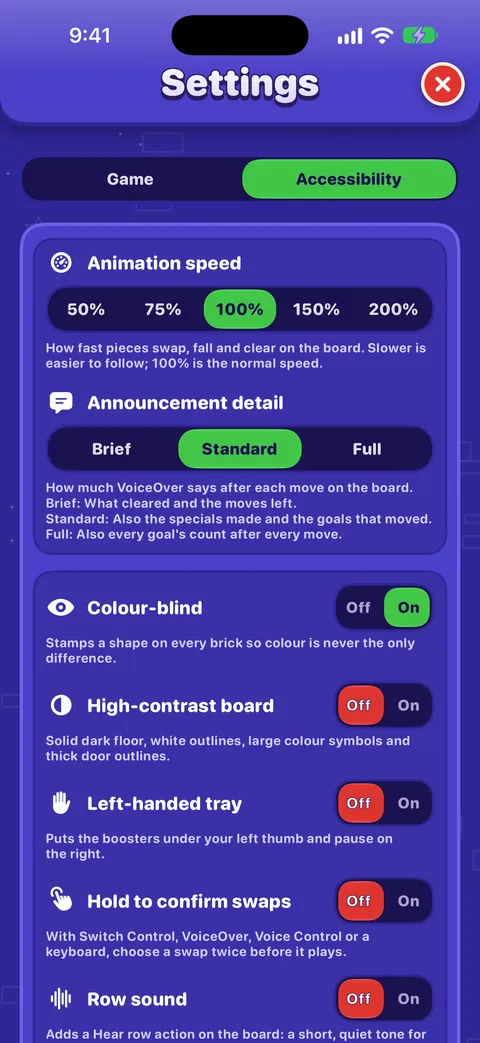
Colour-blind symbols and what each shape means, the high-contrast board, larger text, Reduce Motion, flashing lights, sound, haptics and Row sound.
Apple-funksjoner
Widgeter, Siri, Spotlight, Game Center, Meldinger og varslinger. 1 veiledninger
Widgets, Siri, Shortcuts and other Apple features
Home Screen and Lock Screen widgets, Control Center, Live Activities, Siri phrases, Spotlight, Handoff, Messages challenges, notifications and the icon badge, Focus filters and Game Center.

Innstillinger, fremgang og personvern
Alle innstillinger, fremgangen din i iCloud, kjøp og dataene dine. 3 veiledninger
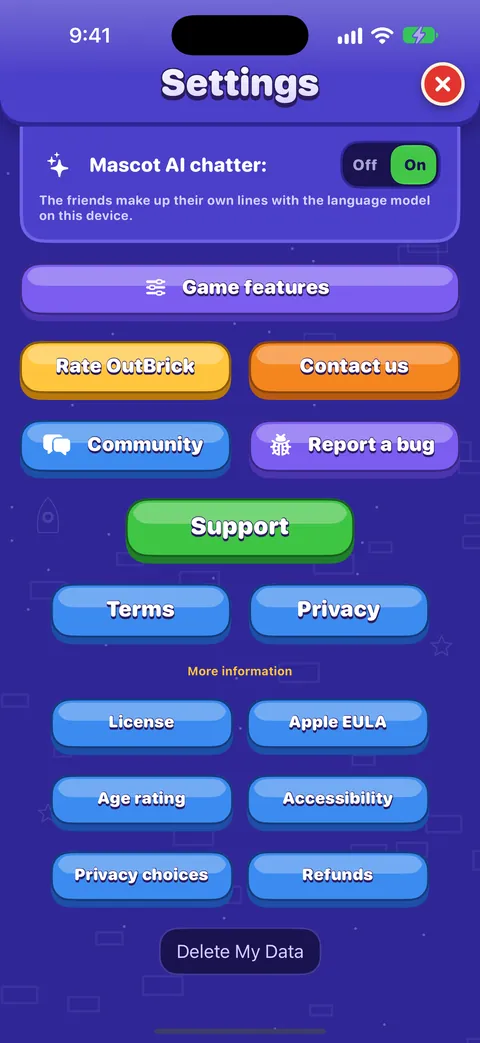
Every setting explained
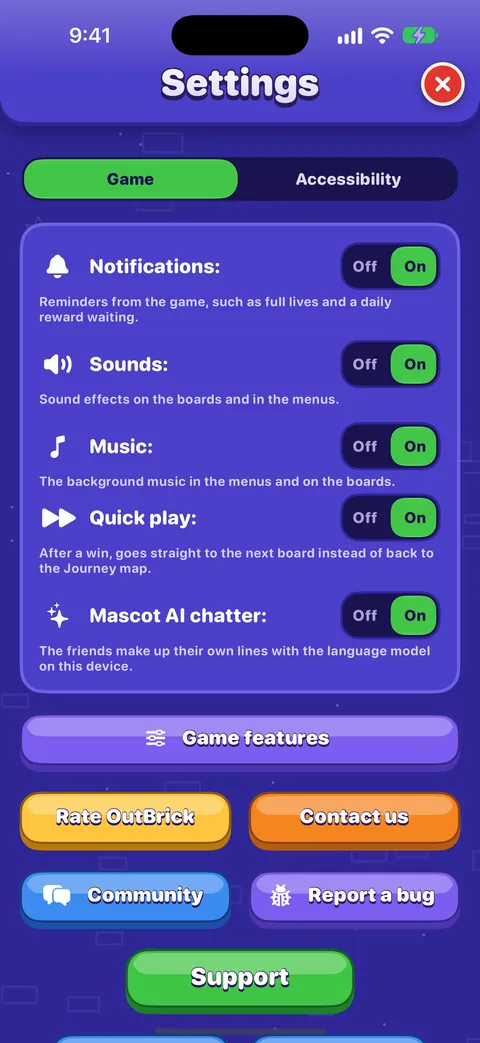
Each switch and button on the Game and Accessibility tabs of Settings, what it does, what it starts as, and where the support, community and privacy links lead.Progress, iCloud, new devices and privacy
How your progress is saved and synced through iCloud, moving to a new iPhone, what is shared and with whom, advertising and tracking choices, and how to delete your data.Lost progress or a missing purchase: step by step
Bring back a purchase with Restore Purchase, what to send us if it is still missing, how Apple handles refunds, and how to recover progress through iCloud, on a new iPhone or iPad, and with Game Center.

Få hjelp
Feilsøking, fellesskapet og hvordan du melder fra om en feil på en god måte. 3 veiledninger
Troubleshooting common problems
Quick fixes for missing progress, purchases that did not arrive, lives that seem stuck, no sound, missing notifications, widgets, videos that will not load and VoiceOver focus problems.Using the OutBrick Community
Signing in, choosing the right category, starting a thread, formatting, marking a solution, following threads and email, translations, voting on ideas, and keeping your details private.Reporting a bug well
The fastest way to get a bug fixed: report it from inside the game so your details are filled in, write steps someone else can follow, and add exactly what VoiceOver or another assistive technology did.
Står du fortsatt fast?
Står du fortsatt fast?
Spør i fellesskapet. Teamet og andre spillere svarer åpent, og e-postadressen din blir aldri vist.
Spør fellesskapetFunnet en feil?
En god rapport blir rettet raskere. Feilskjemaet spør om akkurat det vi trenger.
Meld fra om feilVil du heller skrive privat?
Kontaktskjemaet når det samme teamet, privat. Bruk det for kjøp og alt som er personlig.
Kontakt brukerstøtte